


Acer 10Gbps USB-C Hub | 4 USB-C 3.2 Ports, 100W PD Charging
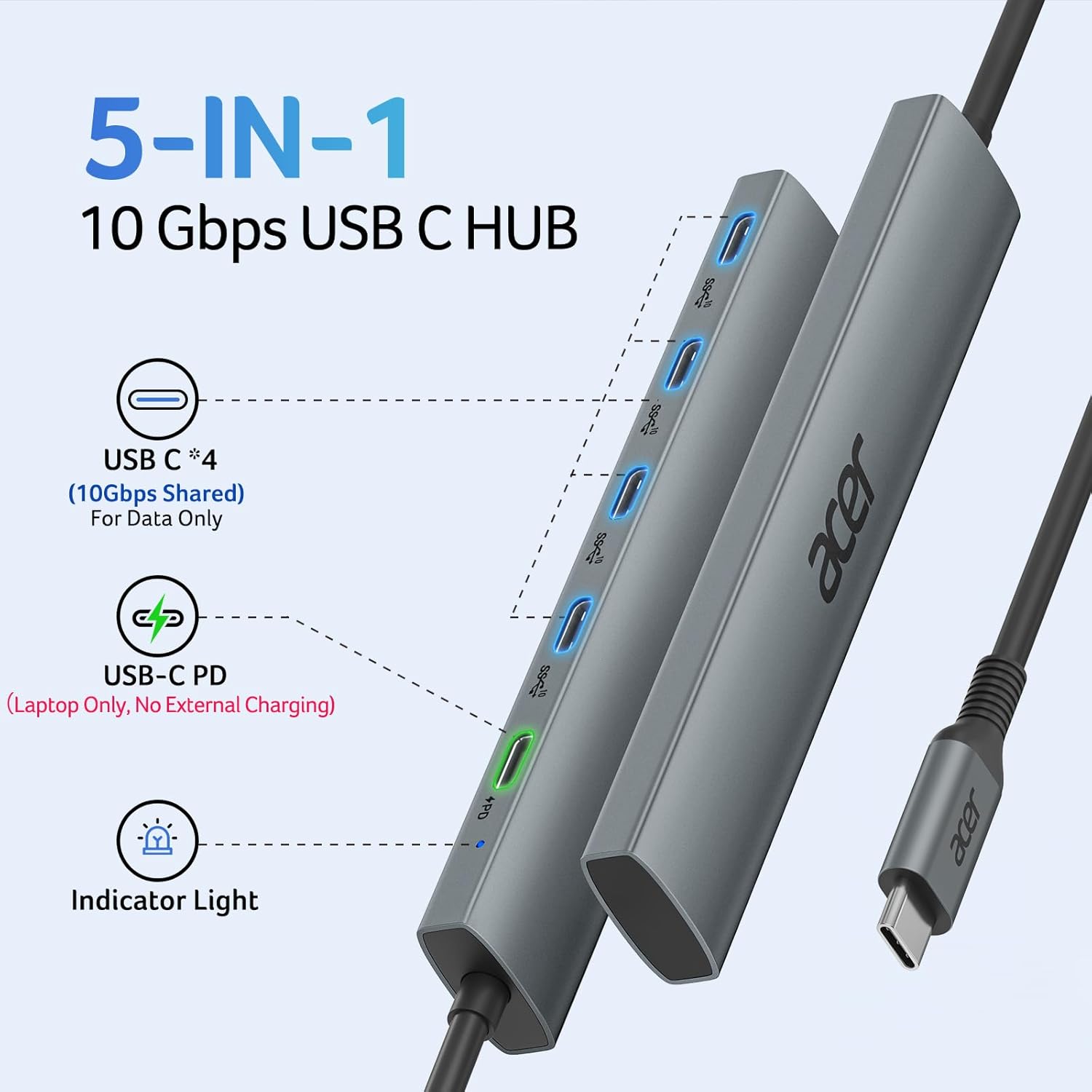
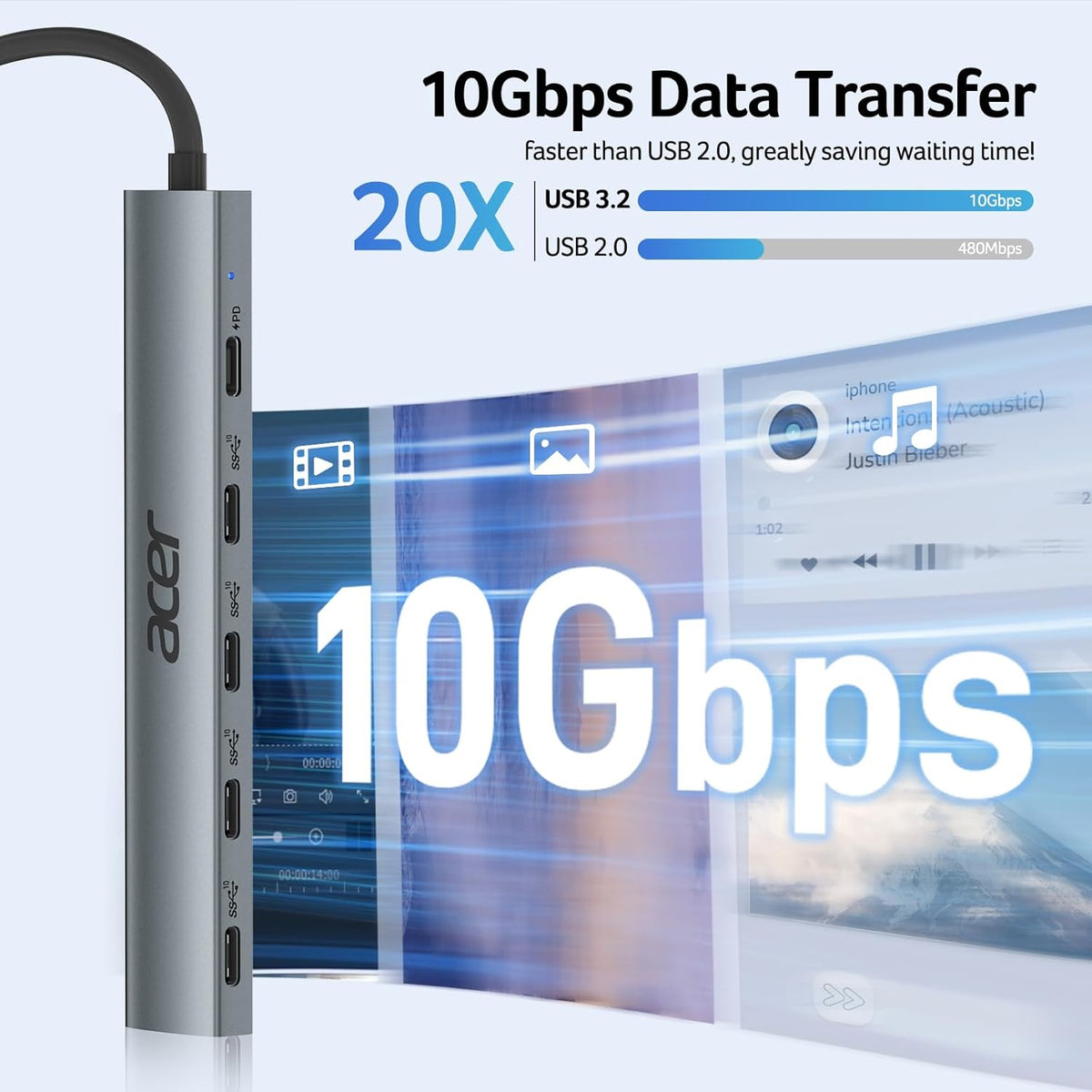
- Ultra-Fast 10Gbps – 4x USB-C 3.2 Gen 2 ports deliver 10Gbps speeds – transfer 1GB files in 1 second. Ideal for large files, video uploads, and backups. (Full speed requires 10Gbps-capable port and device.)
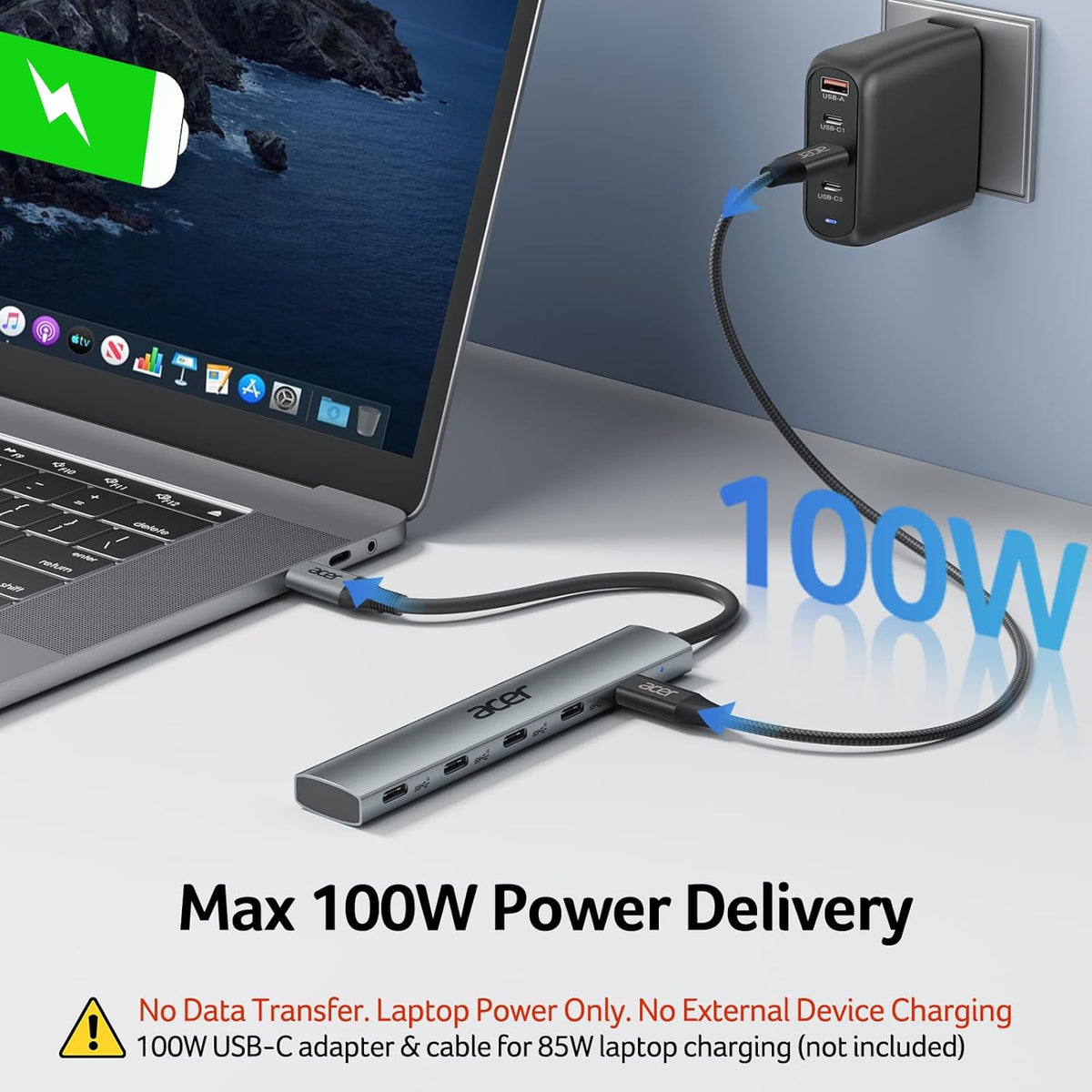
- 100W PD Charging – Dedicated PD port charges your host laptop efficiently – stay powered through meetings or travel. (Laptop USB-C must support PD; use 65W+ charger for best results.)
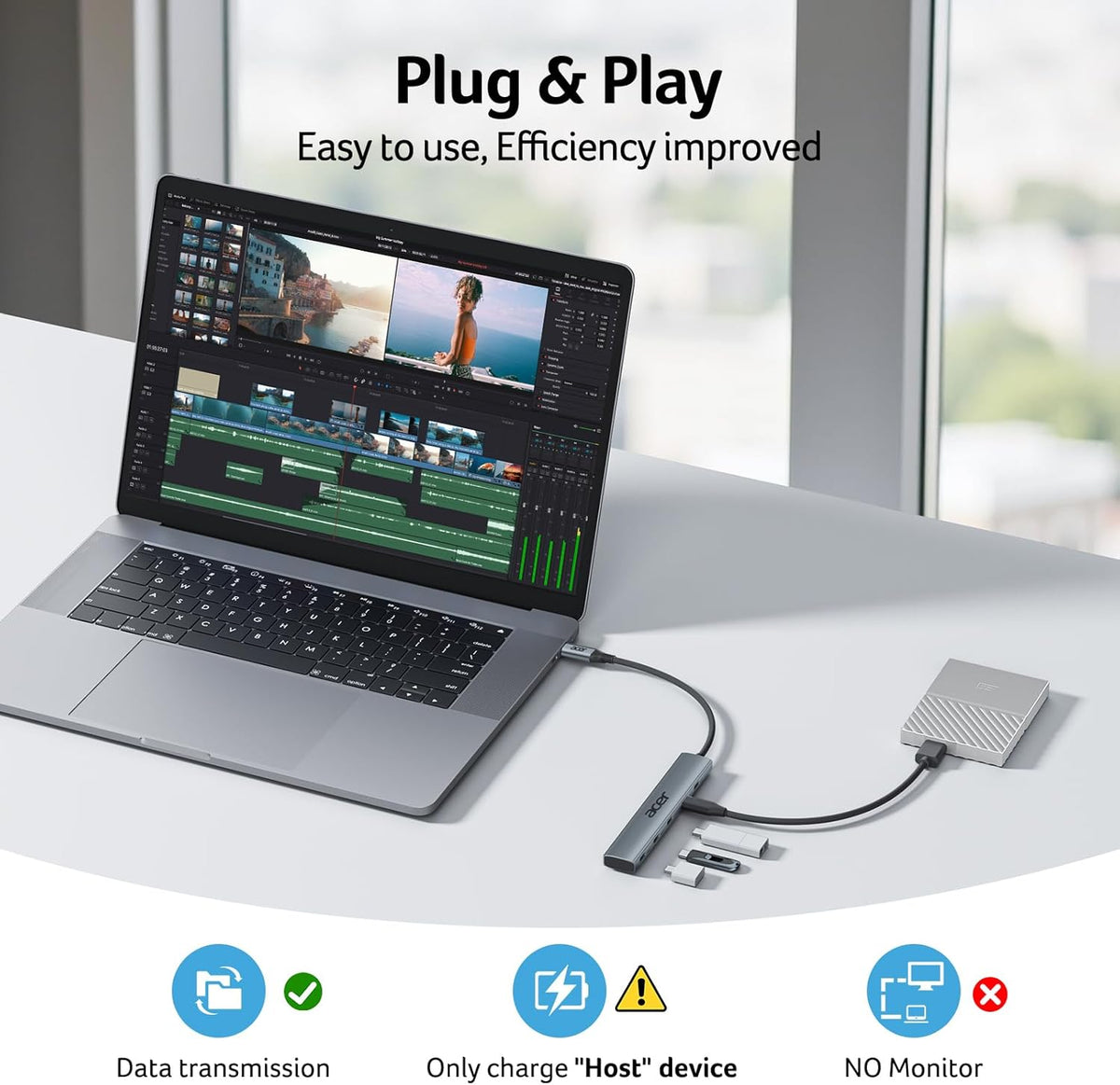
- Plug & Play – No drivers needed. Works instantly with Windows, macOS, Linux, iPadOS, iOS, and Android. (No video output – HDMI/DP not supported.)
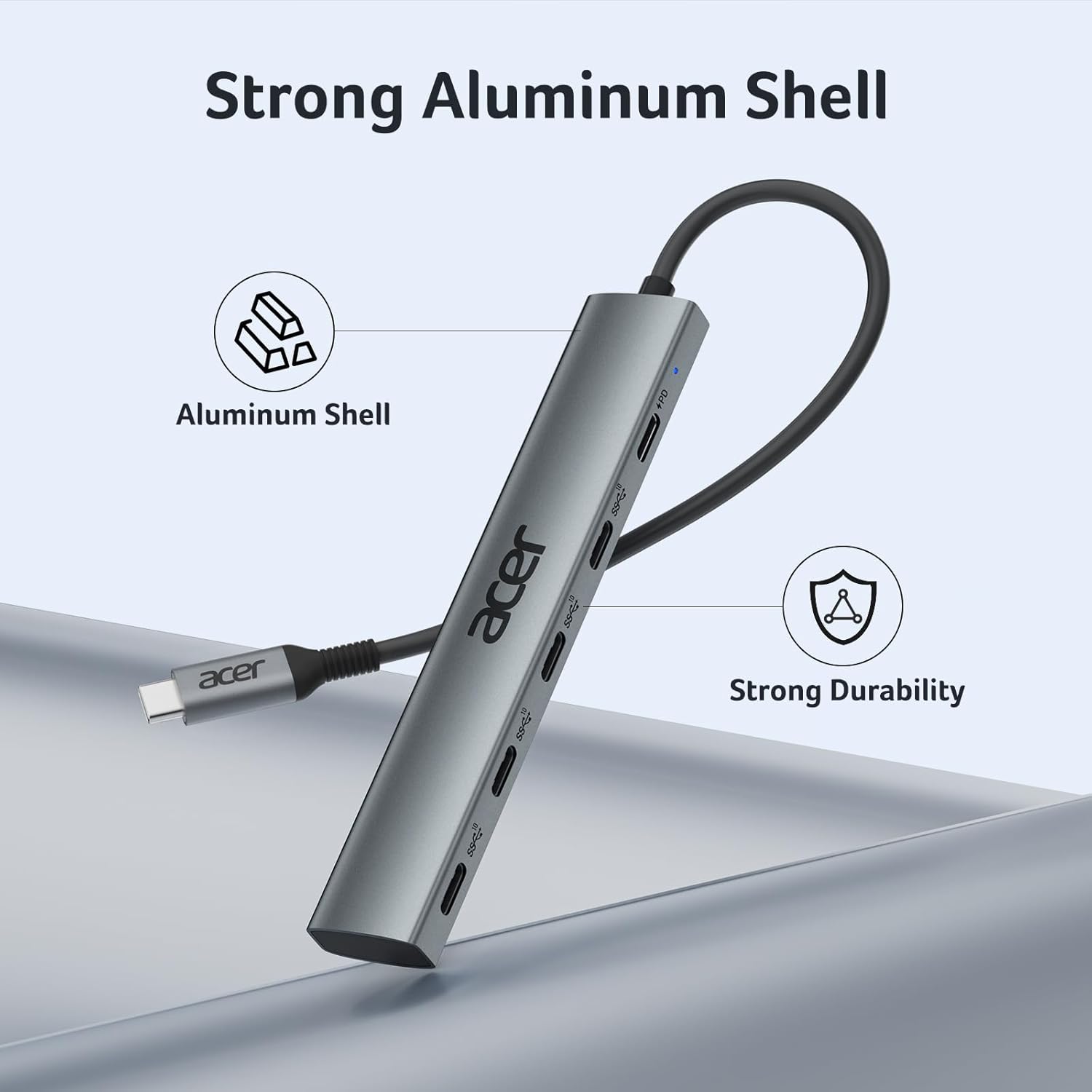
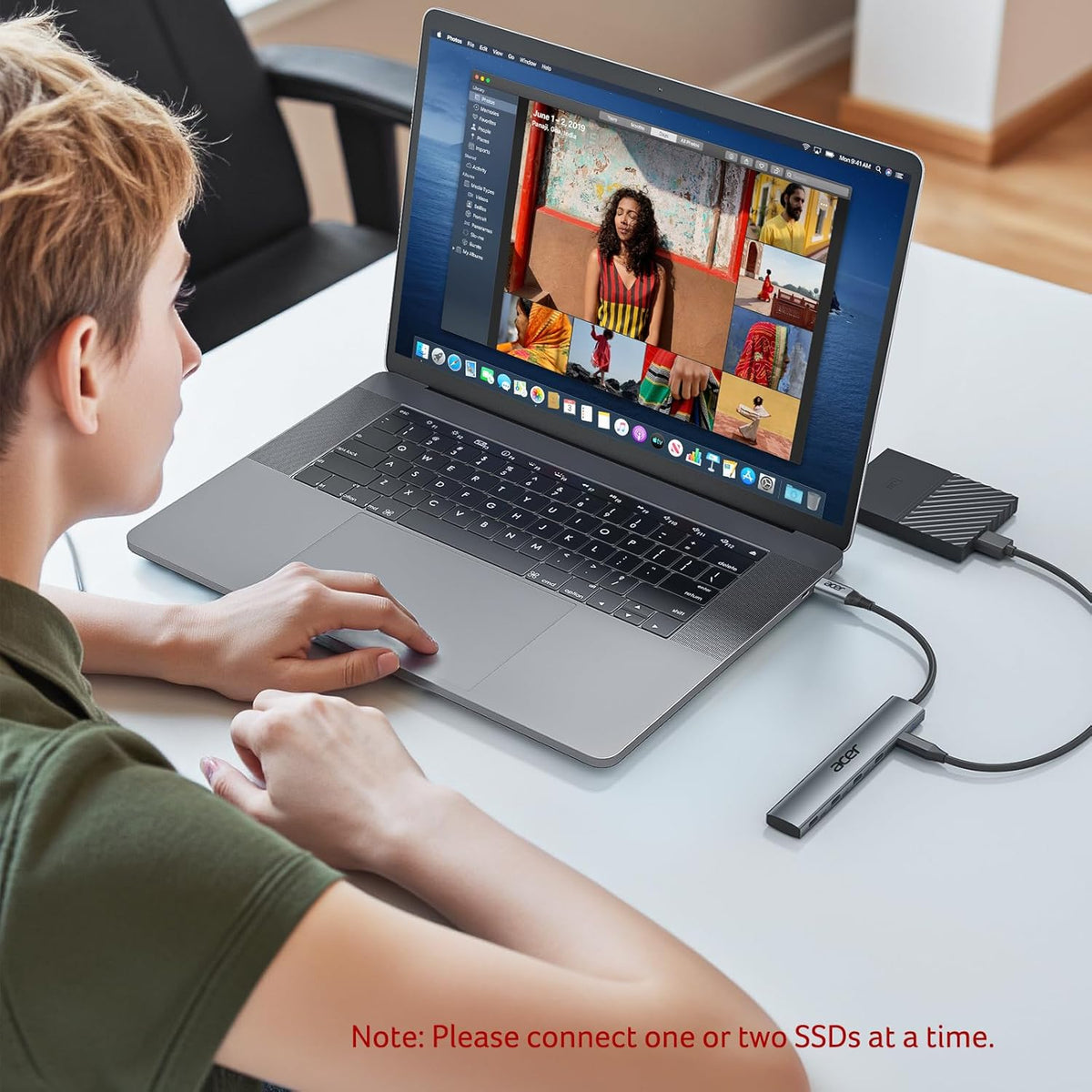
- Stylish Aluminum Build – High-quality alloy casing for heat dissipation and safety. Compact and portable – perfect for mobile work. (Recommend connecting 1–2 external hard drives/SSDs at a time for optimal performance.)
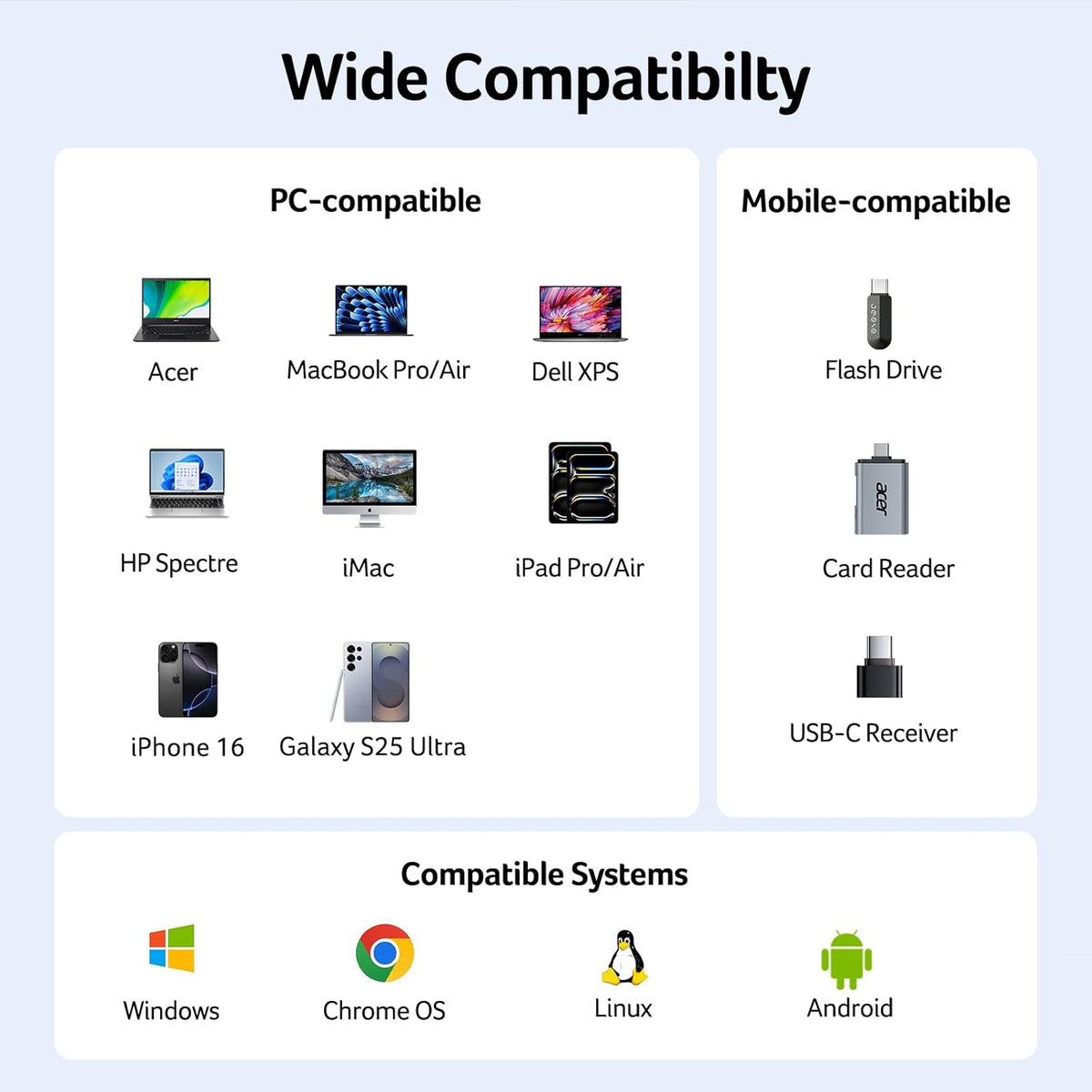
- Wide Compatibility – Works with MacBook Pro/Air, iPad Pro/Mini, iPhone 16 series, Surface Pro, Dell XPS, Galaxy S21–S24, and most USB-C laptops, tablets, and phones.
- Hardware Interface: USB Type C
- Additional Features: Only 10Gbps Shared Fast Data Transfer, Portable, Plug & Play
- Compatible Devices: Laptops, Tablets, Keyboards, Smartphones, Hard Disk Drive, iPad Pro, MacBook Pro, iPhone 16/15 Pro, Surface Pro, Dell XPS, Chromebook
- Total USB Ports: 5
- Data Transfer Rate: 10 gigabits per second
- Number of Ports: 5
- Operating System: Chrome OS, Linux, Mac OS, Windows
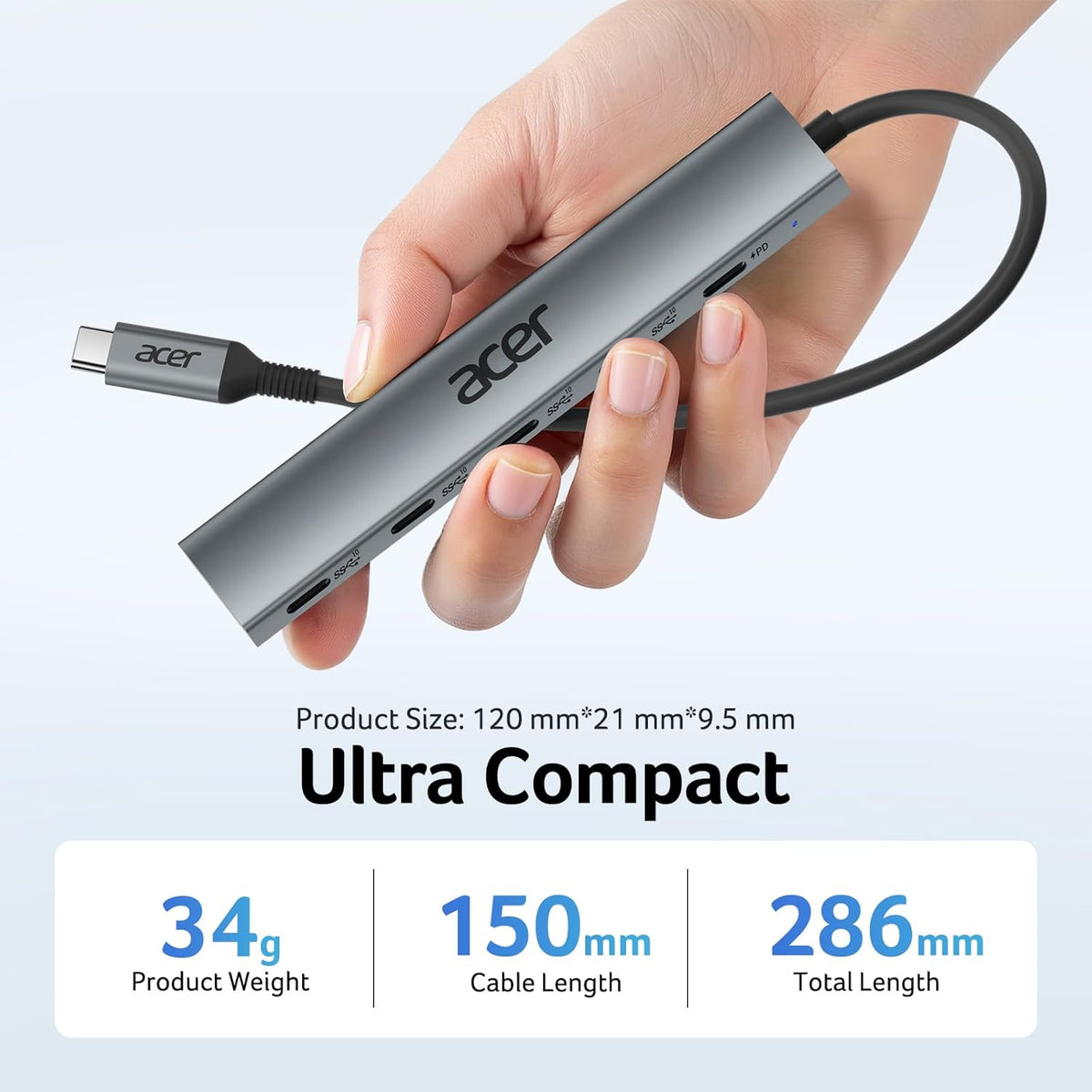
- Item Dimensions: 6.10"L × 3.66"W × 0.47"H
- Item Weight: 60g


FAQ
Do all four USB-C ports support data transfer?
Yes. All four USB-C ports support data transfer at up to 10Gbps shared bandwidth. Actual speeds depend on connected devices and compatible USB 3.1 Gen 2 (or higher) cables.
Can I charge my laptop while transferring data?
Yes. The dedicated USB-C PD port supports pass-through charging up to 100W, allowing you to charge your compatible device while using the USB-C data ports.
Why isn't my laptop charging?
Make sure the hub is connected to a USB-C power adapter through the 100W PD port, and confirm that your laptop supports USB-C Power Delivery charging. For best performance, use a power adapter rated at 65W or higher.
Can I connect four external SSDs at the same time?
Yes. You can connect up to four USB-C storage devices simultaneously. Keep in mind that the available 10Gbps bandwidth is shared across all connected USB-C data ports.
Does this hub support video output?
No. All four USB-C ports are designed for data transfer only and do not support video output.


