

Acer 11-in-1 USB-C Docking Station for 3 Monitors |8K DP, Dual 4K HDMI, Ethernet
-
All in one Docking Station
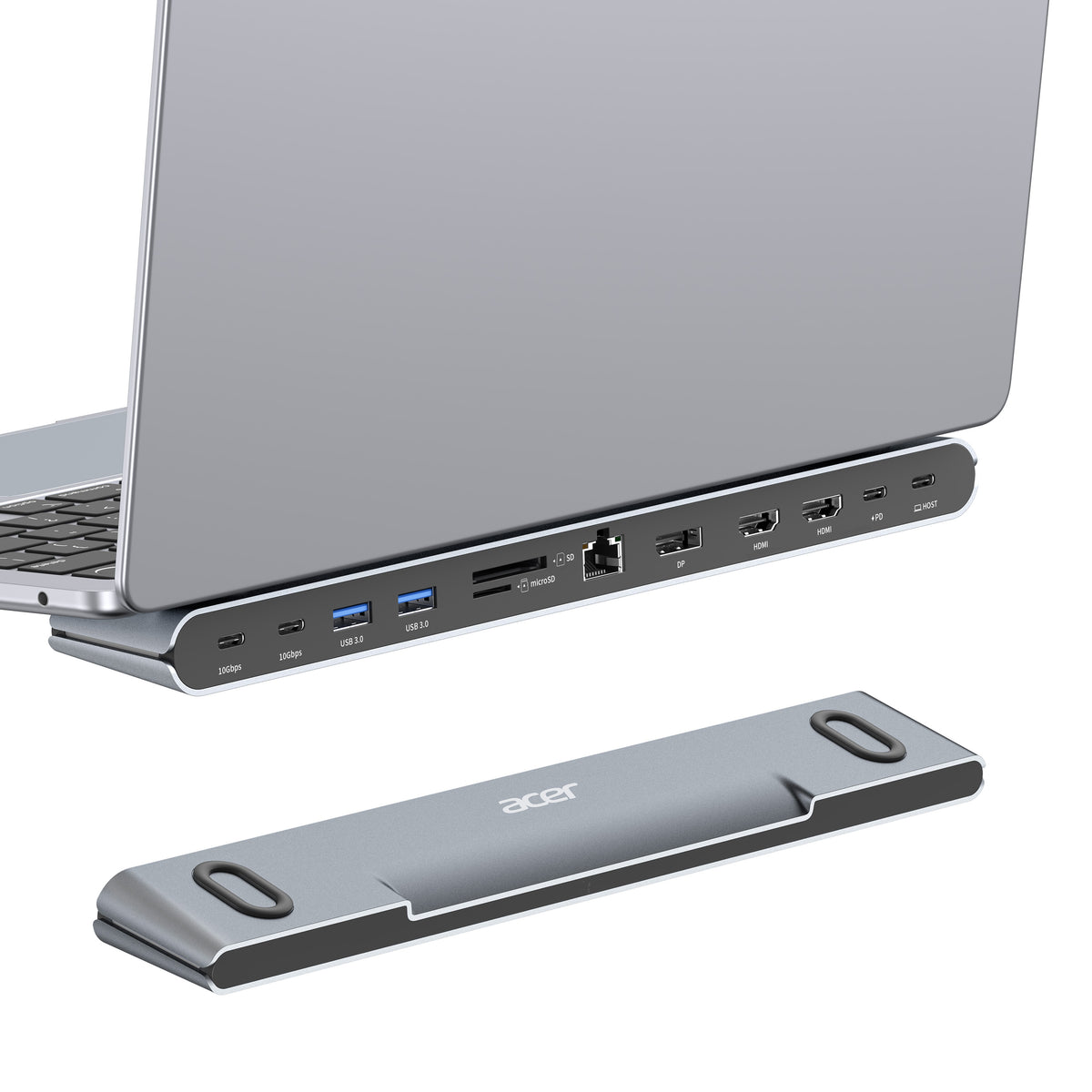
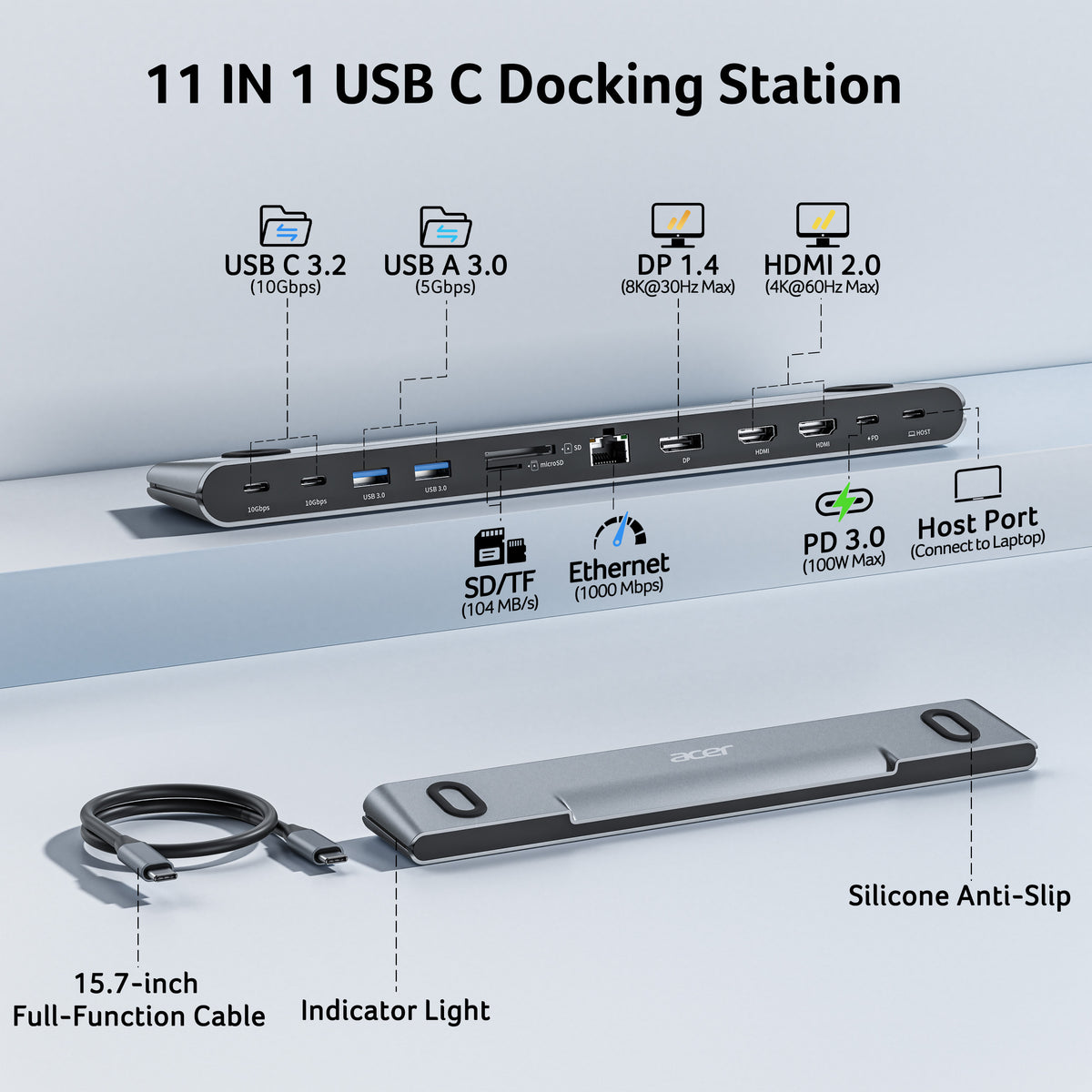
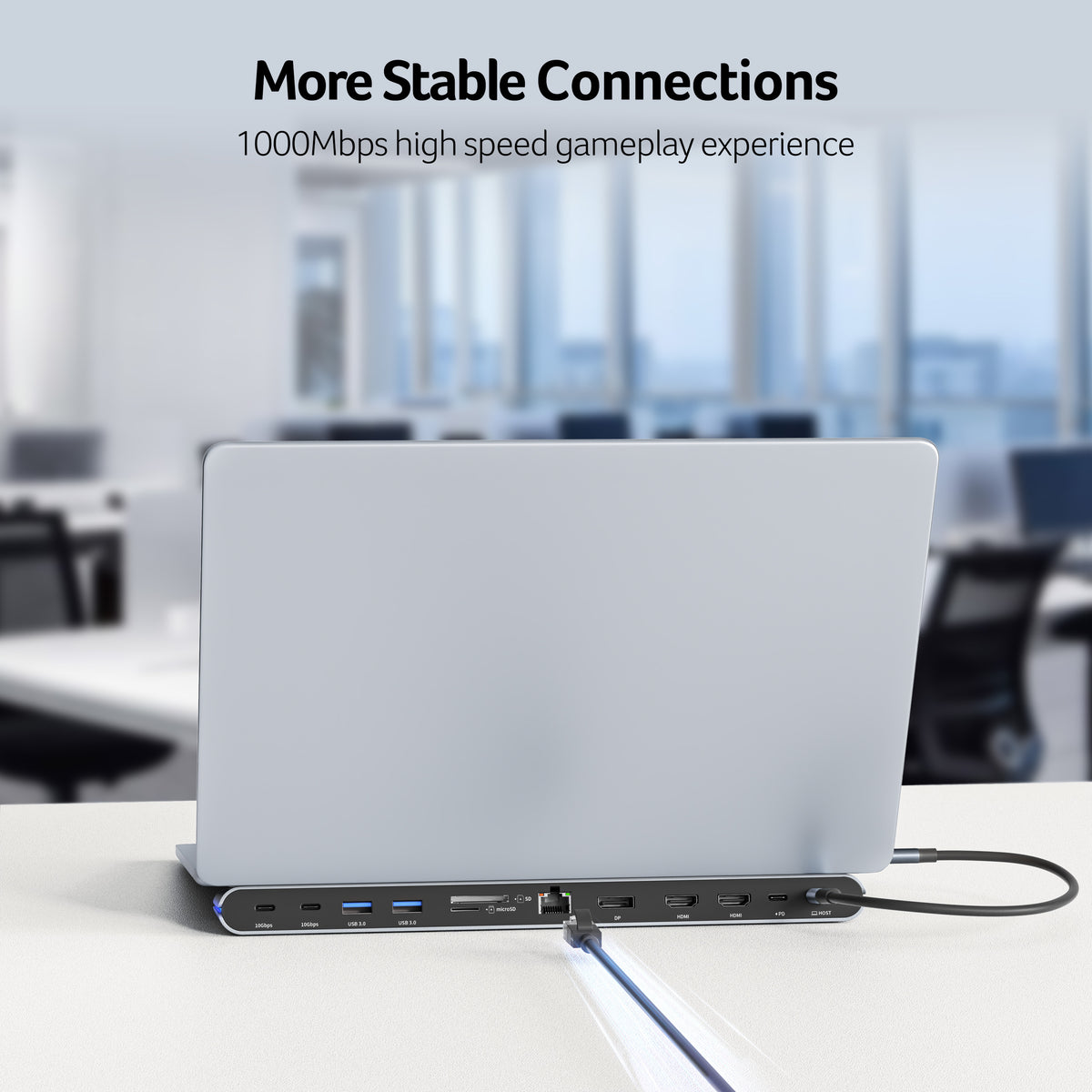
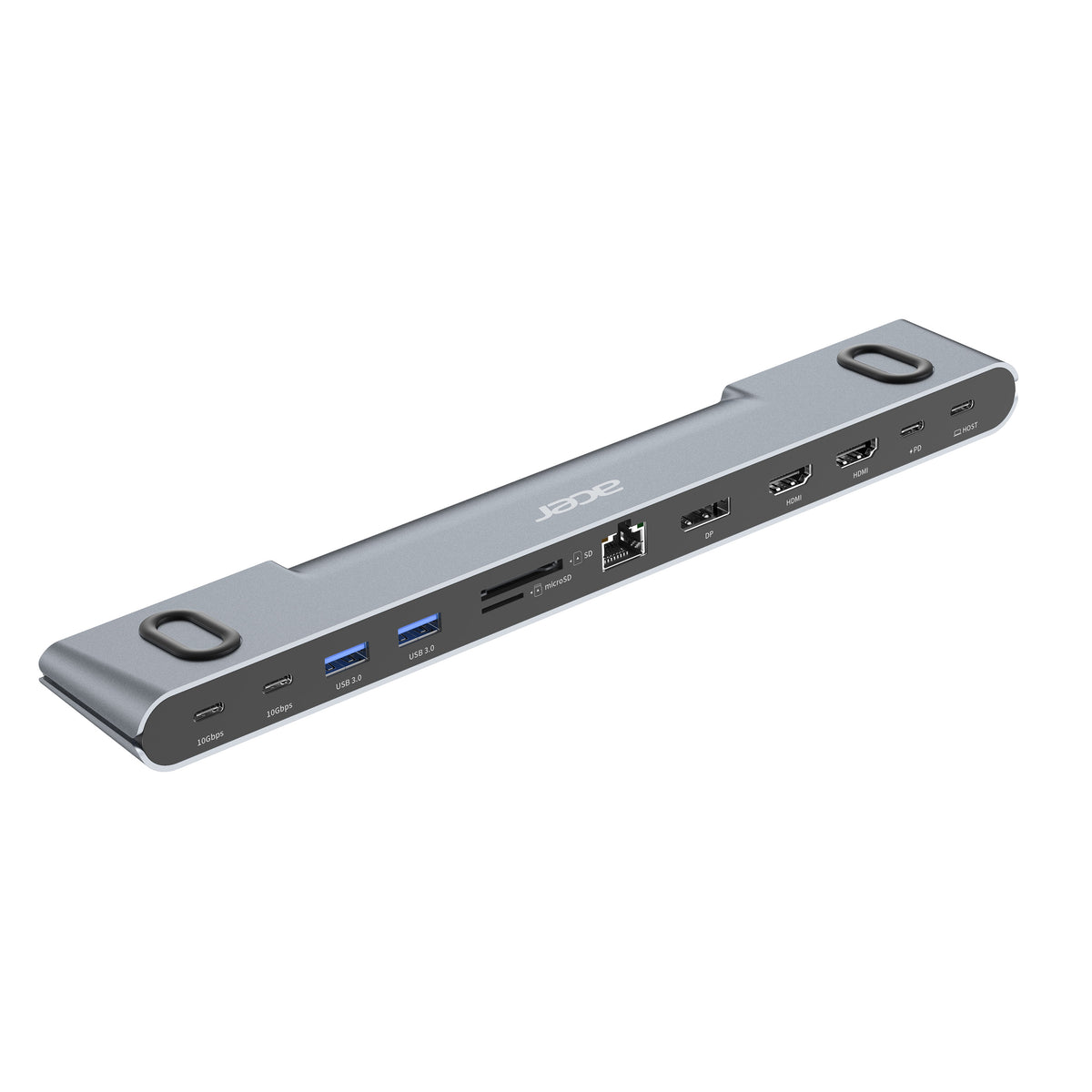
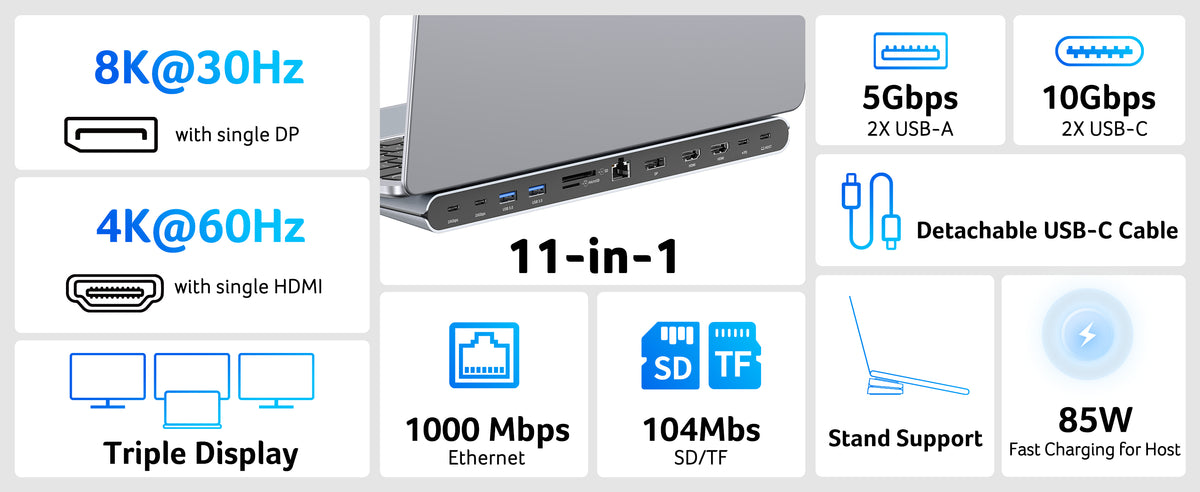
This Acer docking station stand includes 2 HDMI(4K@60Hz), 1 DP(single 8K@30Hz), 2 USB-C (10Gbps), 2 USB-A (5Gbps), Ethernet(1 Gbps), PD(100W) , and SD/MicroSD slots (104Mbps). This docking station with all essential ports built in streamlines your setup and covers all your daily needs, featuring a multifunctional detachable USB-C cable for added flexibility.𝐏𝐥𝐞𝐚𝐬𝐞 𝐞𝐧𝐬𝐮𝐫𝐞 𝐲𝐨𝐮𝐫 𝐥𝐚𝐩𝐭𝐨𝐩 𝐡𝐚𝐬 𝐚 𝐔𝐒𝐁-𝐂 𝐩𝐨𝐫𝐭 𝐰
-
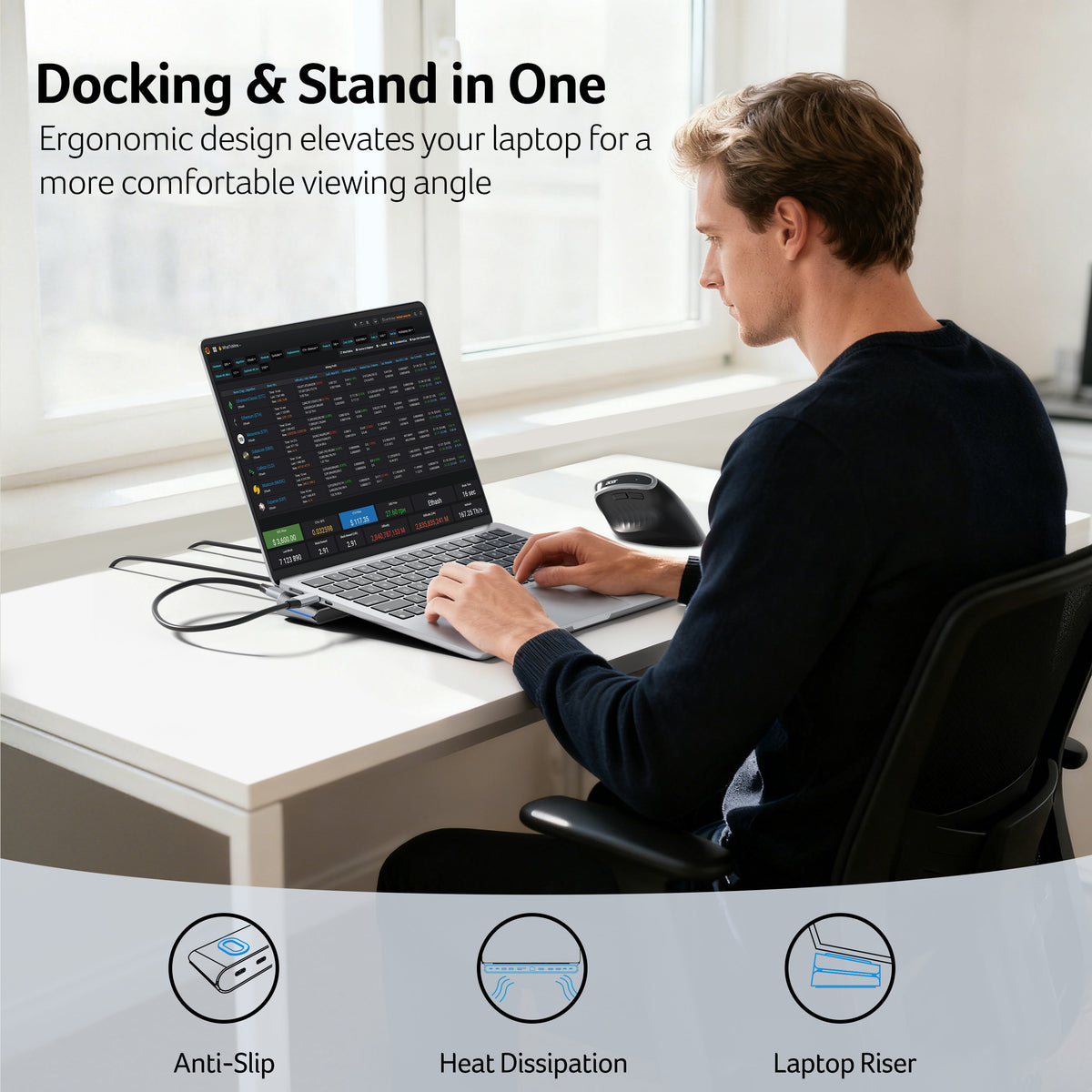
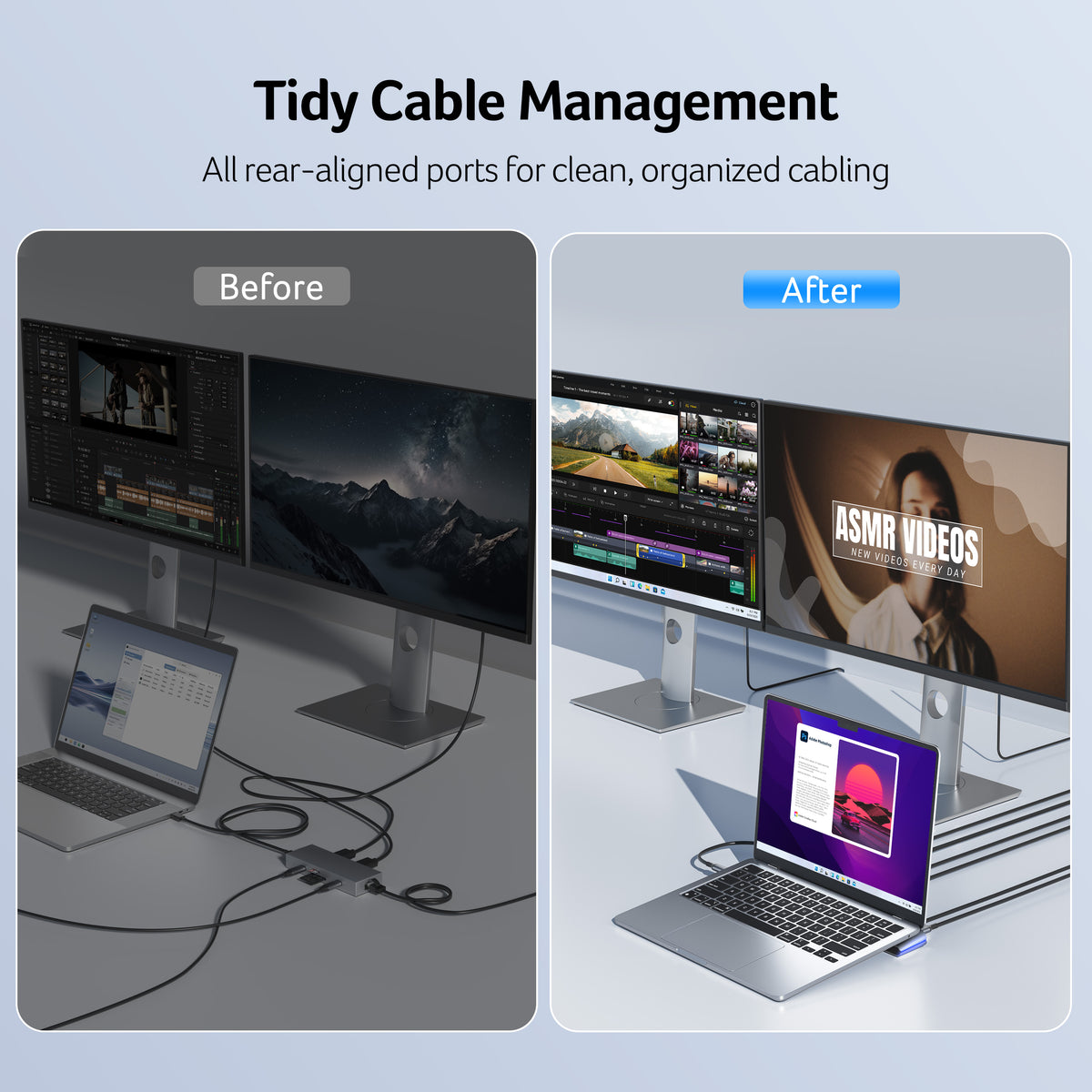
Docking & Stand in One
Ergonomically designed as both a laptop riser and docking station, this laptop docking station with stand elevates your laptop for a better viewing angle while improving airflow for efficient heat dissipation. The anti-slip silicone pads keep your device stable and secure, ensuring comfort and safety during every use.
-
Flexible Display Modes
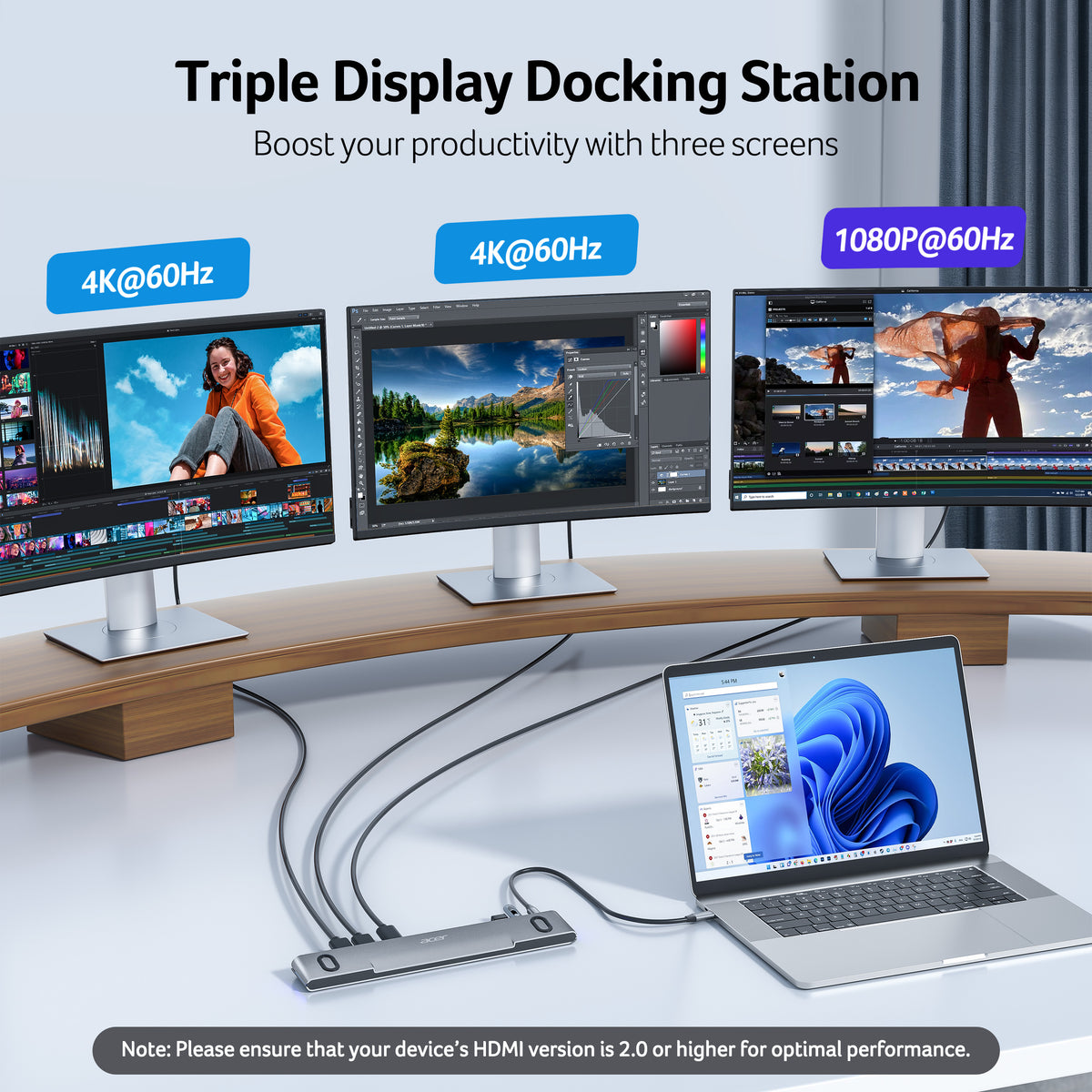
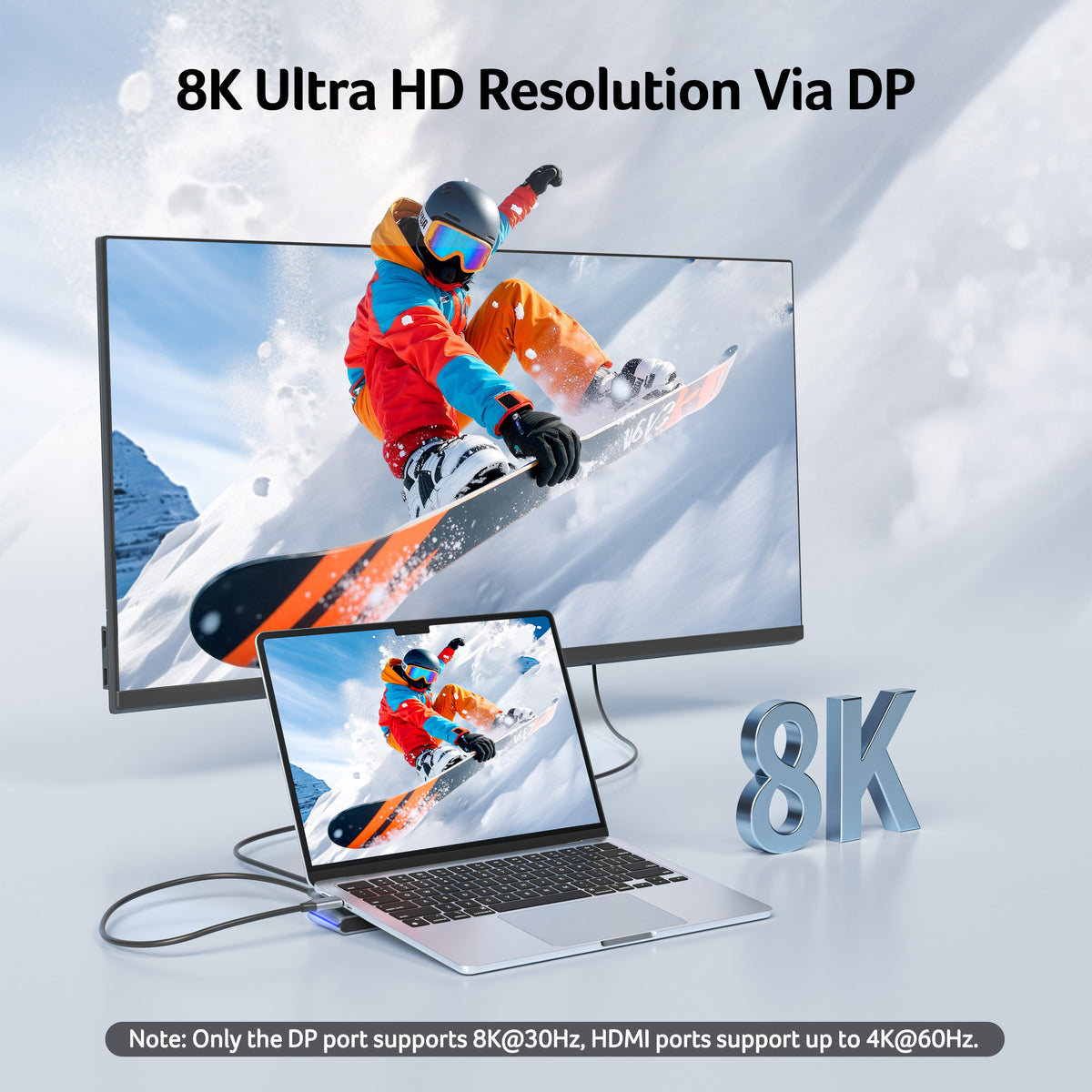
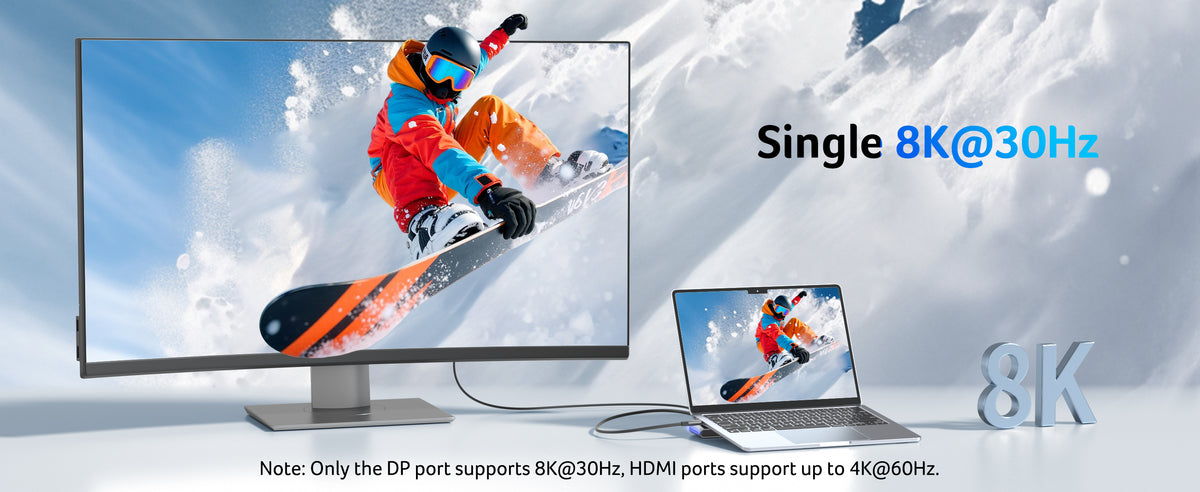
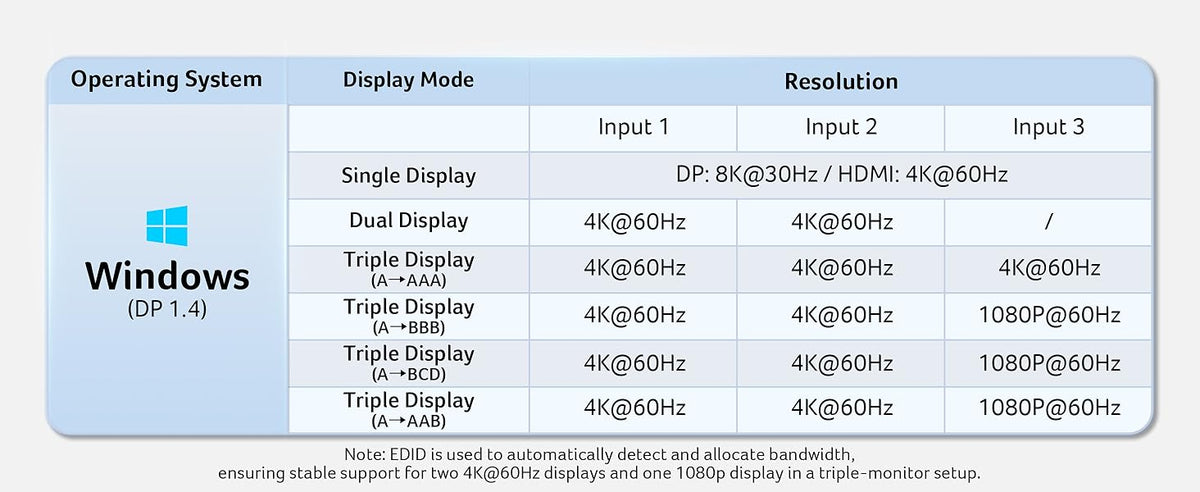
This USB C docking station supports single display up to 4K@60Hz on HDMI or 8K@30Hz on DP. Dual displays run at 4K@60Hz, ideal for docking station dual monitors. Triple displays automatically allocate resolutions based on each monitor’s capabilities (EDID) and total bandwidth, typically 4K@60Hz + 4K@60Hz + 1080P@60Hz, perfect for docking station 3 monitors.Note: Please ensure that your device’s HDMI version is 2.0 or higher for optimal
-
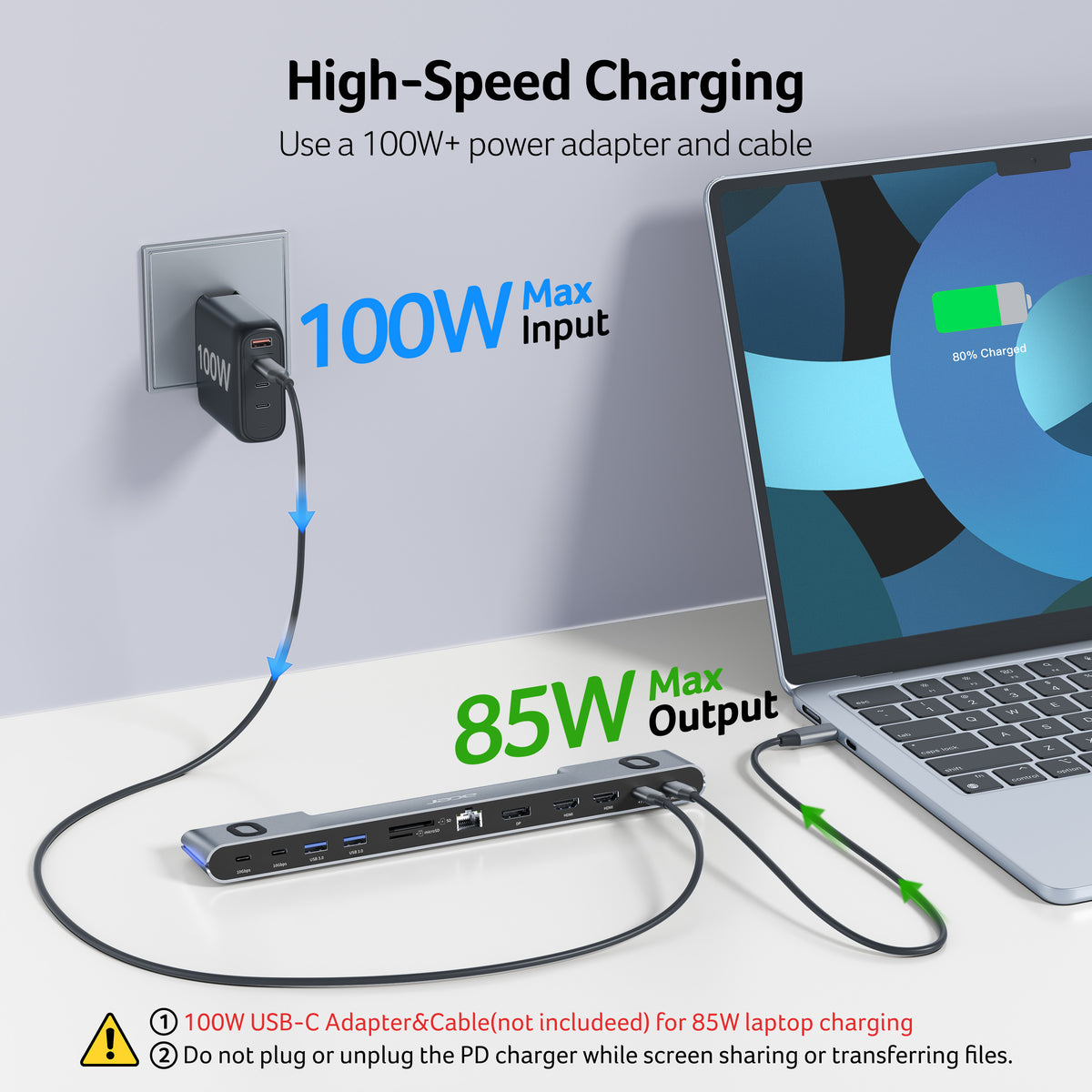
Reliable 100W Charging
This docking station supports up to 100W input and safely delivers 85W to your laptop, keeping you powered while you work. Note: Ensure your laptop's USB-C port supports power delivery. Use a 100W or higher power adapter and cable (not included).
-
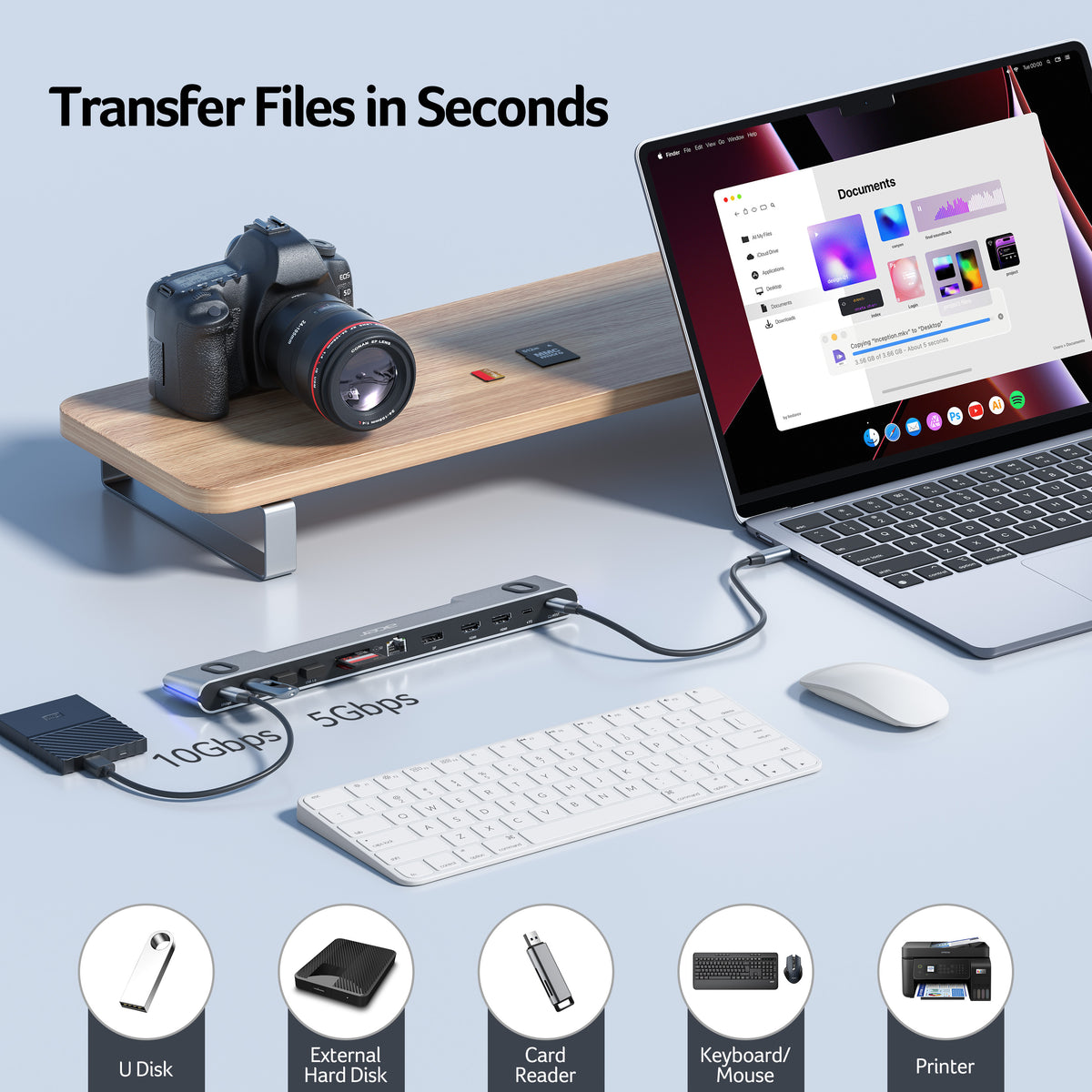
Super-Fast 10Gbps Data Transfer
This dock station includes 2 USB-C for 10Gbps, 2 USB-A for 5Gbps, and SD/MicroSD slots for 104Mbps high-speed file transfers. Ideal for professionals handling large data volumes with ease. Note: Only for data transfer; not supported for charging external devices.
- Hardware Interface: DisplayPort, Ethernet, HDMI, MicroSD, USB 3.0
- Compatible Devices: Windows and macOS devices with DisplayPort Alternate Mode (DP Alt Mode)—Supporting display, charging, and data transfer. Including Acer, Dell, Lenovo, Surface, HP, ASUS, MacBook, Samsung laptops and smartphones, as well as accessories like mice and keyboards.
- Total USB Ports: 4
- Number of Ports: 11
- Total Number of HDMI Ports: 2
- Wattage: 100
- Compatible Notebook Computer Models: Acer Swift 1, Dell Inspiron 13, HP Chromebook 14
- Item Dimensions: 12.60"L × 3.15"W × 1.42"H
- Item Weight: 325g




FAQ
Is this docking station compatible with my laptop?
This docking station requires your laptop’s USB-C port to support DisplayPort Alternate Mode (DP Alt Mode) for video output. Most modern laptops with full-featured USB-C ports support this, but some do not.
Why is there no response after connecting the dock?
If there is no response after connecting, please allow a few seconds for initialization, ensure all cables are securely connected, check if the cables are working properly, and try unplugging and reconnecting, as these steps usually resolve the issue
Why do all external monitors show the same screen when connecting multiple displays on a Mac?
This is a macOS limitation where multiple external displays may only support screen mirroring instead of extended mode depending on the device and system configuration, and it is not caused by the docking station but by the Mac system itself.
What should I do if I encounter other issues during use?
If you encounter any other issues during use, please let us know and we will respond quickly and provide effective solutions to help resolve the problem and ensure a smooth user experience.
Why is the Ethernet port not working?
Please use a CAT6 or higher Ethernet cable for stable performance. A working connection is indicated by a solid orange LED and a blinking green LED, showing active network link and data transmission.

