

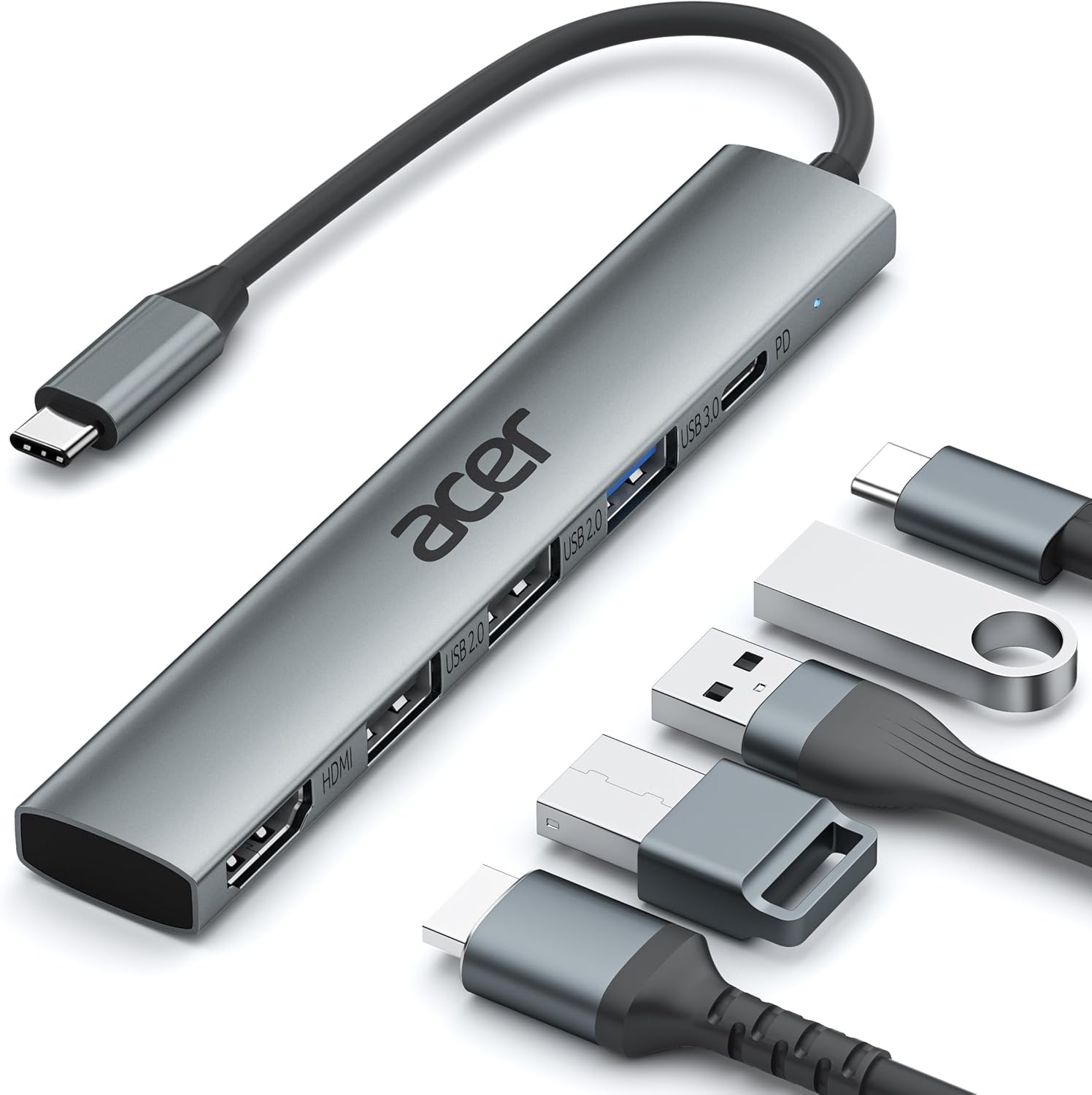


Acer 5-in-1 USB-C Hub | 4K HDMI Adapter with 3 USB-A Ports , 100W PD Charging
- Pre-Use Notice – HDMI output requires USB-C port with DP Alt Mode or Thunderbolt 3/4. (Standard USB-C ports – charging/data only – are NOT compatible.)
- Versatile 5-in-1 USB-C Hub – 4K@30Hz HDMI + 100W PD + USB 3.0 + 2x USB 2.0 – perfect for home, office, or travel.
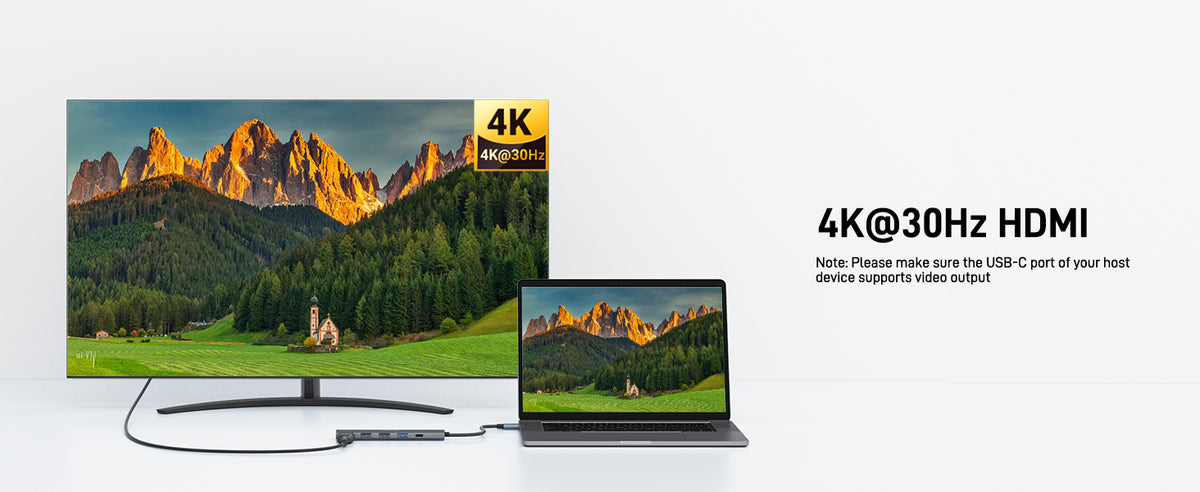
- Clear 4K HDMI Output – Enjoy crystal-clear 4K@30Hz video in mirror or extend mode. Ideal for presentations, streaming, or gaming. (Requires DP Alt Mode on host.)
- 100W PD Fast Charging – Stay powered with 100W PD charging – no more battery anxiety. Charges laptops, tablets, and USB-C devices. (PD port supports charging only – no data/video transfer.)
- 5Gbps Super-Fast Data – USB 3.0 port delivers up to 5Gbps – move large files, HD videos, and backups in seconds.
- Broad Compatibility – Works with Acer, MacBook Neo/Pro/Air, Chromebook, Dell XPS, iPad Pro, iPhone 15, and most USB-C devices. Plug & play – no drivers needed.
- Portable & Lightweight – Compact design fits easily in your bag – perfect for business trips, travel, and daily use. Acer quality construction ensures durability.
- Hardware Interface: HDMI, USB Type C
- Additional Features: Fast Charging, Fast Data Transfer, Indicator Light, Plug and Play, Slim & Portable
- Compatible Devices: Desktops, Keyboards, Laptops, Mouse, Tablets
- Total USB Ports: 3
- Data Transfer Rate: 5 gigabits per second
- Number of Ports: 5
- Minimum Required Operating System Version: Mac OS 10.12 Sierra, Ubuntu 16.04 Xenial Xerus, Windows 10
- Operating System: Chrome OS, Linux, Windows, macOS
- Item Dimensions: 4.92"L x 0.78"W x 0.37"H
- Item Weight: 60g
Effortlessly expand your device with this USB-C hub featuring 4K HDMI, 100W PD charging, USB 3.0, and dual USB 2.0



FAQ
What should I do if the product is not working properly?
Please check that the connection is secure, restart your device, and ensure your USB-C port supports the required functions. If you still need help, our customer support team is available to assist you.
Is this product compatible with my laptop or device?
This product is compatible with most USB-C devices that support data transfer, including laptops, tablets, and smartphones from major brands. Please make sure your device’s USB-C port supports the required functions (such as video output or charging) before use.
Does this product support plug-and-play installation?
Yes. No additional drivers are required for most operating systems. Simply connect the device to your USB-C port and it is ready to use.
Can I use all ports simultaneously?
Yes. Multiple ports can be used at the same time. However, actual performance may vary depending on your host device, connected peripherals, and available power bandwidth.
Does it support fast charging and high-speed data transfer?
The product supports fast data transfer and charging features based on your device’s specifications. For the best performance, use compatible cables, chargers, and devices that support the required standards.