

Acer 6 in 1 USBC Hub with Ethernet, 4K@60Hz USBC to HDMI Multiport Adapter
-
6-in-1 USB C Hub
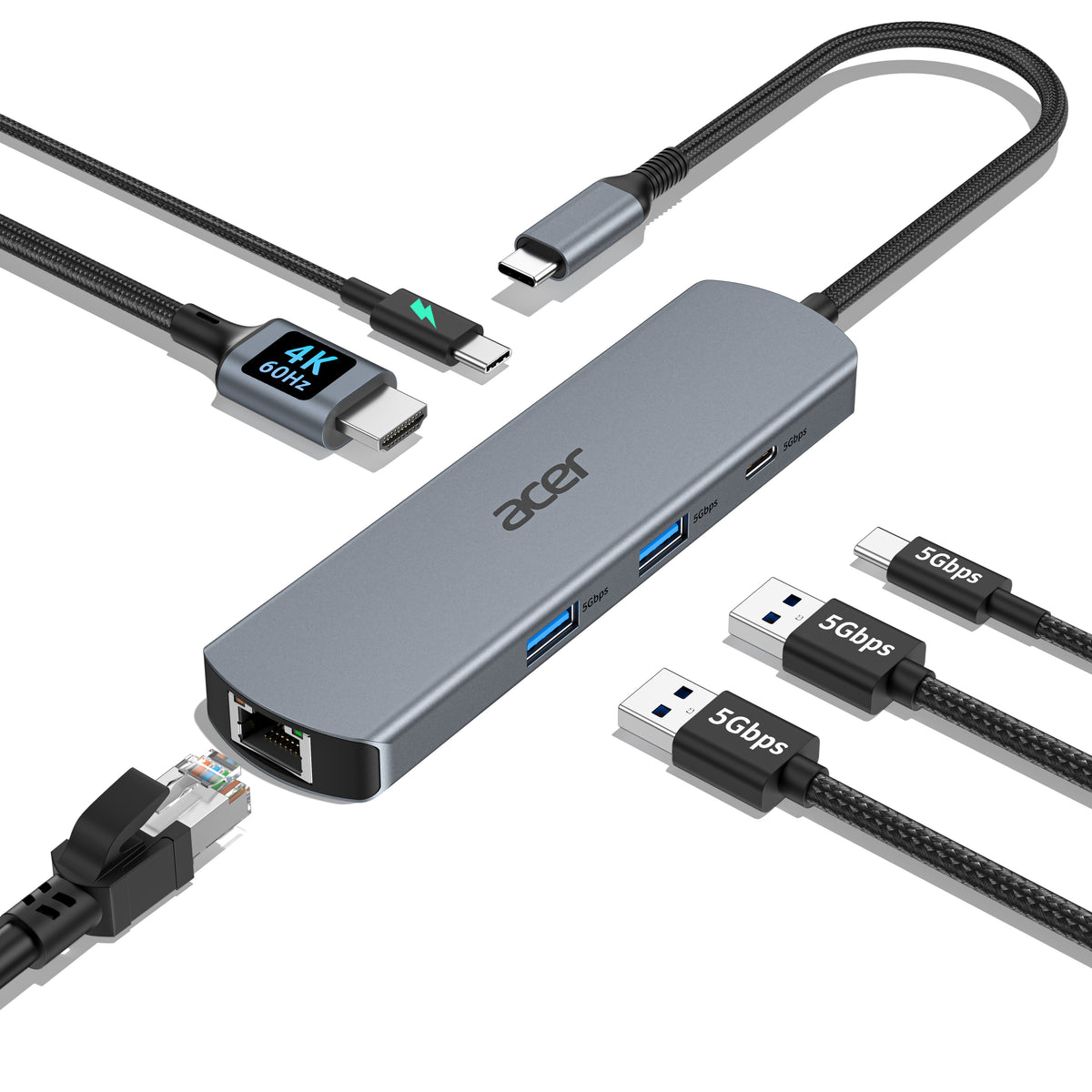
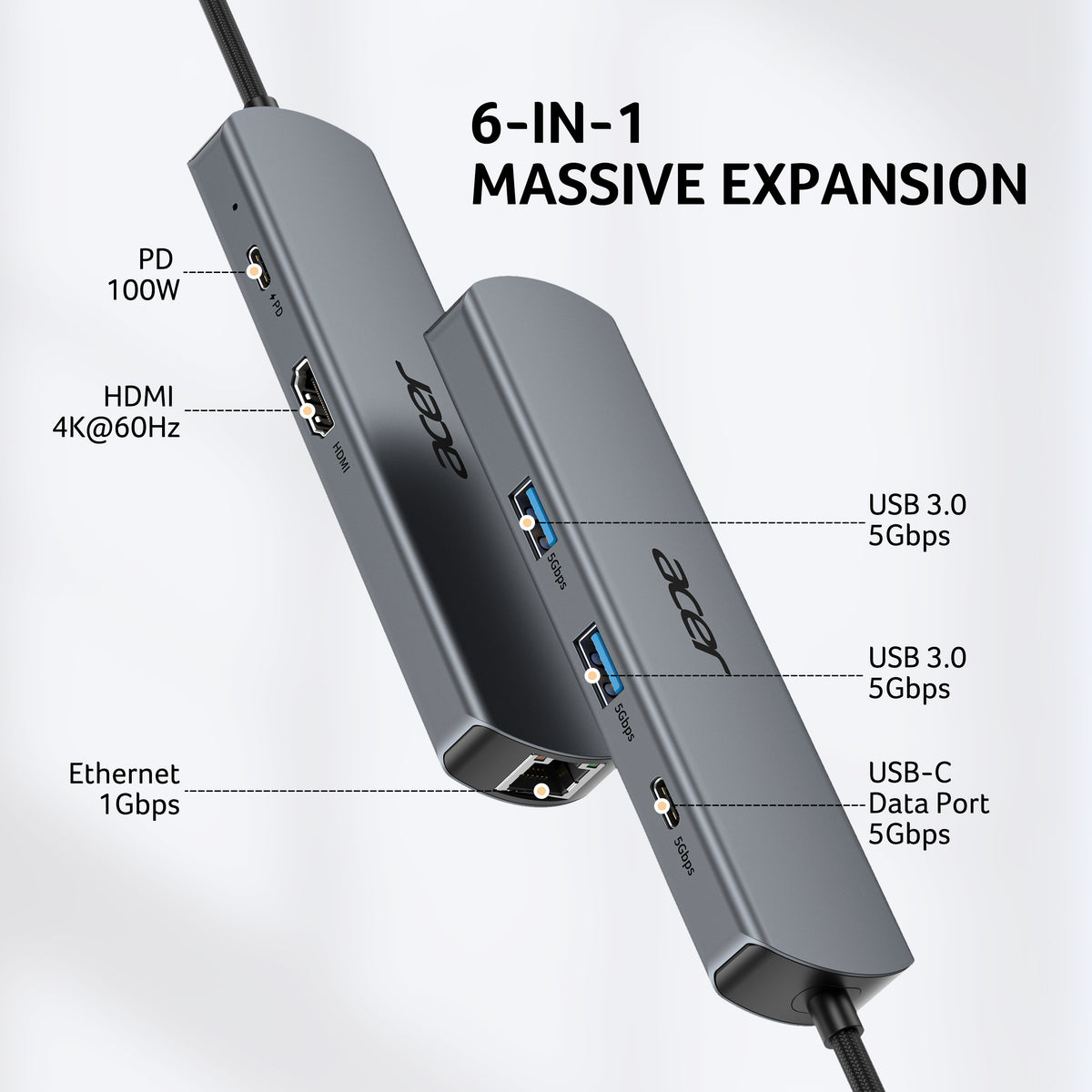
Expand one USB-C port into 6 essential ports—including 4K@60Hz HDMI, Gigabit RJ45 Ethernet (1000Mbps), 100W PD charging, 2× USB-A 3.1 Gen1 (5Gbps), and USB-C 3.1 Gen1 data port (5Gbps). Built for seamless multitasking, this all-in-one USB C to USB adapter lets you charge, transfer data, and connect external displays at the same time.
-
4K Visual Feast
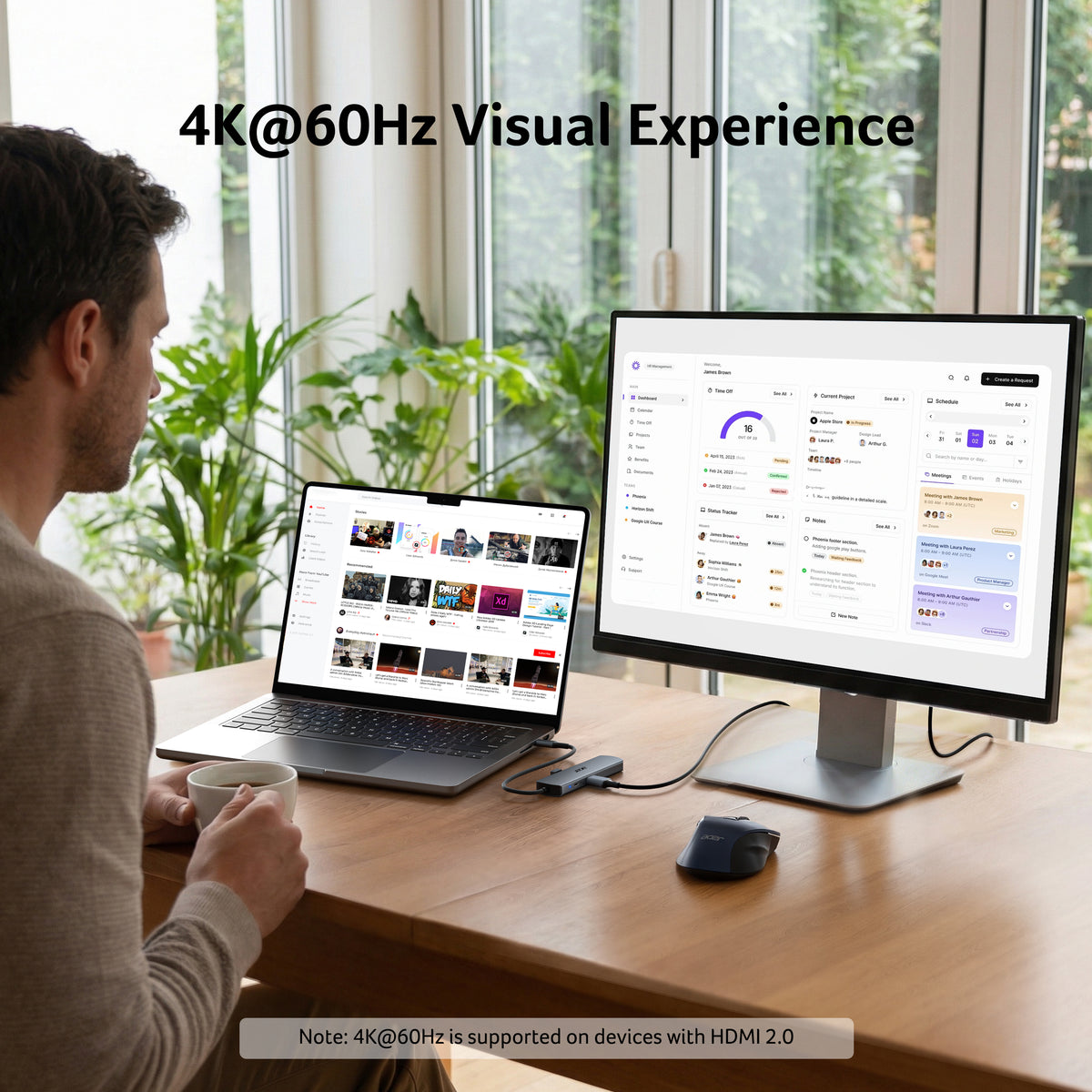
Mirror or extend your screen in stunning 4K@60Hz with this HDMI to USB C adapter. Stream to an HDTV, monitor, or projector with vivid clarity and stable transmission—great for video calls, streaming, presentations, or creative work.
-
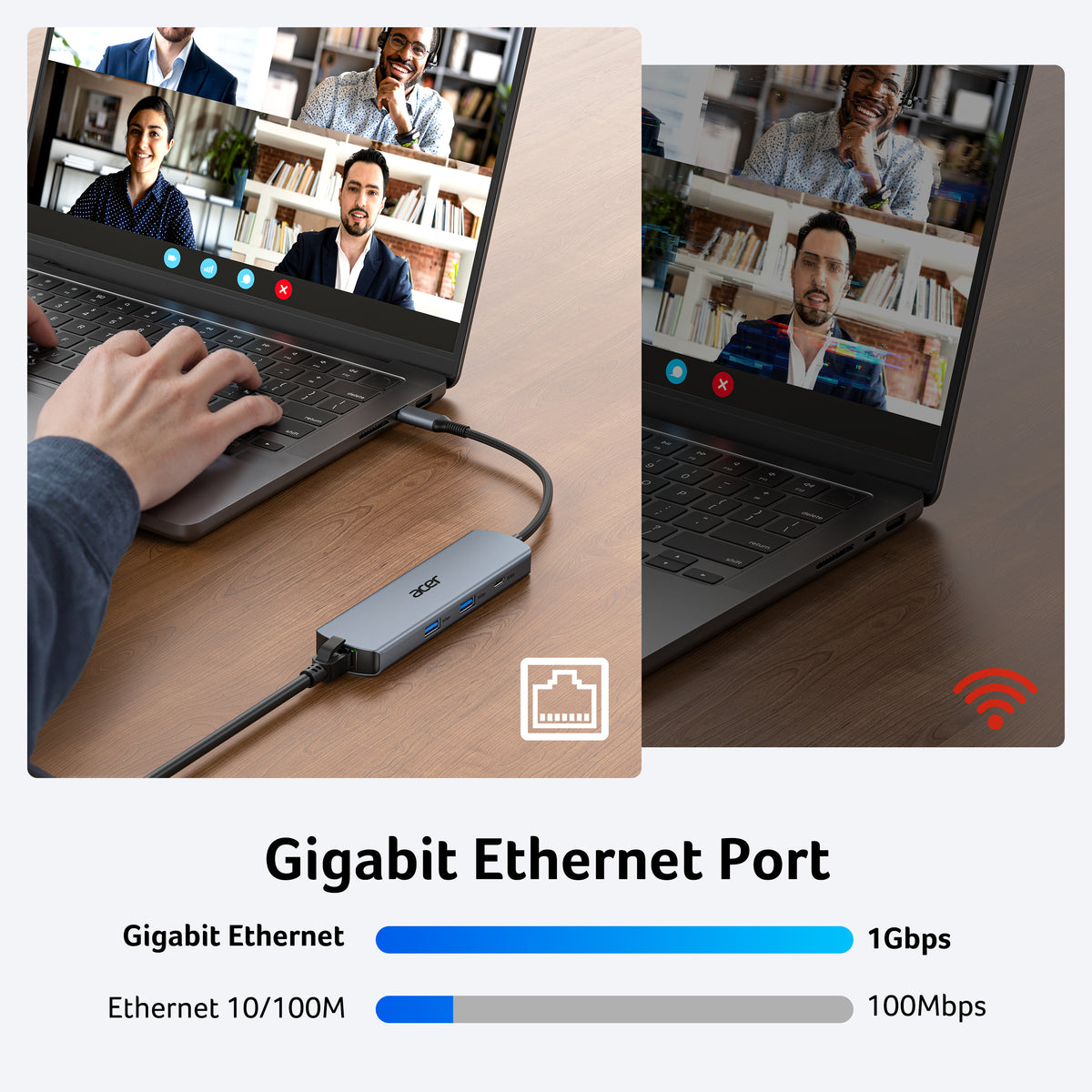
Stable Gigabit Ethernet
Connect reliably with the USB C hub ethernet adapter and its built-in RJ45 port supporting 10/100/1000Mbps wired connectivity. Enjoy a faster and more reliable wired connection for online meetings, streaming, gaming, and large file transfers.
-
High-speed Data Transfer
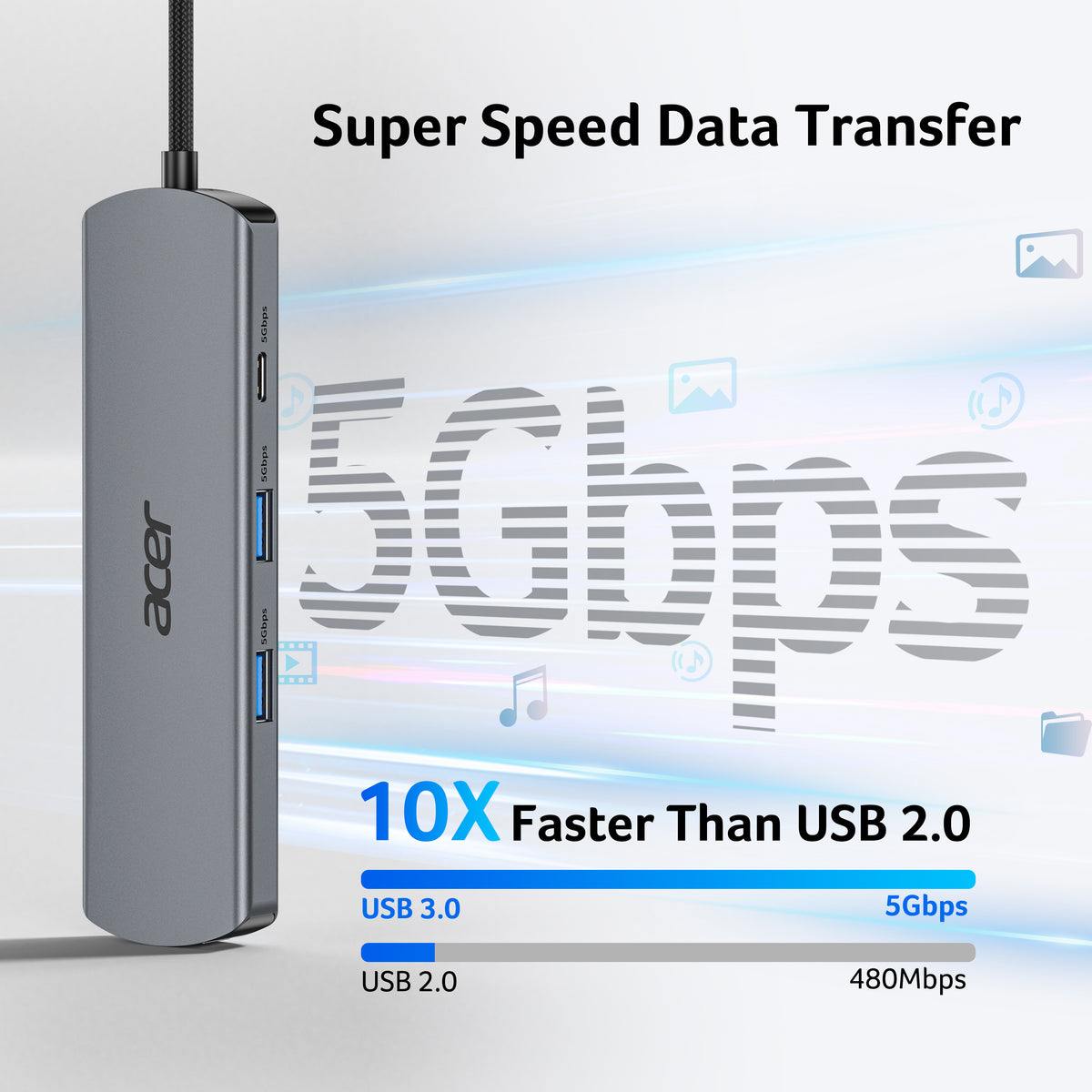
This USB C splitter with HDMI includes 2× USB-A and 1× USB-C ports with a total bandwidth of 5Gbps, letting you connect keyboards, mice, printers, and flash drives for fast file transfers. All ports work simultaneously, keeping your workflow smooth.
-
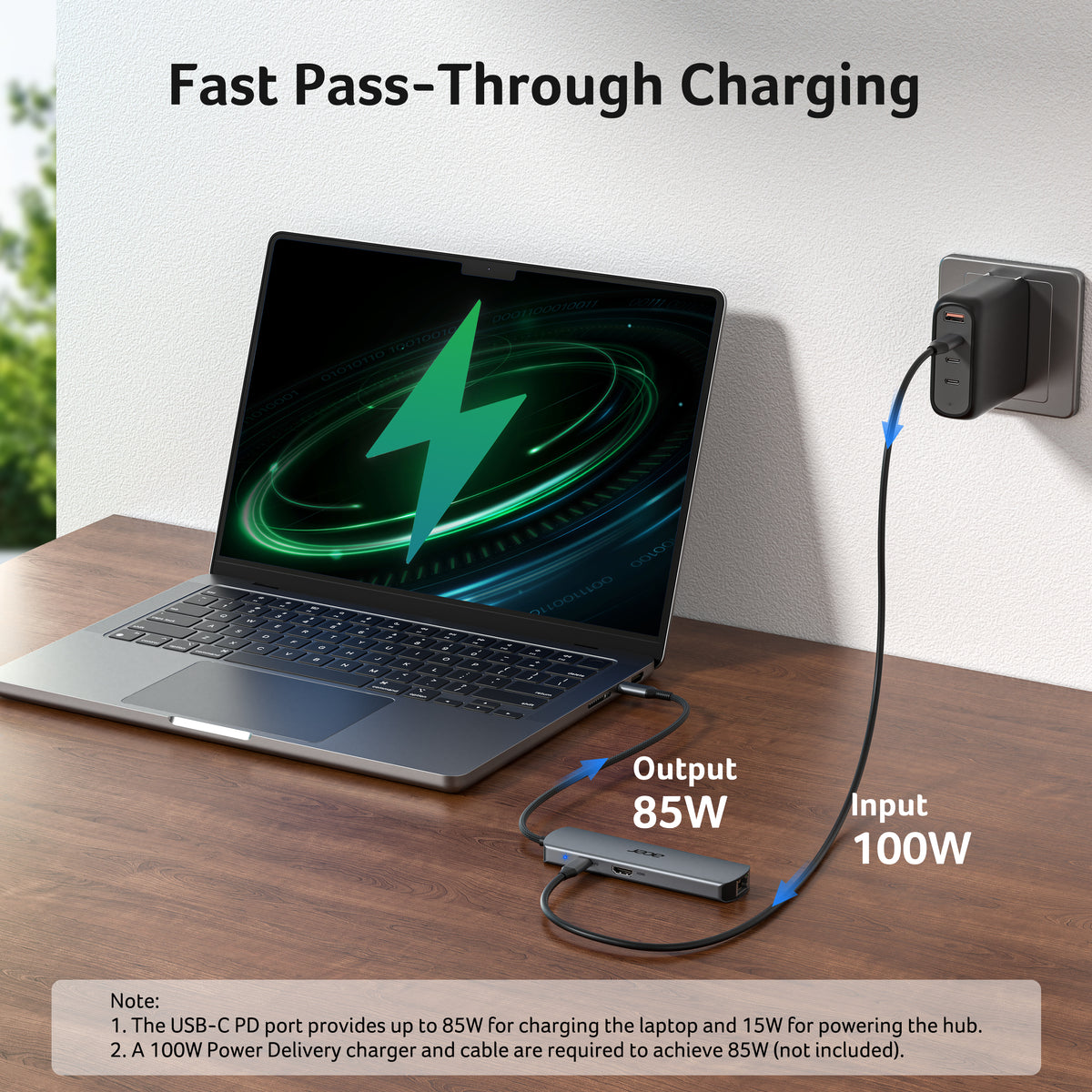
100W Fast PD Charging
The USB C multiport adapter supports up to 100W input and provides up to 85W output to your laptop while other ports are in use, ensuring stable power for daily tasks.
- Hardware Interface: Ethernet, HDMI, USB 3.0, USB Type C
- Additional Features: Plug and Play, Fast Charging, Fast Data Transfer, Portable, Heat Resistant
- Compatible Devices: Laptops, Monitors, Mouse, Printers, Tablets
- Total USB Ports: 3
- Data Transfer Rate: 5 gigabits per second
- Operating System: Chrome OS, Linux, Windows 10, macOS
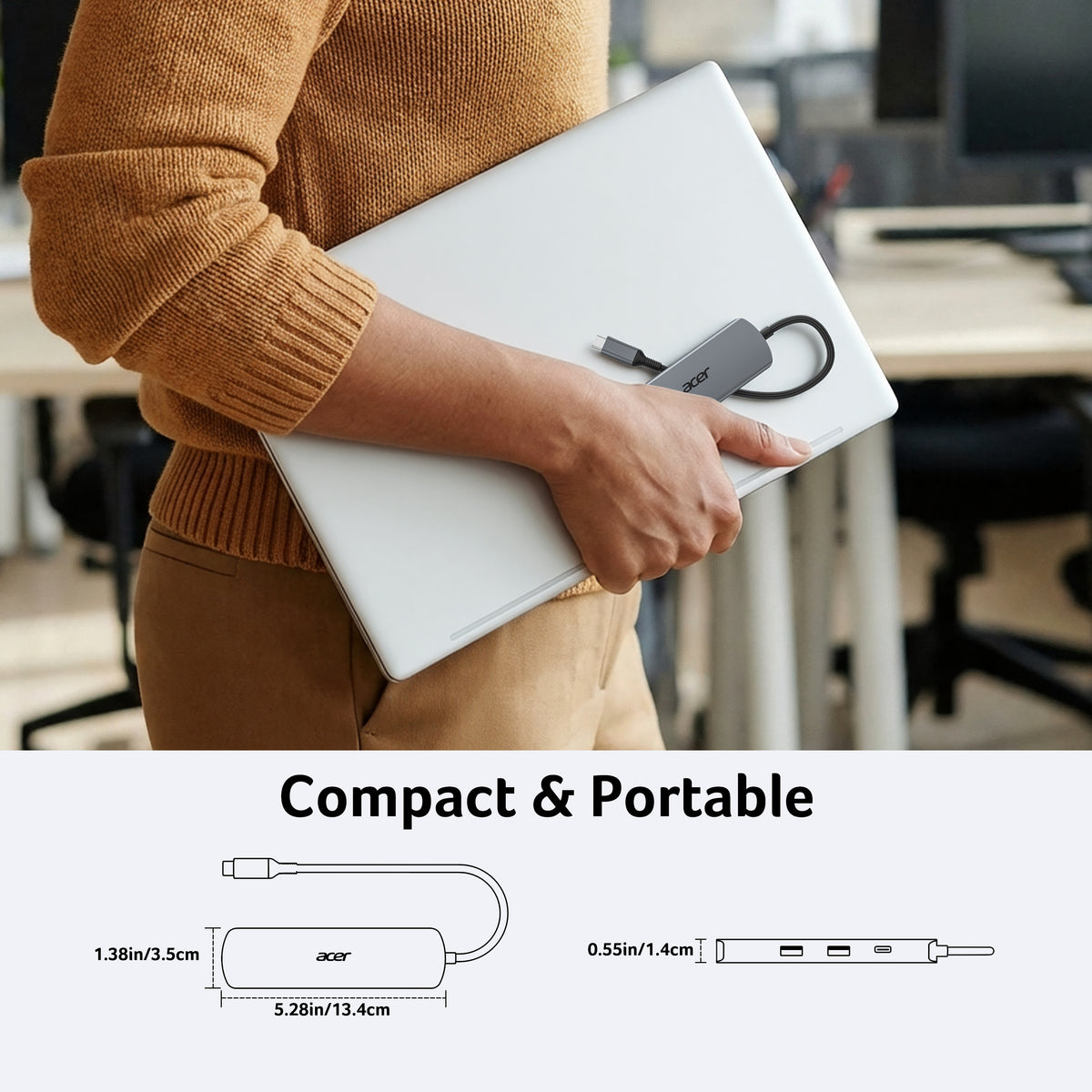
- Item Dimensions: 5.28"L x 1.38"W x 0.55"H
- Item Weight: 97g


FAQ
Why is my HDMI not working with the hub?
1) Ensure your device supports DP 1.4 Alt Mode and HDMI 2.0 or higher. 2) Check your HDMI cable and monitor settings. 3) Connected correctly.
How can I achieve 1000Mbps with this hub?
Please make sure: 1) Your network service and your device is compatible 1 Gbps. 2) Use CAT6 & up Ethernet cables. 3) The cable is securely plugged into the usb hub.
Why isn’t my laptop charging at full speed with PD?
1) Ensure your laptop supports USB-C PD. 2) Use a PD-compatible host charger of 100W or higher. 3) Use a compatible cable and connect correctly.
The external monitor does not automatically reconnect after sleep. What should I do?
This may occur due to system power management after sleep, where the HDMI signal is not automatically restored. To fix it: 1) Reconnect the HDMI cable or hub; 2) Wake the computer before the monitor; 3) Update system and graphics drivers; 4) Use a high-quality HDMI cable. For better stability, we recommend disabling deep sleep or adjusting power settings when using external displays for extended periods.
Why is my Ethernet connection unstable or disconnecting?
- Hardware Interface: HDMI, USB Type C
- Additional Features: Fast Data Transfer, Plug and Play, Portable
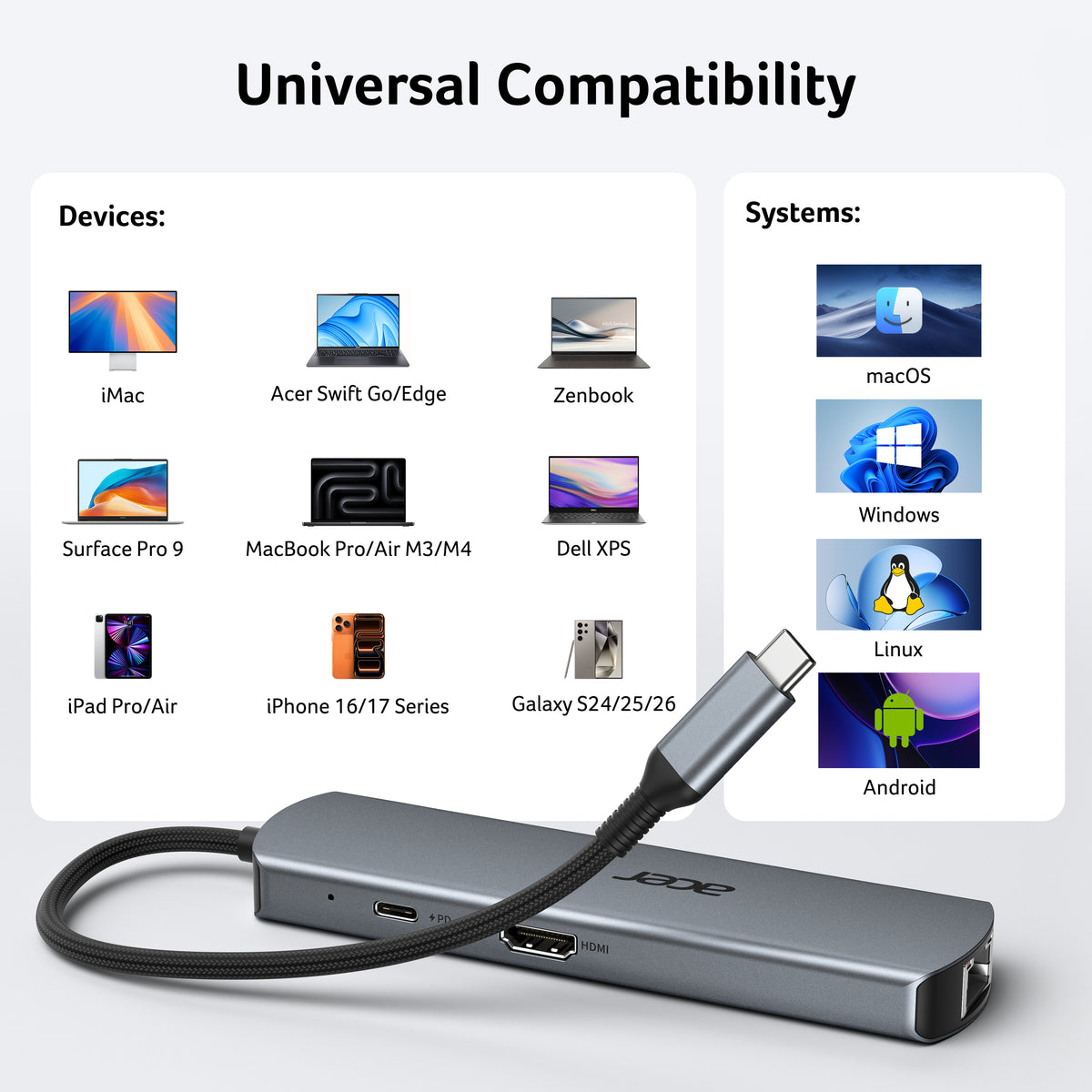
- Compatible Devices: Windows and macOS devices with DisplayPort Alternate Mode (DP Alt Mode). Including Acer, Dell, Lenovo, Surface, HP, ASUS, MacBook, Samsung laptops and smartphones, as well as accessories like mice and keyboards.
- Total USB Ports: 4
- Data Transfer Rate: 10 gigabits per second
- Number of Ports: 6
- Operating System: Chrome OS, Linux, Windows, macOS
