

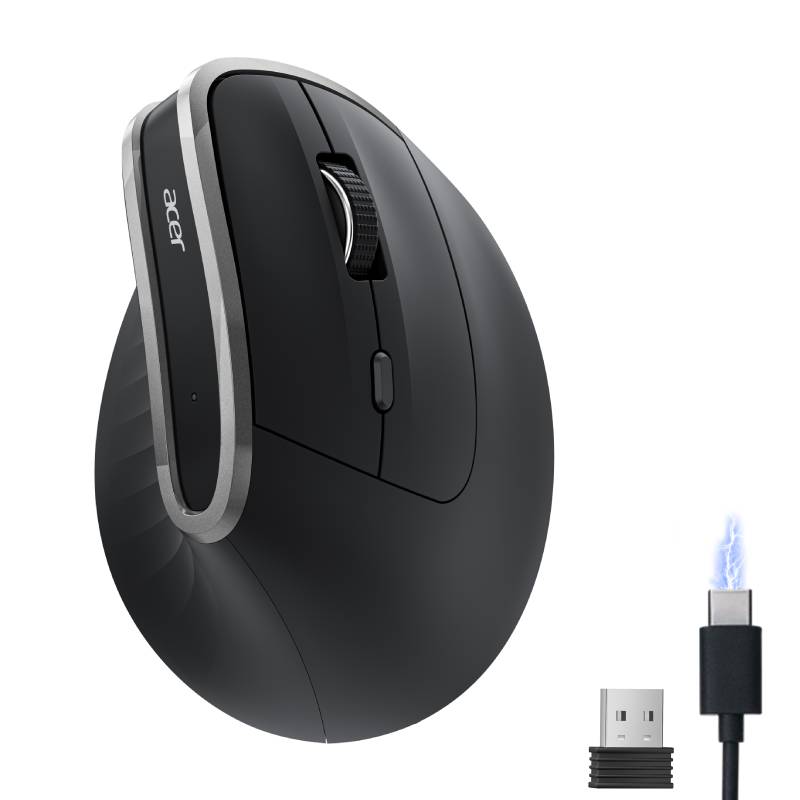
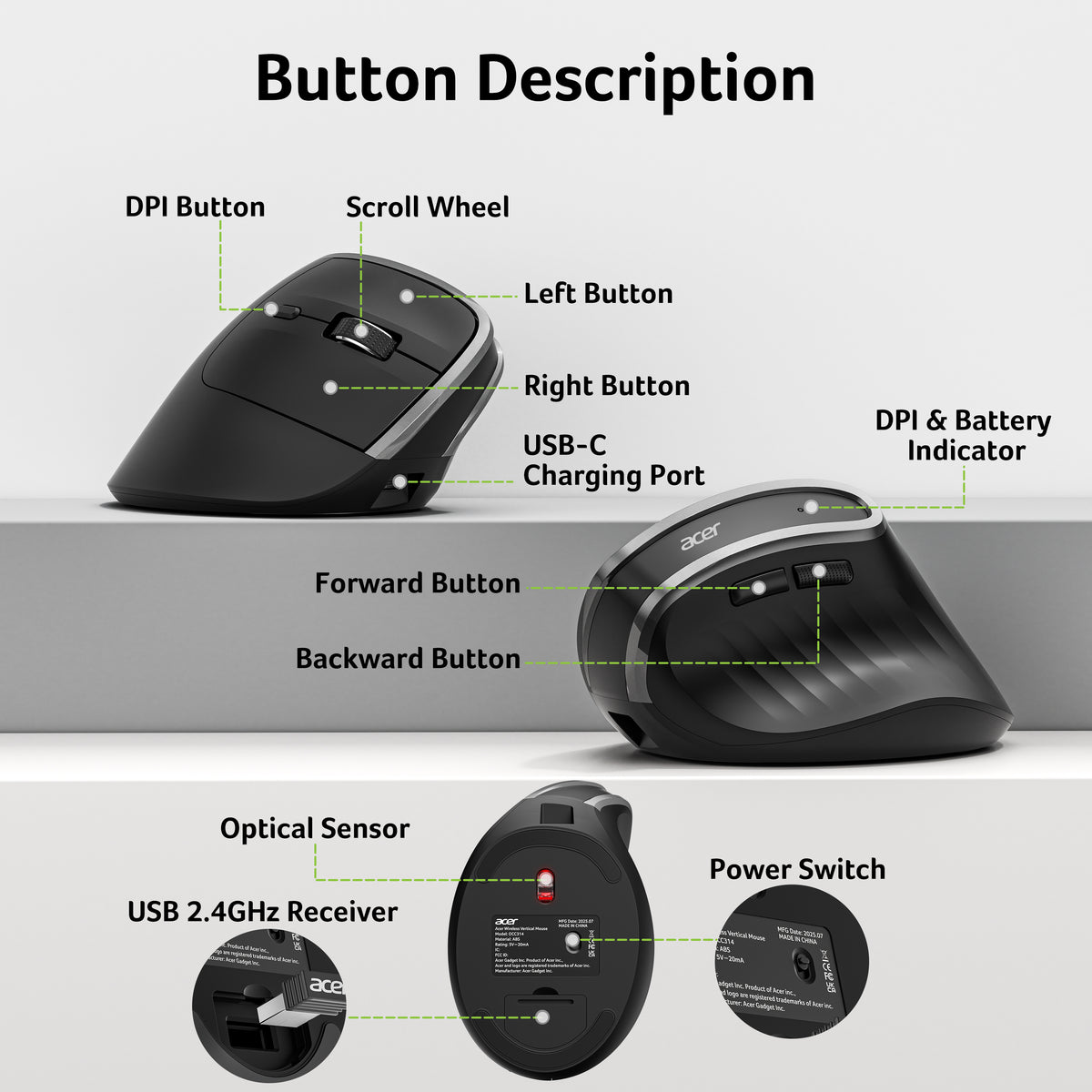
Acer Ergonomic Wireless Vertical Mouse | 58° Tilt, 2.4GHz USB Receiver, 1600 DPI
-
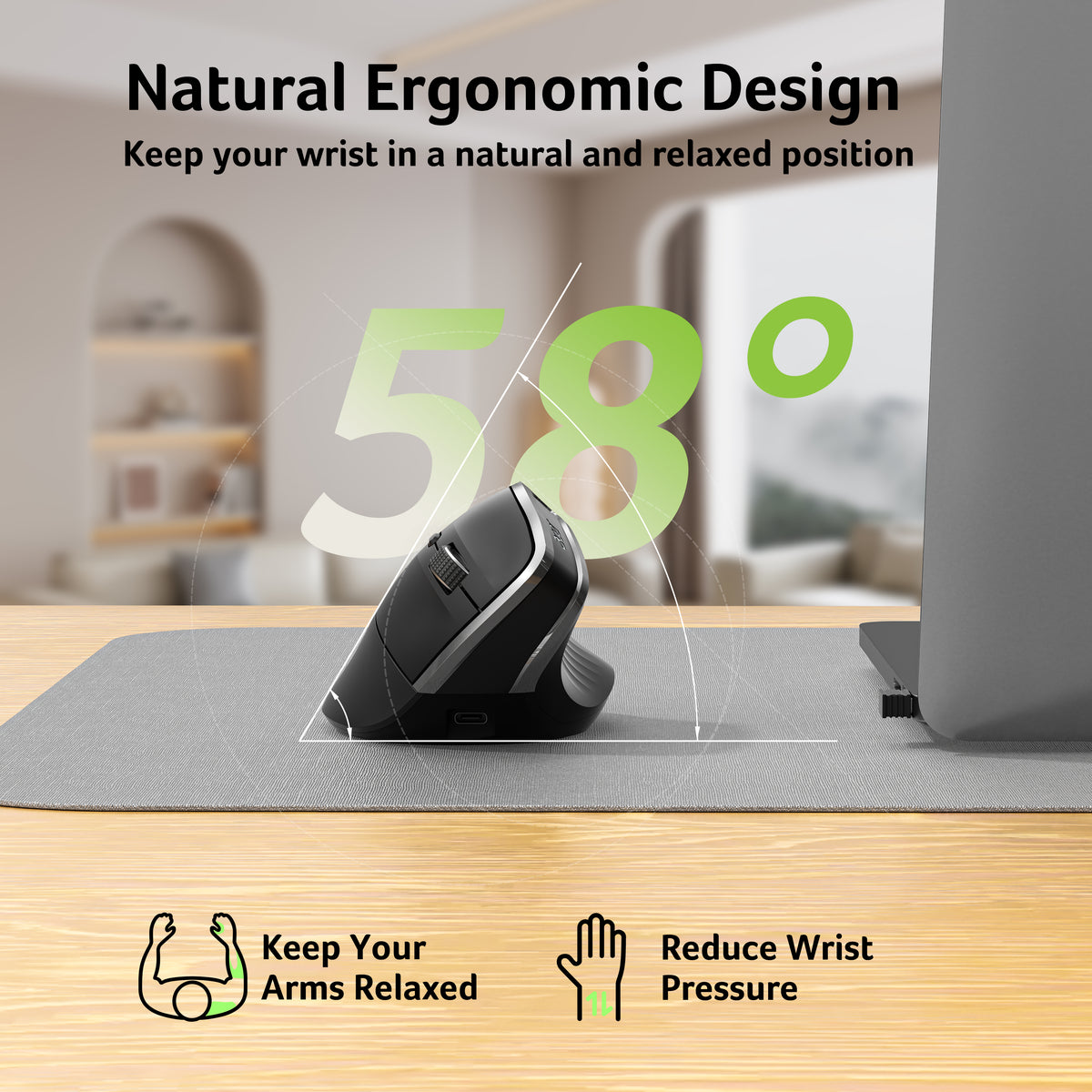
【58° Ergonomic Vertical Design】
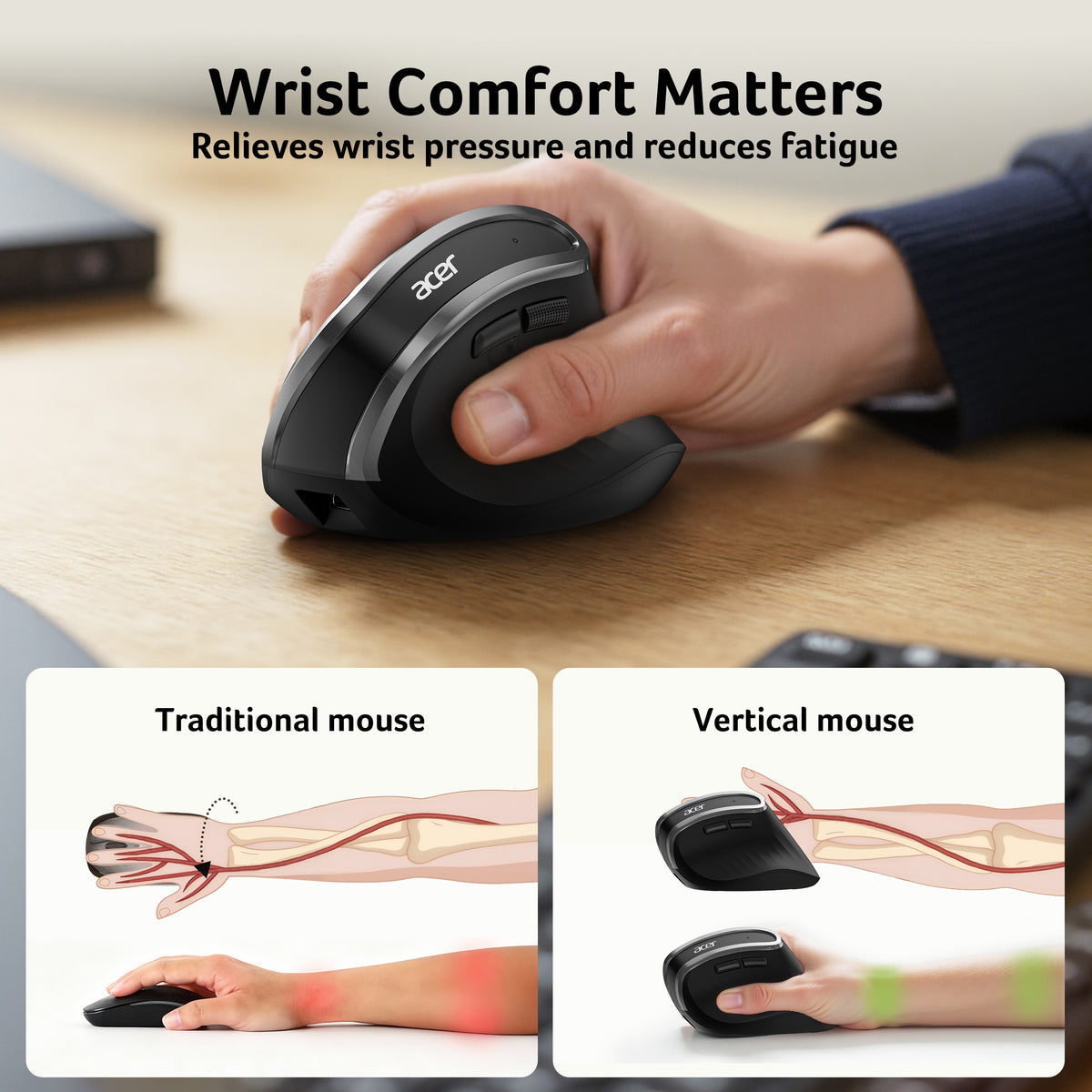
The vertical mouse naturally supports your hand position and reduces wrist and arm pressure during long hours of use, helping improve comfort and reduce fatigue. -
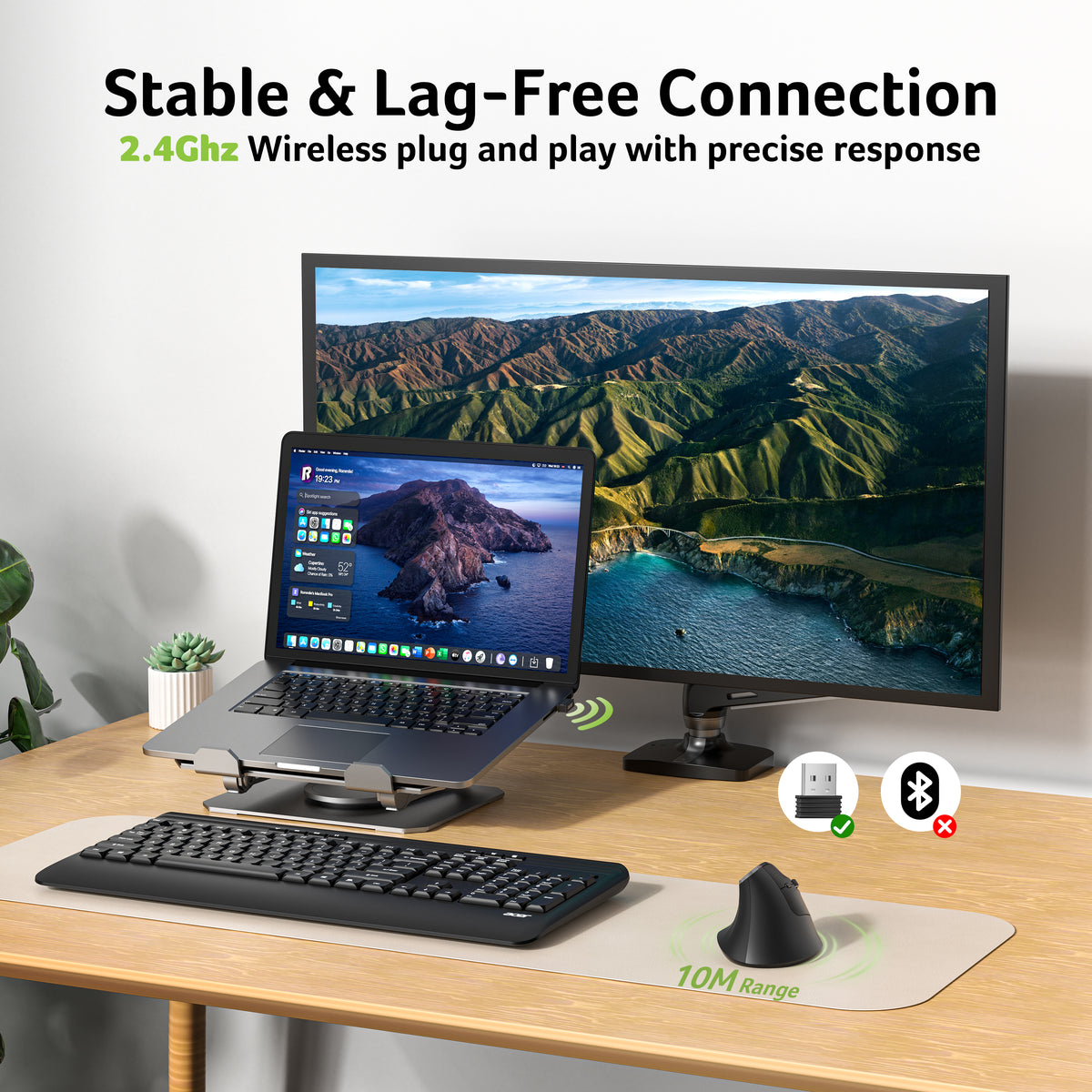
【Stable 2.4GHz Wireless Connection】
Connect easily with the included USB-A receiver. Plug-and-play setup with up to 10m wireless range—no drivers required. -
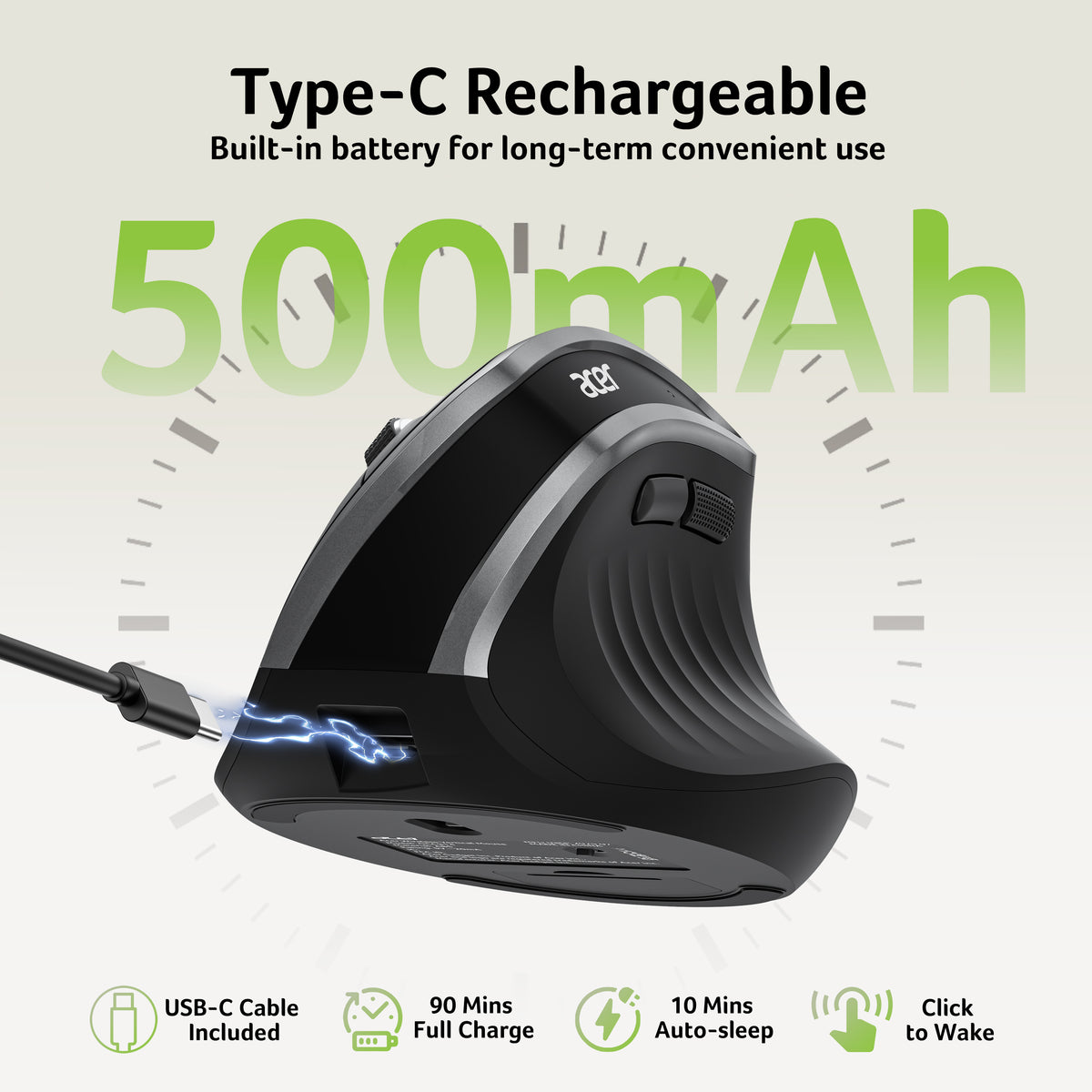
【Rechargeable Long-Lasting Battery】
Built-in 500mAh rechargeable battery eliminates frequent battery replacements, providing convenient and reliable daily use. -
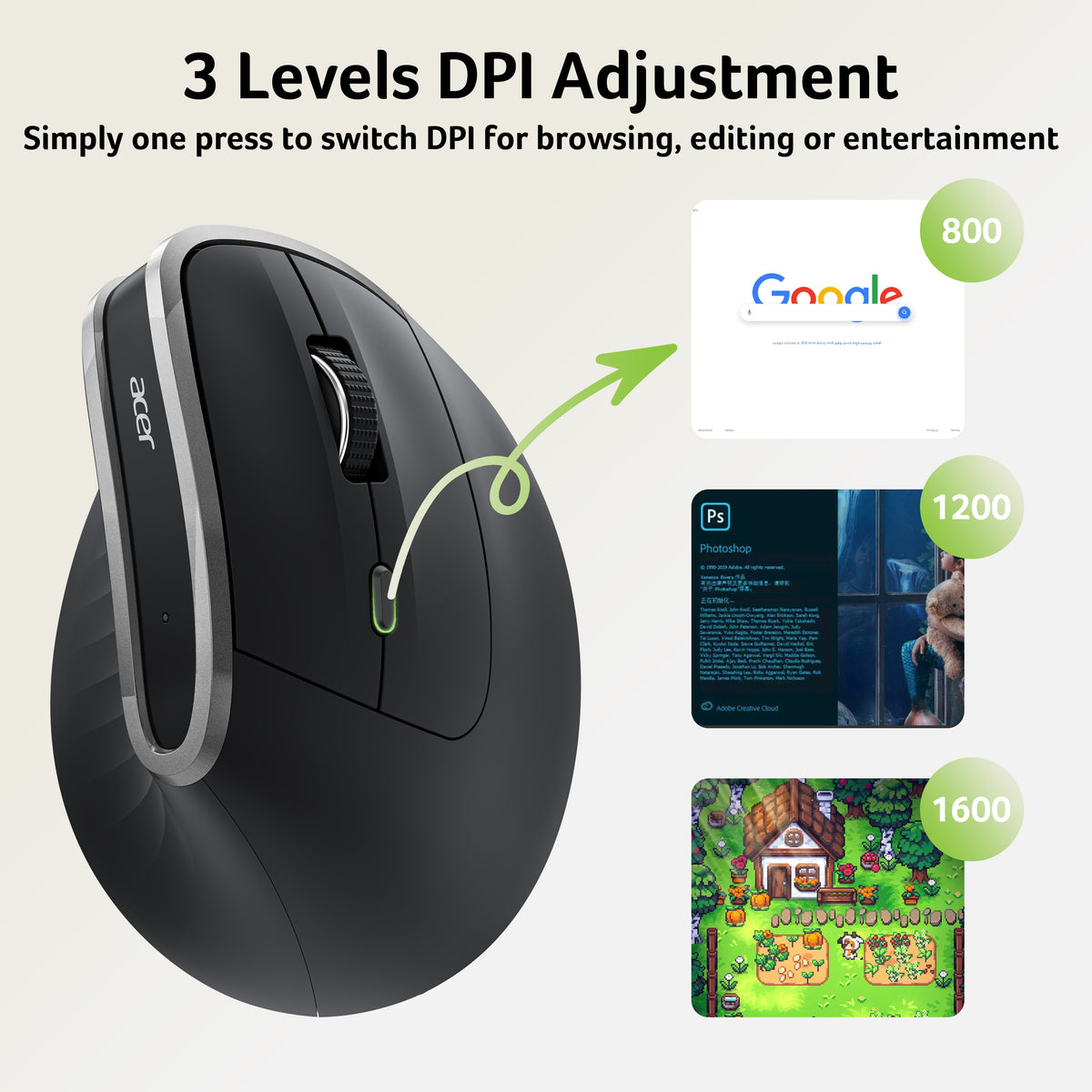
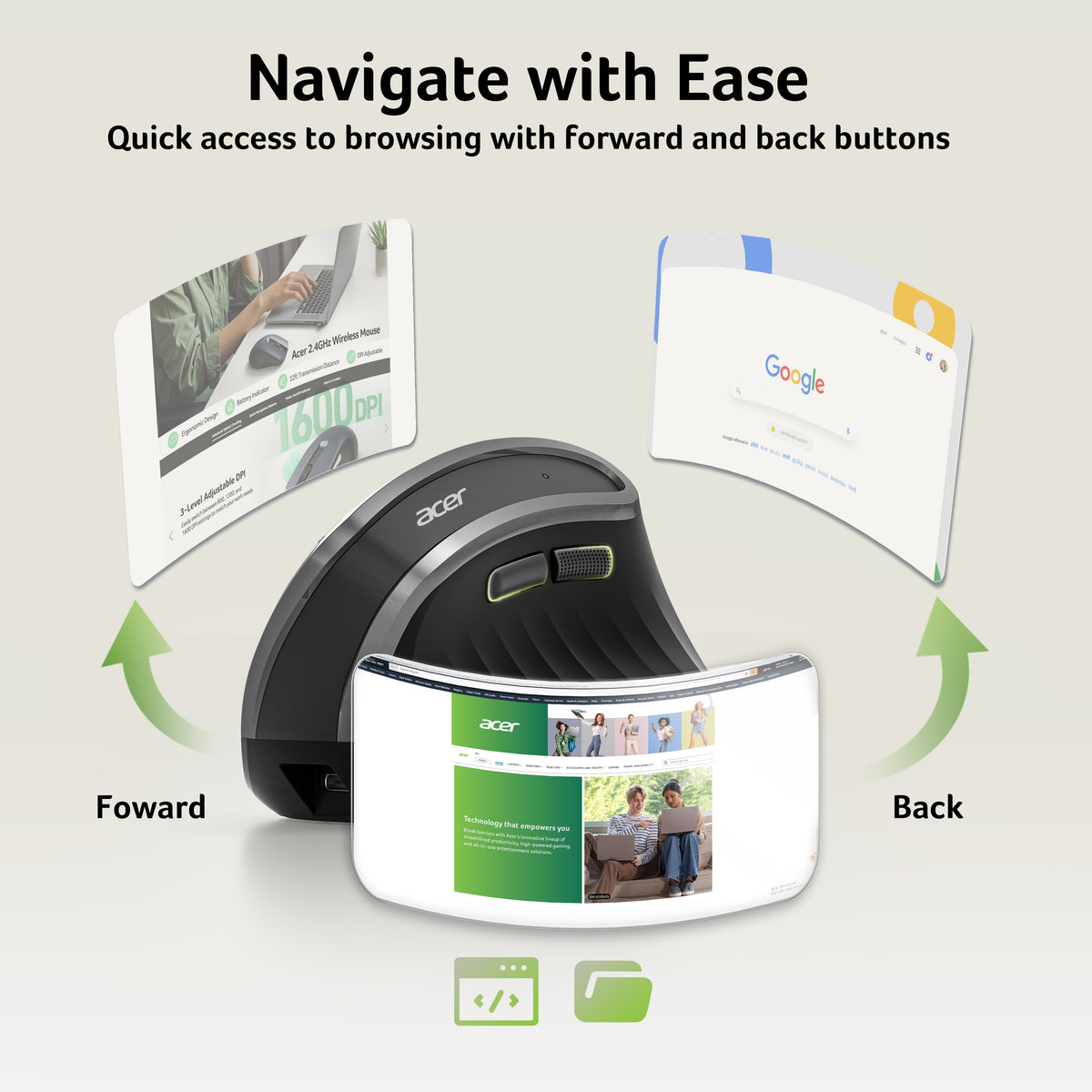
【Adjustable DPI & Quick Navigation】
Choose from 800/1200/1600 DPI settings for precise control. Forward and backward buttons allow faster browsing and file navigation. -
【Compact & Convenient Design】
USB-A receiver stores inside the mouse for easy portability. Automatically enters sleep mode after 10 minutes and wakes with a double click.
【Pre-Use Notice】
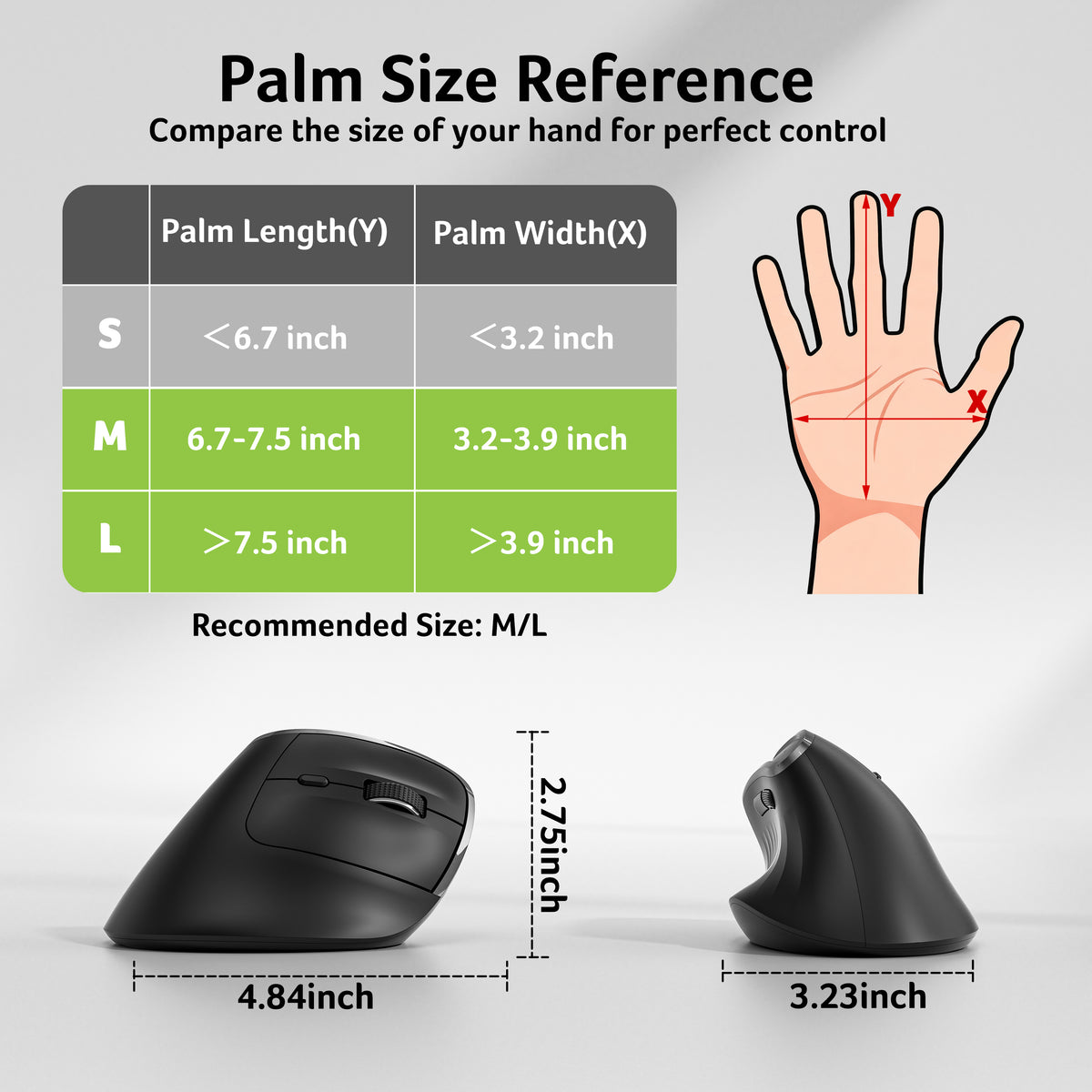
Designed for medium to large hands. Allow 1–2 weeks for your hand to adjust to the 58° vertical ergonomic design. Uses USB-A receiver only (Not Bluetooth, not compatible with Mac).
- Connectivity Technology: USB A
- Additional Features: 58° Vertical Design, 116g (4.1oz), Not compatible with Mac, ONLY USB-A receiver connection (𝐍𝐎𝐓 𝐁𝐥𝐮𝐞𝐭𝐨𝐨𝐭𝐡), Rechargeable, 𝐌𝐞𝐝𝐢𝐮𝐦 𝐭𝐨 𝐋𝐚𝐫𝐠𝐞 𝐒𝐢𝐳𝐞𝐝 𝐇𝐚𝐧𝐝𝐬
- Movement Detection: Optical
- Button Quantity: 6
- Hand Orientation: Right
- Compatible Devices: Laptop, Personal Computer
- Operating System: Chrome OS, Linux, Windows
- Number of Batteries: 1 AA battery required (included)
- Hardware Platform: Laptop, PC
- Power Source: Battery Powered
- Mouse Maximum Sensitivity: 1,600 dots per inch
- Minimum Required Operating System Version: ChromeOS 137, Windows 11
- Range: 10 meters
- Item Dimensions L x W: 4.84"L x3.23"
- WUnit Count : 1 Count


FAQ
Why is my wireless mouse not working?
1. Ensure the mouse is fully charged.
2. Make sure the power switch at the bottom of the mouse is turned on.
3. Ensure the USB receiver is properly connected to your computer.
4. Keep the mouse within 10 meters of your computer for optimal performance.
Why does the ergonomic mouse feel uncomfortable?
1. Switching from a traditional to an ergonomic mouse may require 1-2 weeks of adjustment.
2. Please adjust your grip to allow your palm to naturally fit the curve of the mouse to reduce hand fatigue.
Do I need to install any drivers?
No. The hub is plug and play and works with Windows, macOS, ChromeOS, and Linux.
Why does my wireless mouse occasionally disconnect?
1. Low battery power.
2. The mouse is too far from the computer.
3. There is significant wireless interference around, leading to an unstable signal.
4. Long press the Left & Right Buttons and Scroll Wheel, plug in the USB receiver and re-match the code.
Can this mouse be connected via Bluetooth?
No, it can only be connected with the included USB A receiver