




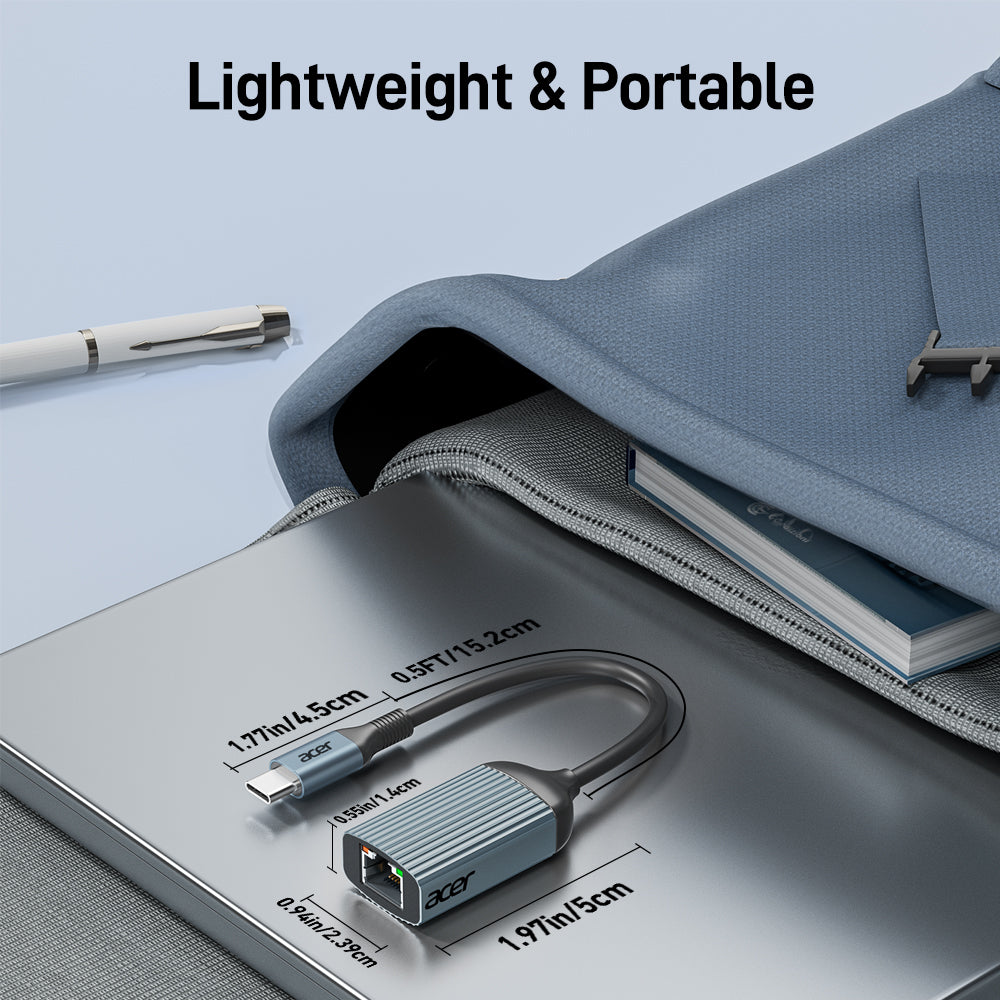
Acer USB-C to Ethernet Adapter | 1Gbps RJ45 LAN Adapter, Thunderbolt 3/4 Compatible
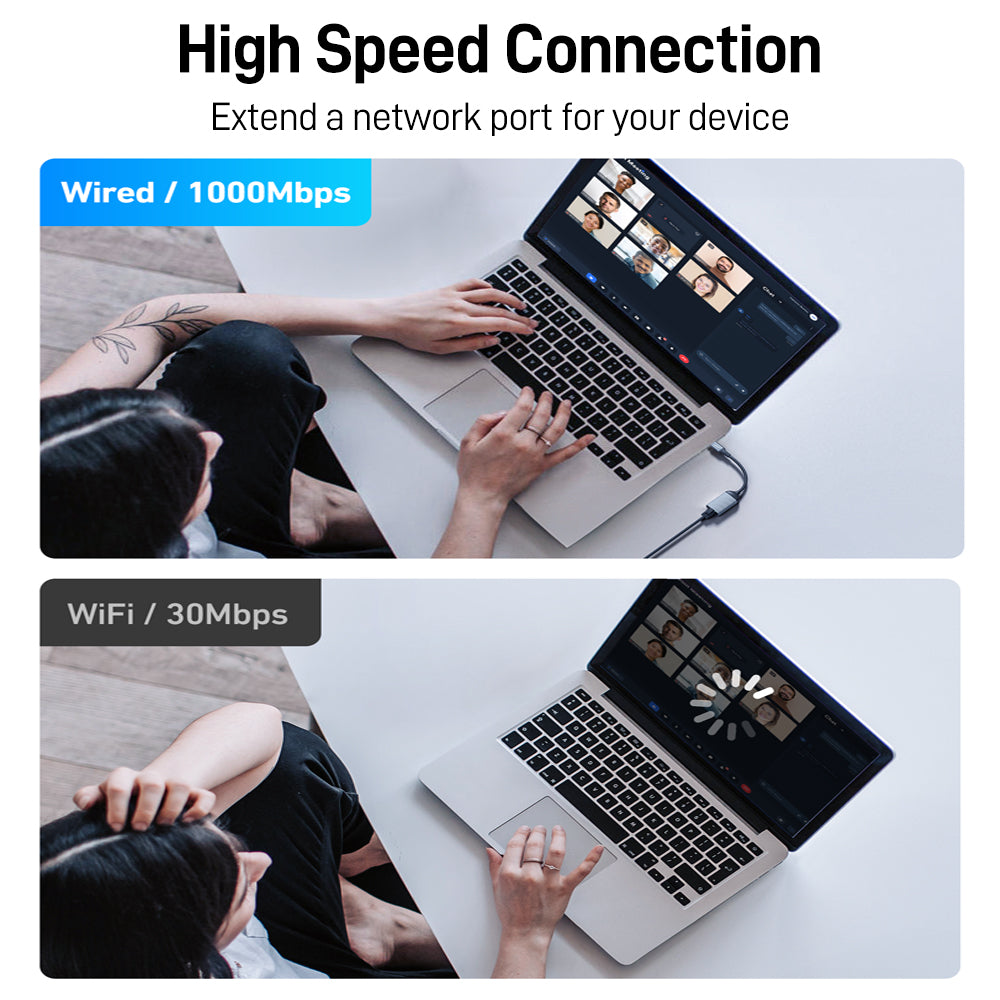
- Wired Connection Solved – No Ethernet port? This USB-C adapter delivers stable, reliable wired internet to laptops, tablets, or phones – no more spotty Wi-Fi.
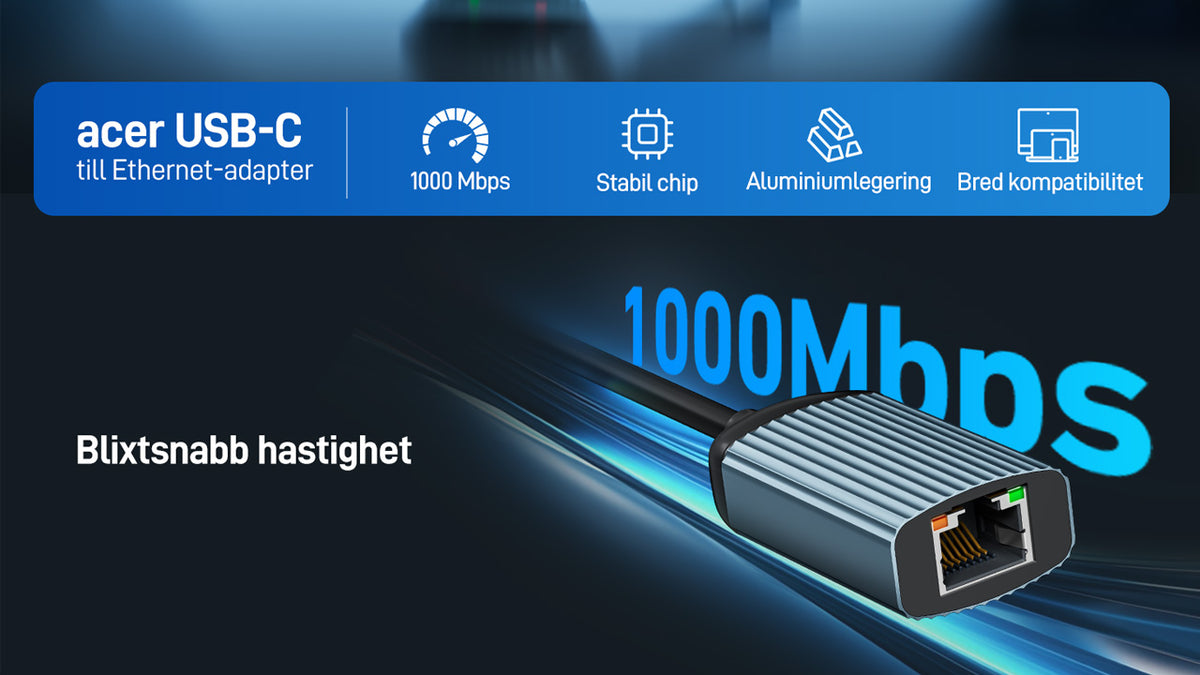
- 1Gbps High-Speed – RTL8153B chip ensures peak performance with low power and reduced heat. Backward compatible with 100/10Mbps. (CAT6+ cable required for 1Gbps.)
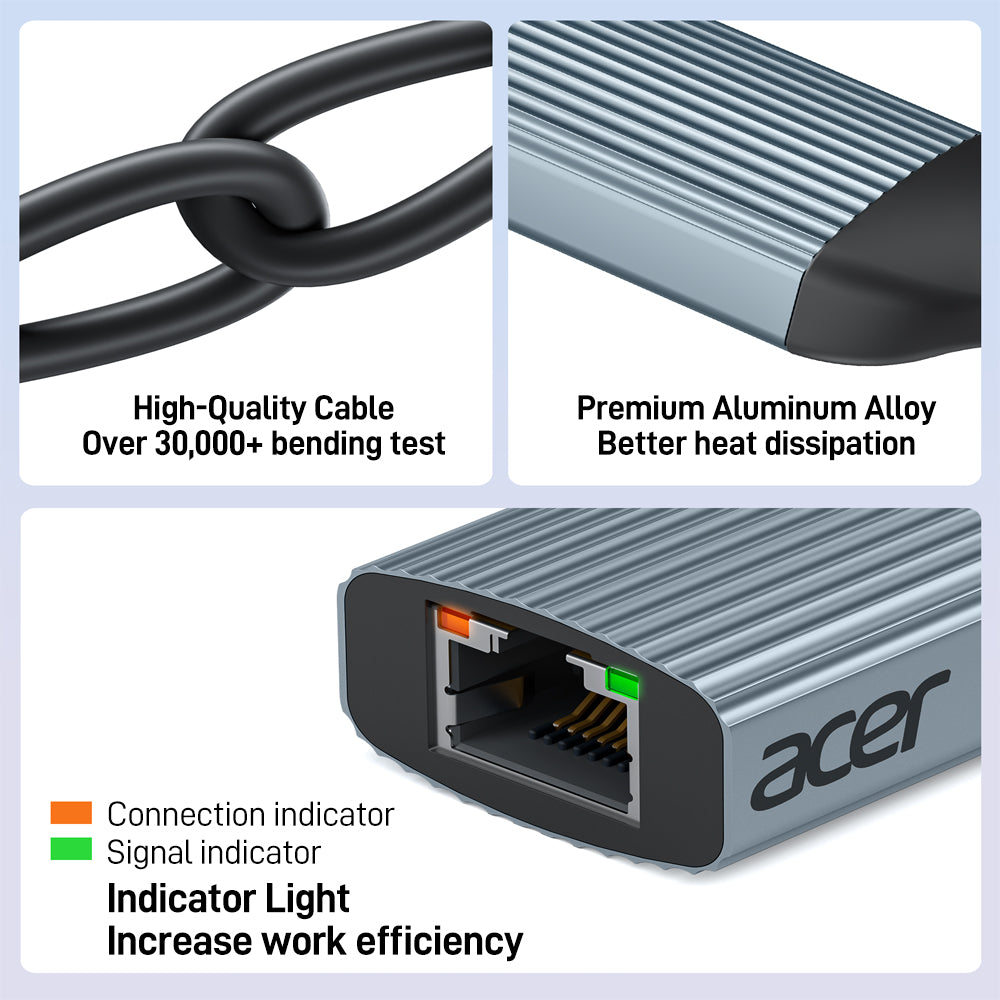
- Durable & Compact – Aluminum housing for heat dissipation. Reinforced ports resist frequent plugging. LED indicators show connection status at a glance.
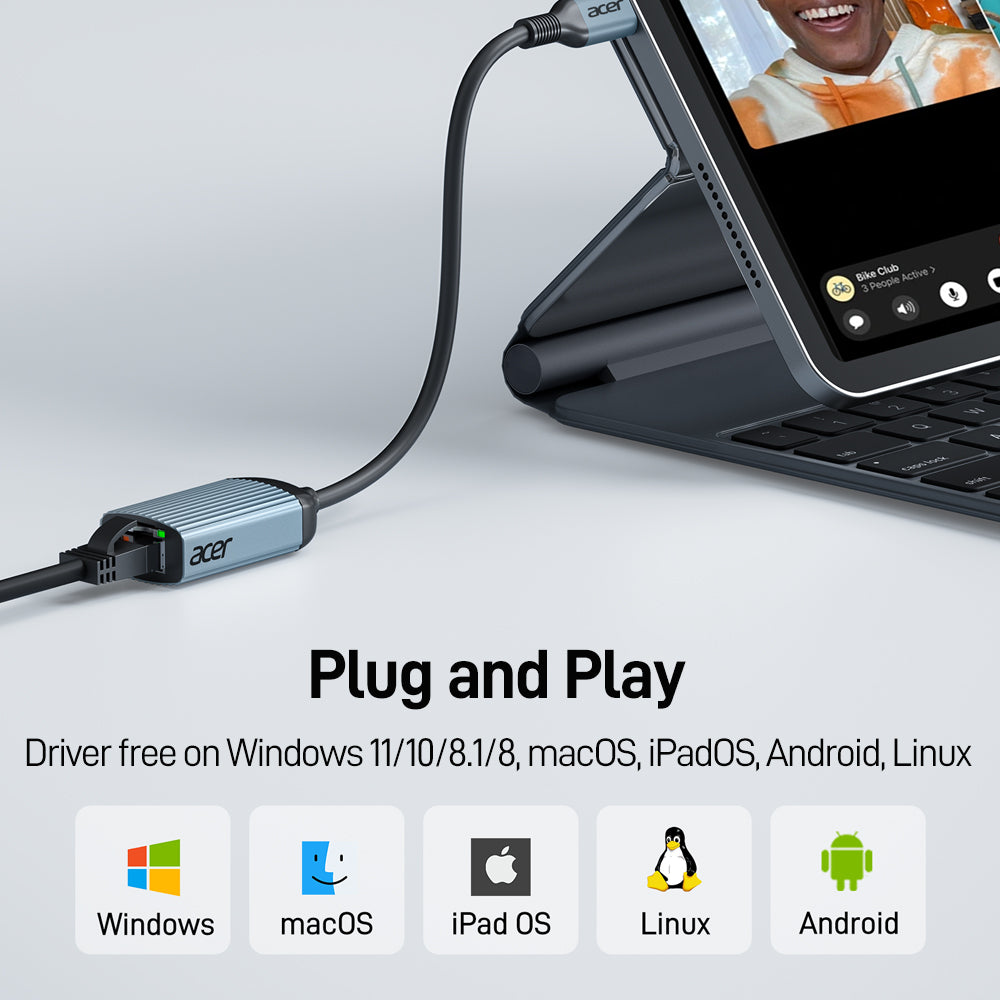
- True Plug & Play – No driver or software needed. Just plug in and surf – perfect for work, meetings, gaming, streaming, and more.
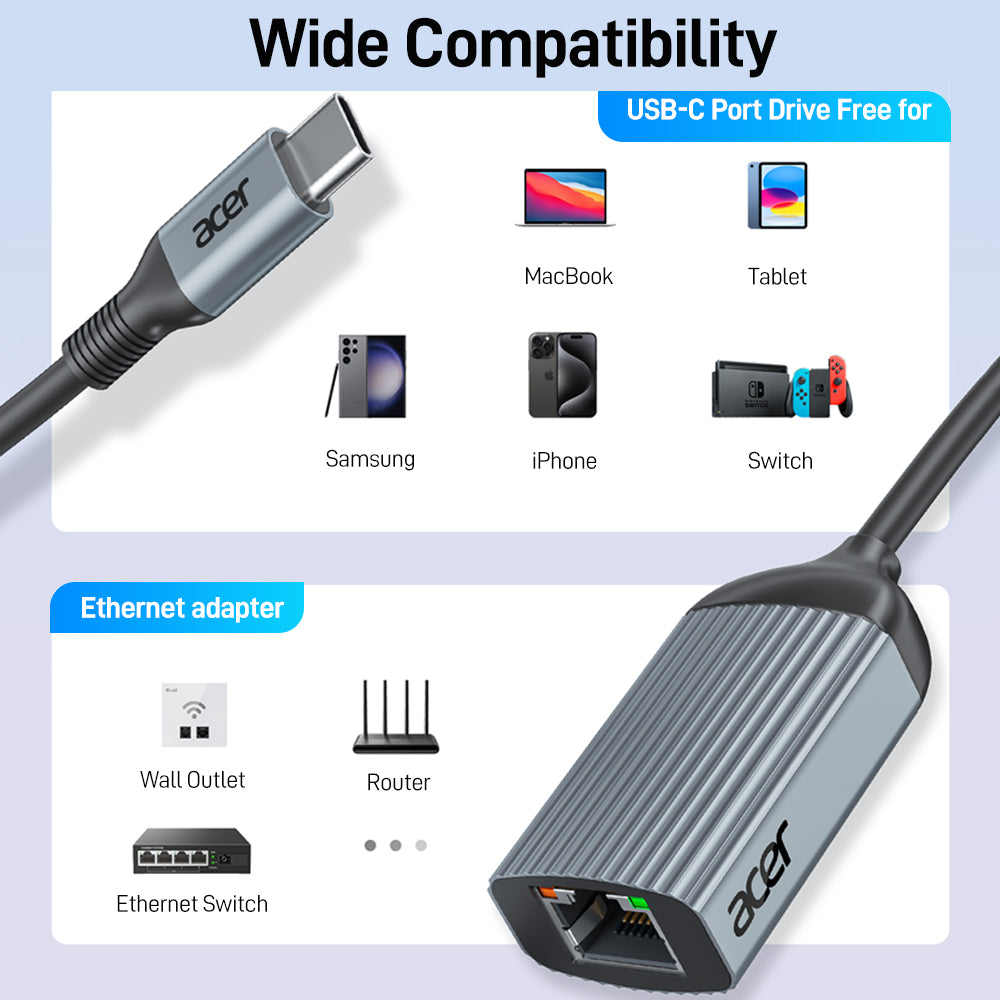
- Wide Compatibility – Works with iPhone 15 Pro/Max, MacBook, MacBook Pro/Air, iPad Pro, Dell XPS, Surface, Chromebook, Samsung Galaxy S23–S20/Note/Tab, and most USB-C laptops, tablets, and phones.
- 12-Month Warranty – Includes adapter + 24/7 customer support. Most issues resolved within 12 hours.
- Hardware Interface: USB Type C
- Compatible Devices: iPhone 15 Pro/Max, MacBook Neo, MacBook Pro 2023–2016, MacBook Air 2022–2018, MacBook 2017–2015, iPad Pro 2022–2018, iPad Air 4 / 5, Samsung S22 / S21, Samsung Tab S8 / S7, Chromebook, Dell XPS, HP Spectre 13 / x360
- Data Link Protocol: Gigabit Ethernet, Ethernet
- Data Transfer Rate: 1 gigabit per second
- Compatible Operating System Family: macOS
- Minimum Required Operating System Version: Mac OS 10.12 Sierra
- Item Dimensions L x W x H : 3.15"L x 0.67"W x 5.04"H
- Item Weight: 40 g



FAQ
Why is my Acer USB-C Ethernet Adapter not working?
Please check:
1.Confirm your USB-C port supports USB 3.0 or higher.
2.Make sure your device supports Ethernet connection through USB-C.
3.Check that the Ethernet cable is connected properly.
4.Confirm the USB-C port works correctly and the adapter indicator light is active.
5.Some systems may require a driver installation.
Why can't I reach 2.5Gbps speed?
The actual network speed depends on your complete network setup.Please ensure:Your device supports USB 3.0 or higher .Your Ethernet cable is CAT6 or above . Your router/network equipment supports 2.5Gbps . Your internet bandwidth supports the required speed.
Does this adapter support charging?
No.This adapter is designed only for Ethernet network connection and does not support device charging.
Is it normal if the adapter becomes warm?
Yes.The adapter may become warm during continuous data transmission. This is normal operation.The aluminum housing helps with heat dissipation.
Will it work after a macOS update?
If connection issues occur after a macOS update:Restart and reconnect the adapter. Check macOS network settings. Follow Apple's recommended troubleshooting steps if needed.