



Acer 11 in 1 USB C HUB Multiport Adapter 10Gbps, 4K@60Hz HDMI
-
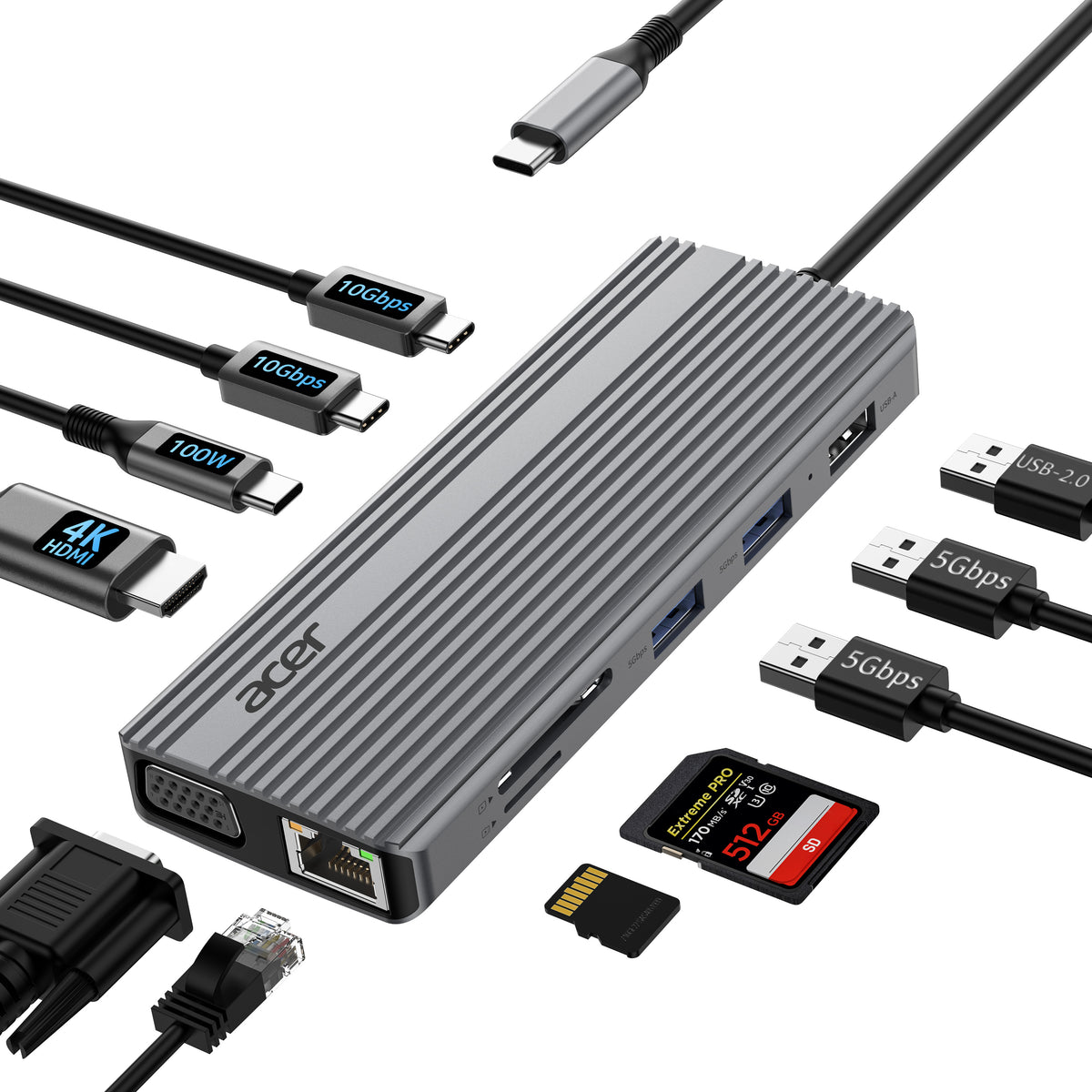
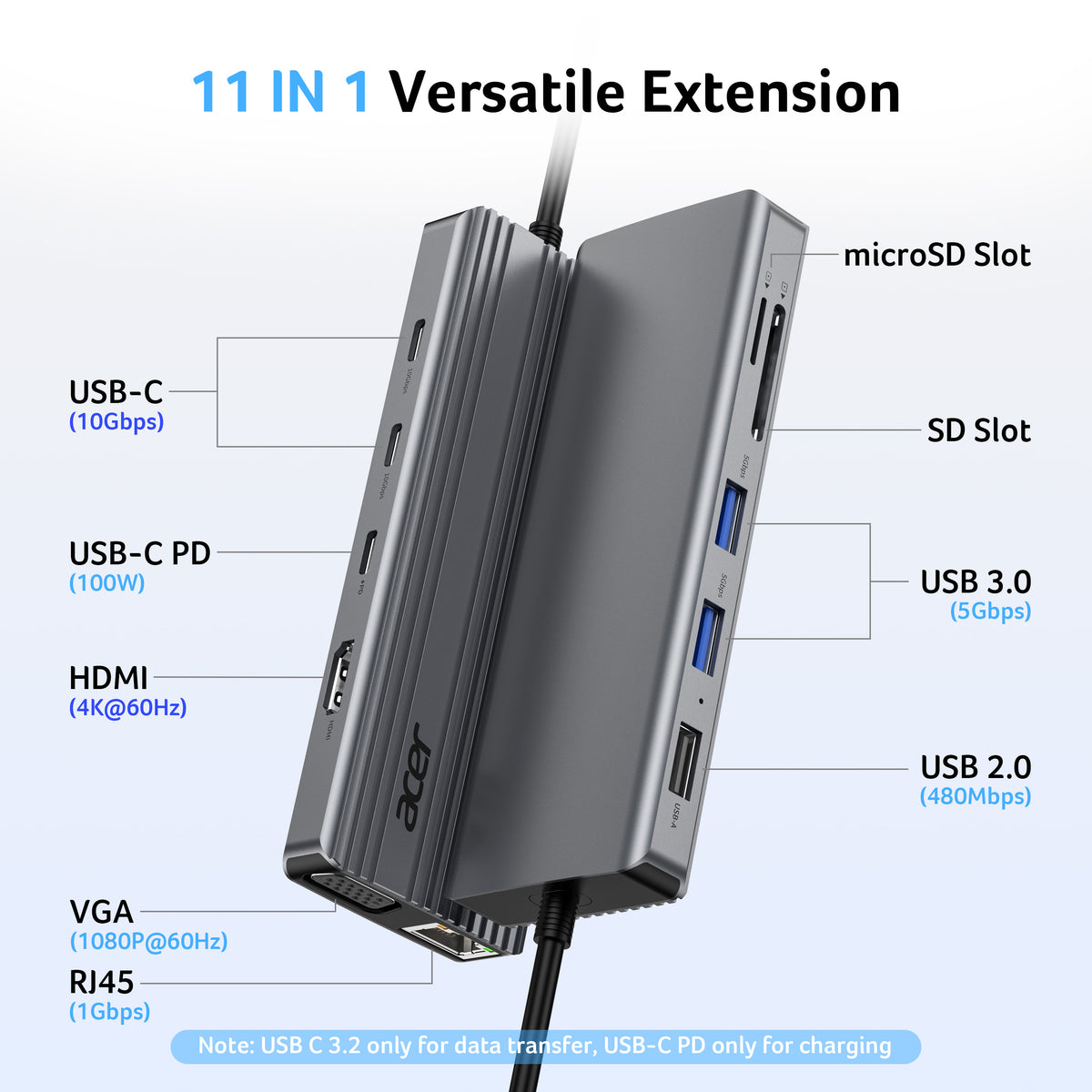
11-in-1 Versatile USB C Adapter
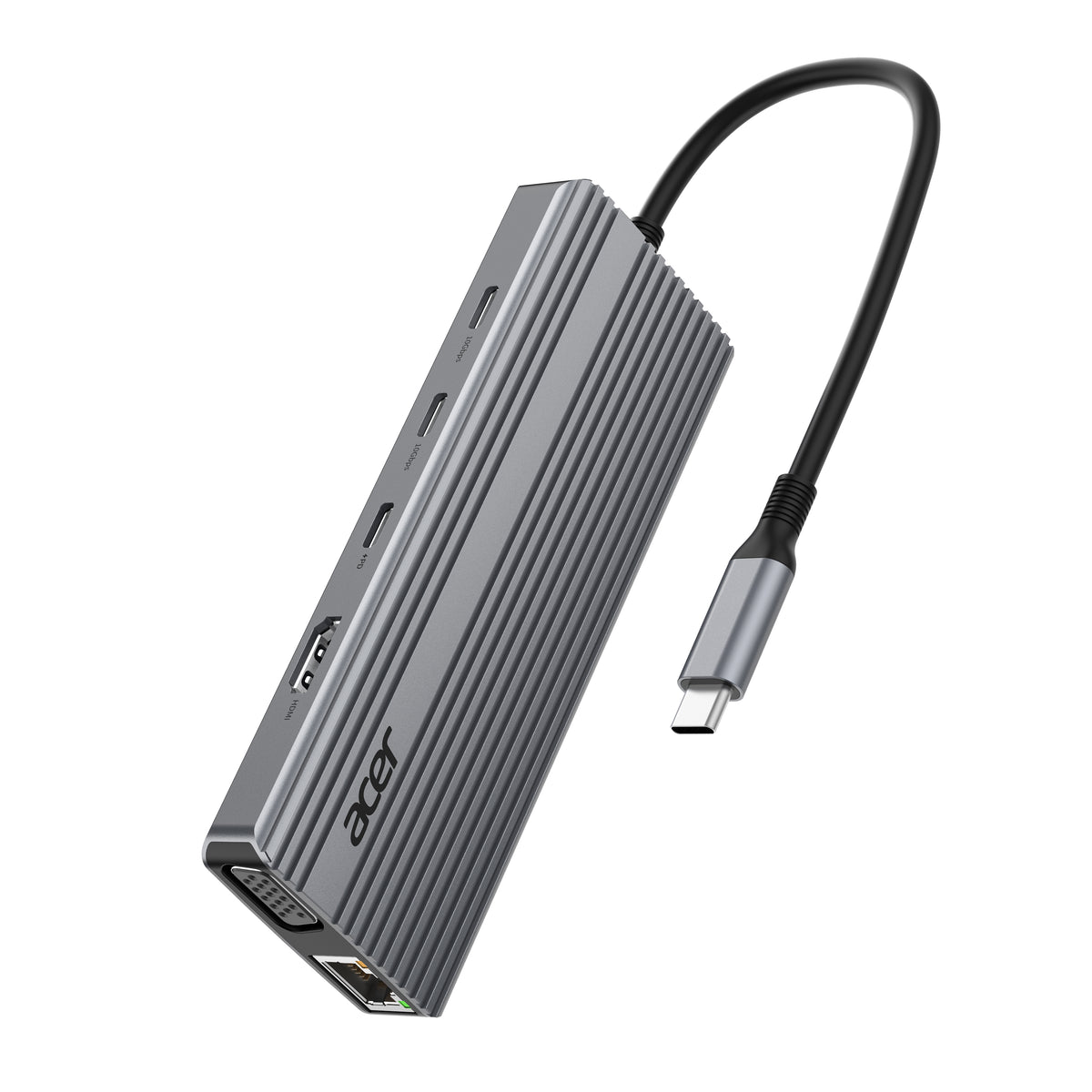
Boost productivity with this USB C 3.2 hub, featuring 4K@60Hz HDMI, 1080P VGA, 2x USB-C (10Gbps), 2x USB-A (5Gbps), USB 2.0, 100W PD charging, 1Gbps ethernet and SD/Micro SD slots (104Mbps). This USBC hub perfect for work from home, office or travel. Note: Please connect the power supply with the PD port with 100W charger for optimal performance.
-
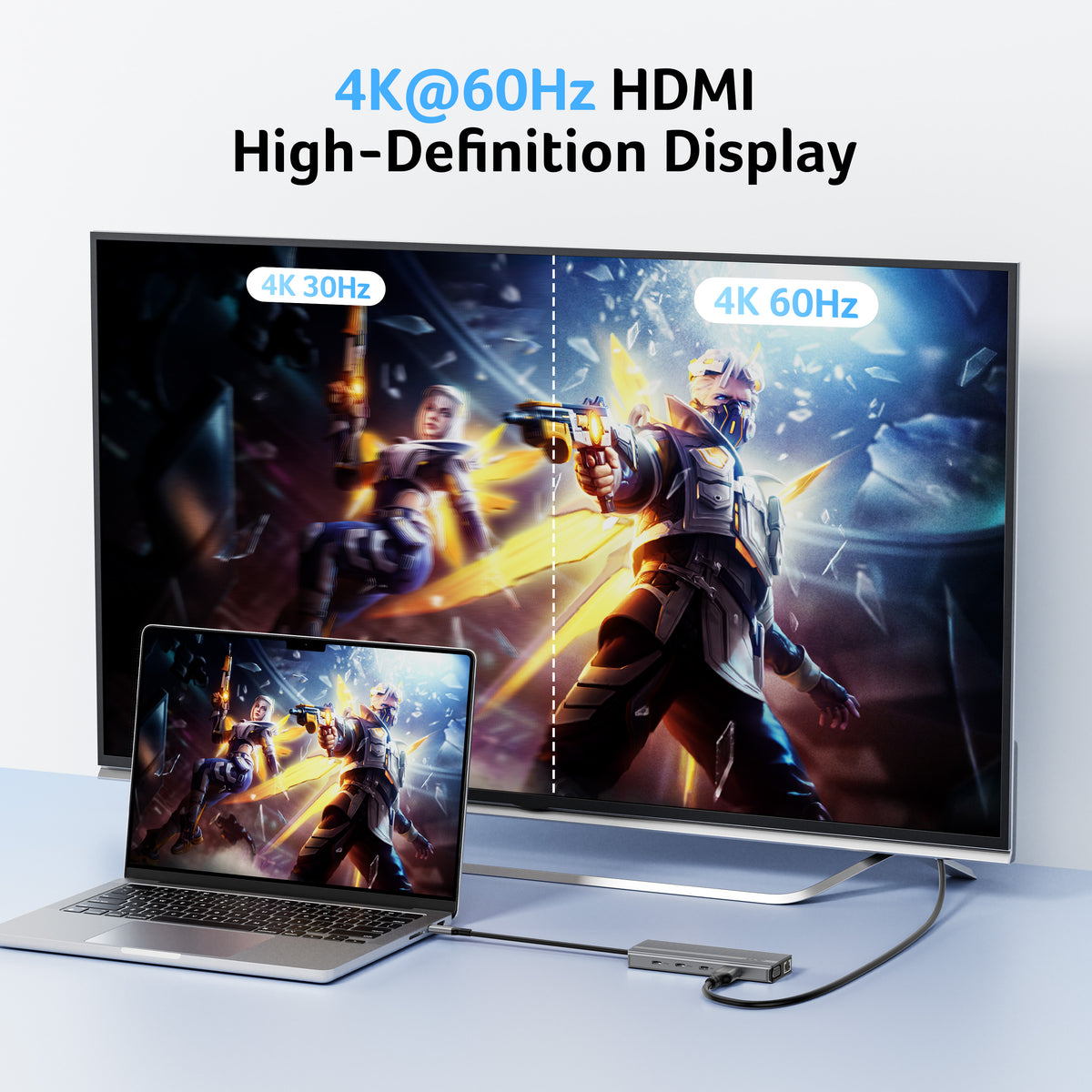
Stunning 4K@60Hz Display
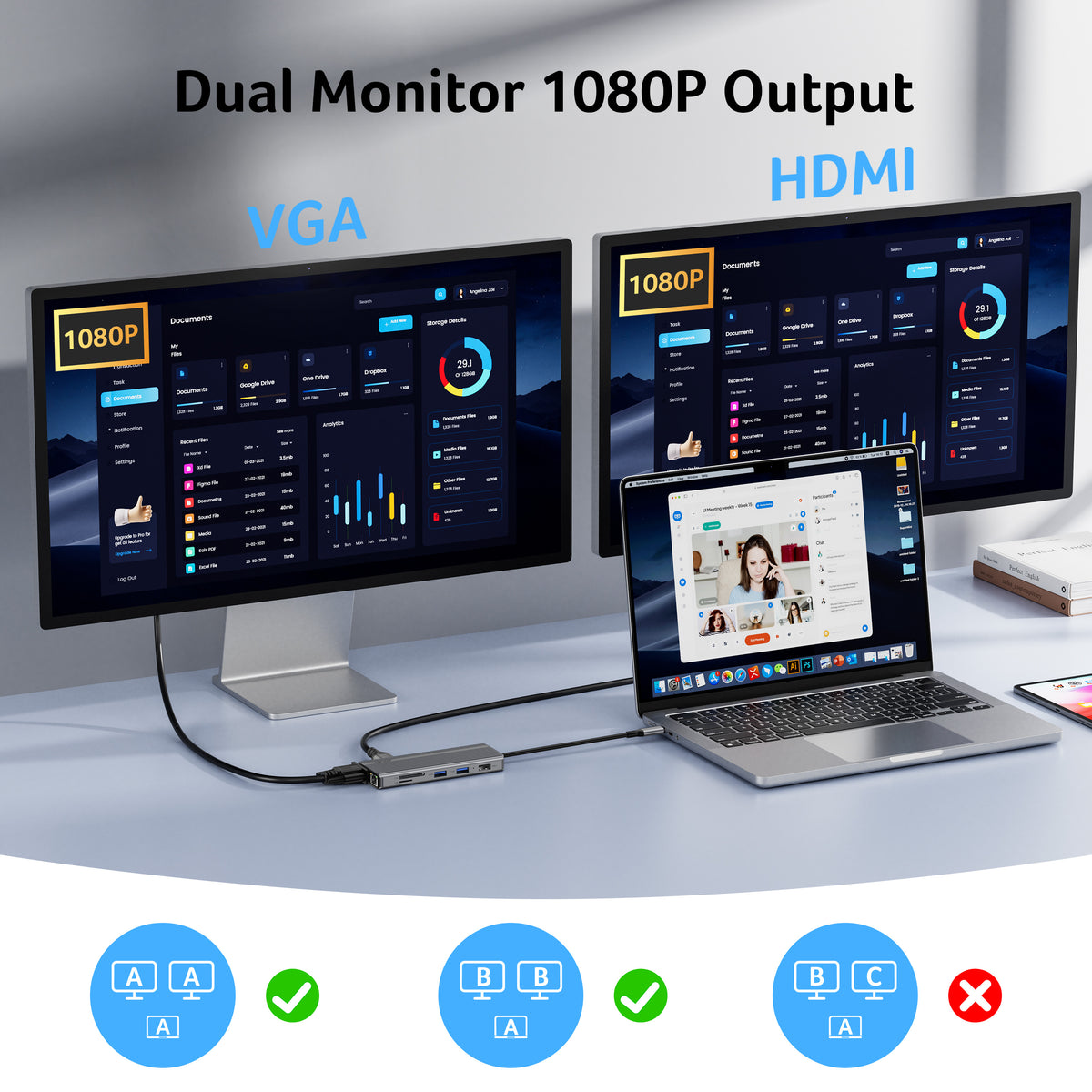
When used with VGA, the USB C to HDMI adapter hub can achieve dual-screen display up to 1080P@60Hz, supporting mirror mode (A-AA) and extended mode (A-BB). It unlocks ultra-high definition 4K@60Hz quality, delivering lifelike clarity for movies, lag-free gameplay, and crystal-clear video conferences.Note: USB-C devices must support DP Alt Mode for video transmission and take some time checking each signal source.
-
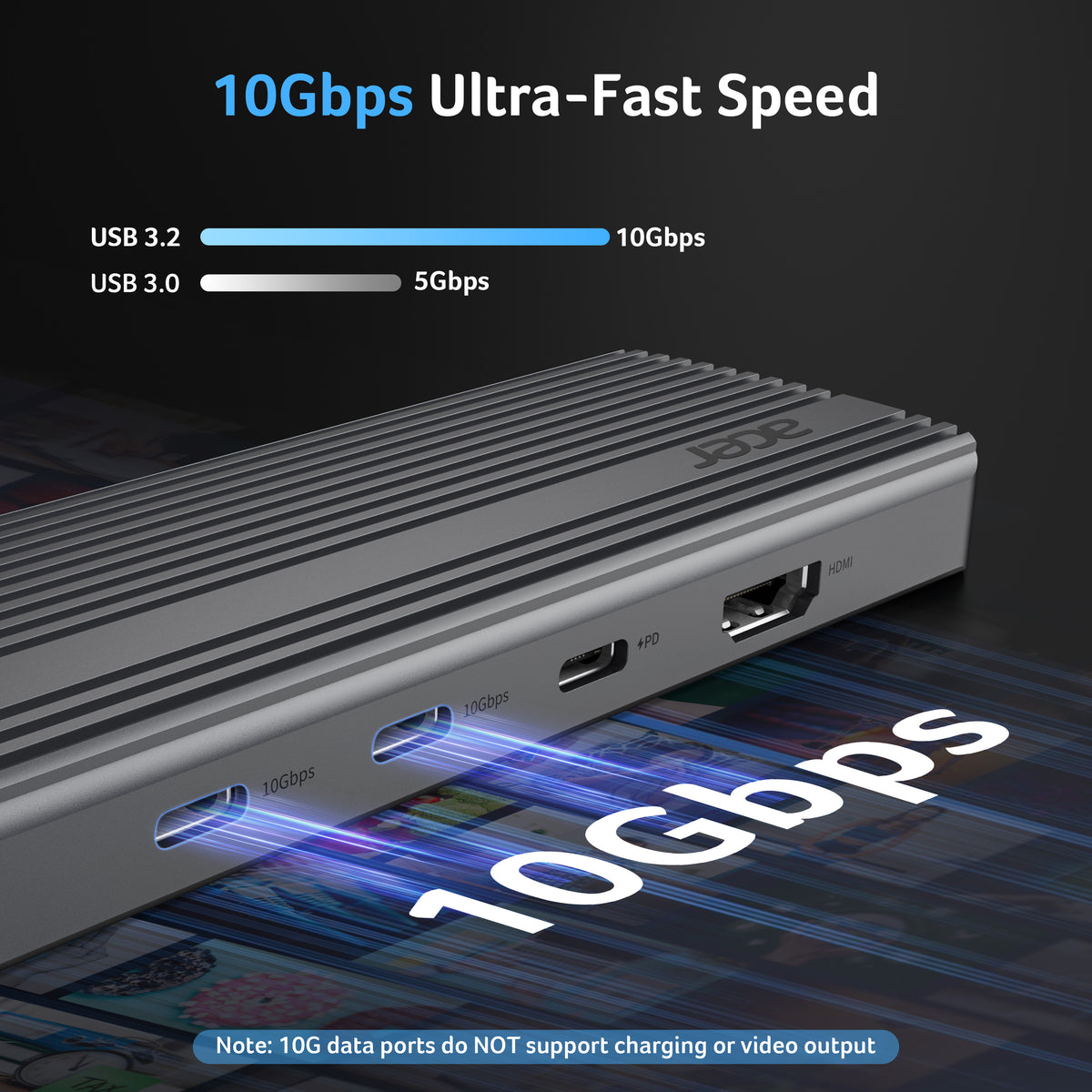
10Gbps Seamless Speed Transfers
Experience ultra-fast 10Gbps file transfers—send large data in seconds with effortless speed and reliability. Plus, USB-A 3.0 (5Gbps) and dual SD/Micro SD card readers (104Mbps)—perfect for photographers and professionals.
-
Ultra-Fast 100W PD Port
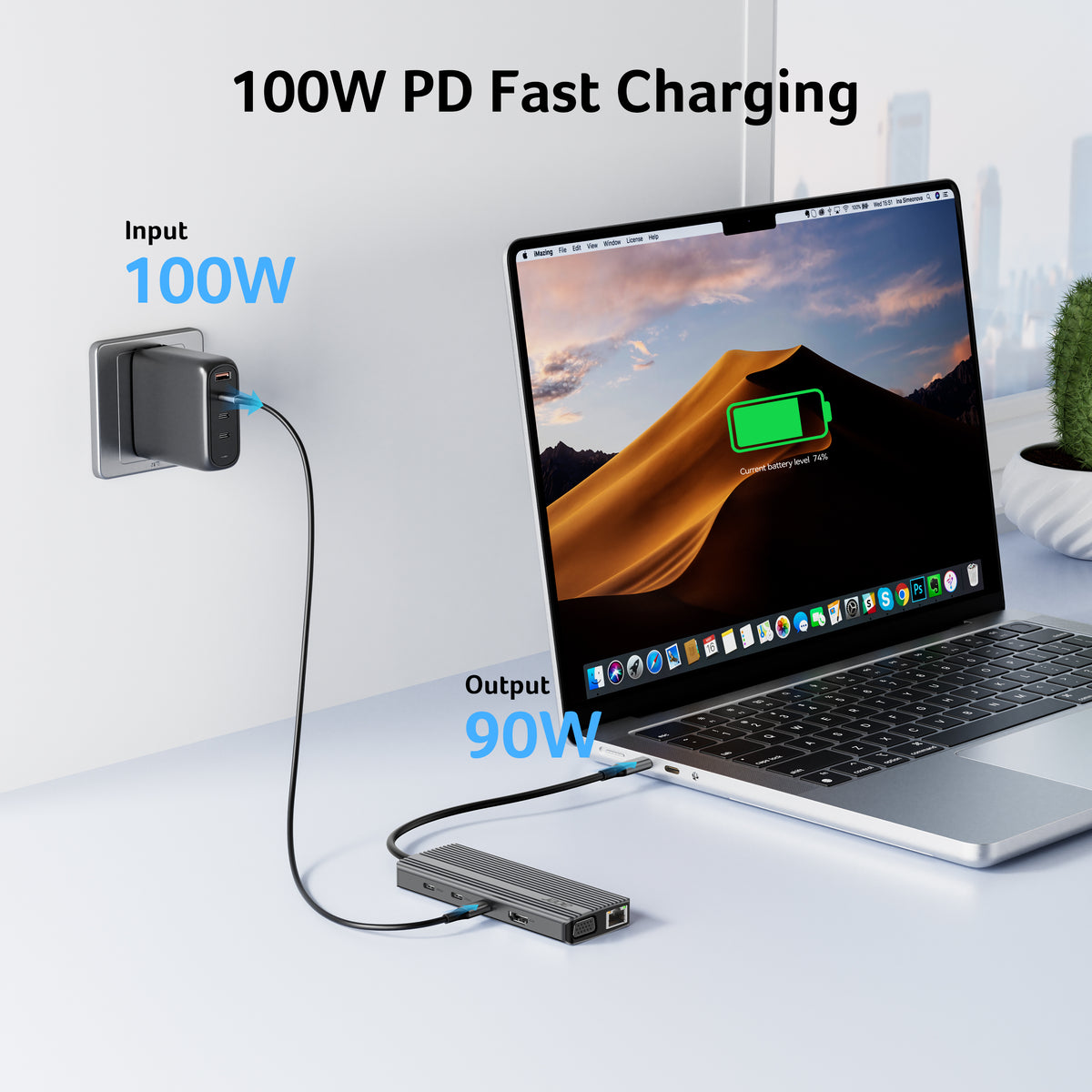
This USB C splitter features a high-power 100W USB-C PD port, delivering fast charging for your MacBook Pro/Air and other USB-C devices (90W output). Note: Use a 100W charger and ONLY charge the host device.
-
Fast and Stable Ethernet
Boost your network performance with this USB C hub ethernet, ensuring reliable 1000Mbps speeds (Backward compatibility 10/100Mbps) for seamless work, gaming, meetings, online classes, and high-definition video uploads/downloads.
- Hardware Interface: Ethernet, HDMI, MicroSD, USB Type C, VGA
- Additional Features: 10Gbps USB-C Data Port, 4K@60Hz HDMI 【NOT Dual HDMI】, 1000Mbps Ethernet, 100W PD Port【Charger Not Included】, 1080P VGA
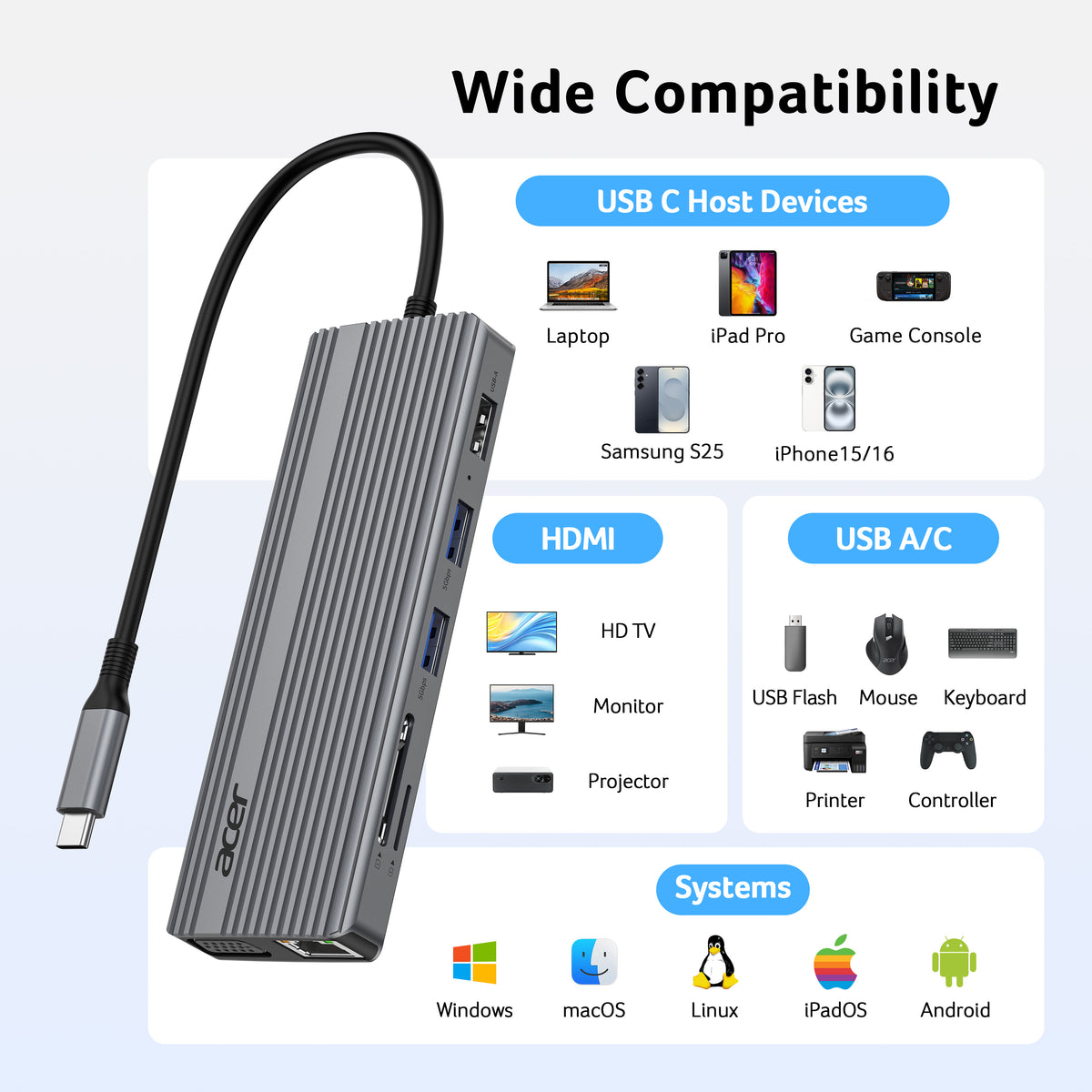
- Compatible Devices: Broadly compatible with Windows and MacBook computers with USB-C, featuring DP Alt Mode, PD charging, USB4, and Thunderbolt 3/4/5 support.
- Total USB Ports: 4
- Data Transfer Rate: 10 gigabits per second
- Number of Ports: 11
- Operating System: Chrome OS, Linux, Mac OS, Windows
- Item Dimensions: 7.48"L × 5.39"W × 0.79"H
- Item Weight: 145g


FAQ
Why is there no image output from the HDMI or VGA port?
First, make sure your laptop's USB-C port supports DisplayPort Alternate Mode (DP Alt Mode) and video output. Then check that the USB-C connection is secure, select the correct HDMI or VGA input source on your monitor, and adjust your laptop's display resolution if necessary. Initial HDMI recognition may take a few seconds.
Can I extend my desktop across two monitors using HDMI and VGA?
No. When using the HDMI and VGA ports simultaneously, the two external monitors will display the same content (mirror mode) rather than two independent extended desktops. If you need different content on each monitor, please confirm that your computer and adapter support extended dual-display output before purchasing.
Why isn't my laptop charging through the PD port?
First, connect a compatible power adapter to the adapter's PD port, then connect the adapter to your laptop's USB-C port. Make sure your laptop's USB-C port supports charging and that your charger and cable support the PD protocol and up to 100W power delivery. If charging still does not work, disconnect the adapter from your laptop and reconnect it after connecting the power source.
Which devices are compatible with this USB-C adapter?
The adapter works with USB-C 3.1 or Thunderbolt 3/4 ports that support DisplayPort Alternate Mode. Compatible devices include selected MacBook, iPad, iPhone 15/16 series, and Samsung Galaxy devices with supported USB-C display functionality. Samsung Galaxy devices may require Samsung DeX Mode. Please check your specific device's USB-C capabilities before purchasing.
Can I use this adapter with an iPhone, iPad, gaming console, or other USB-C device?
Compatibility depends on the device's USB-C protocol. Lightning iPhones/iPads, Xbox, PS5/PS4, GoPro, CarPlay, and devices without DP Alt Mode are not compatible. Some USB-C smartphones, including certain Motorola, Pixel, OnePlus, Huawei, and Xiaomi models, may also not support the required display protocol. Please verify DP Alt Mode support before purchase.