

Acer 13-in-1 USB-C Docking Station | Triple HDMI 4K@60Hz, 10Gbps & 100W PD
-
Versatile Docking Station
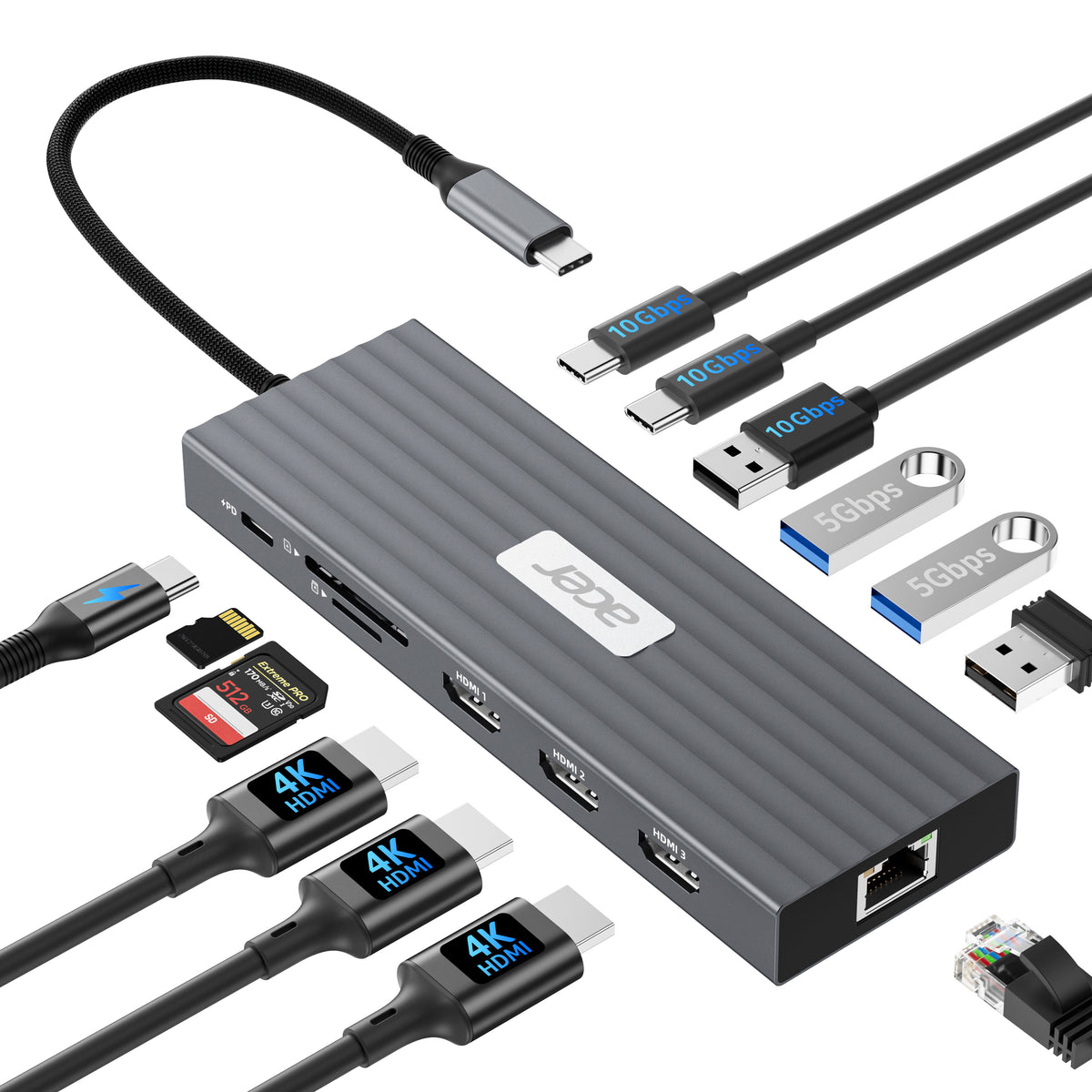
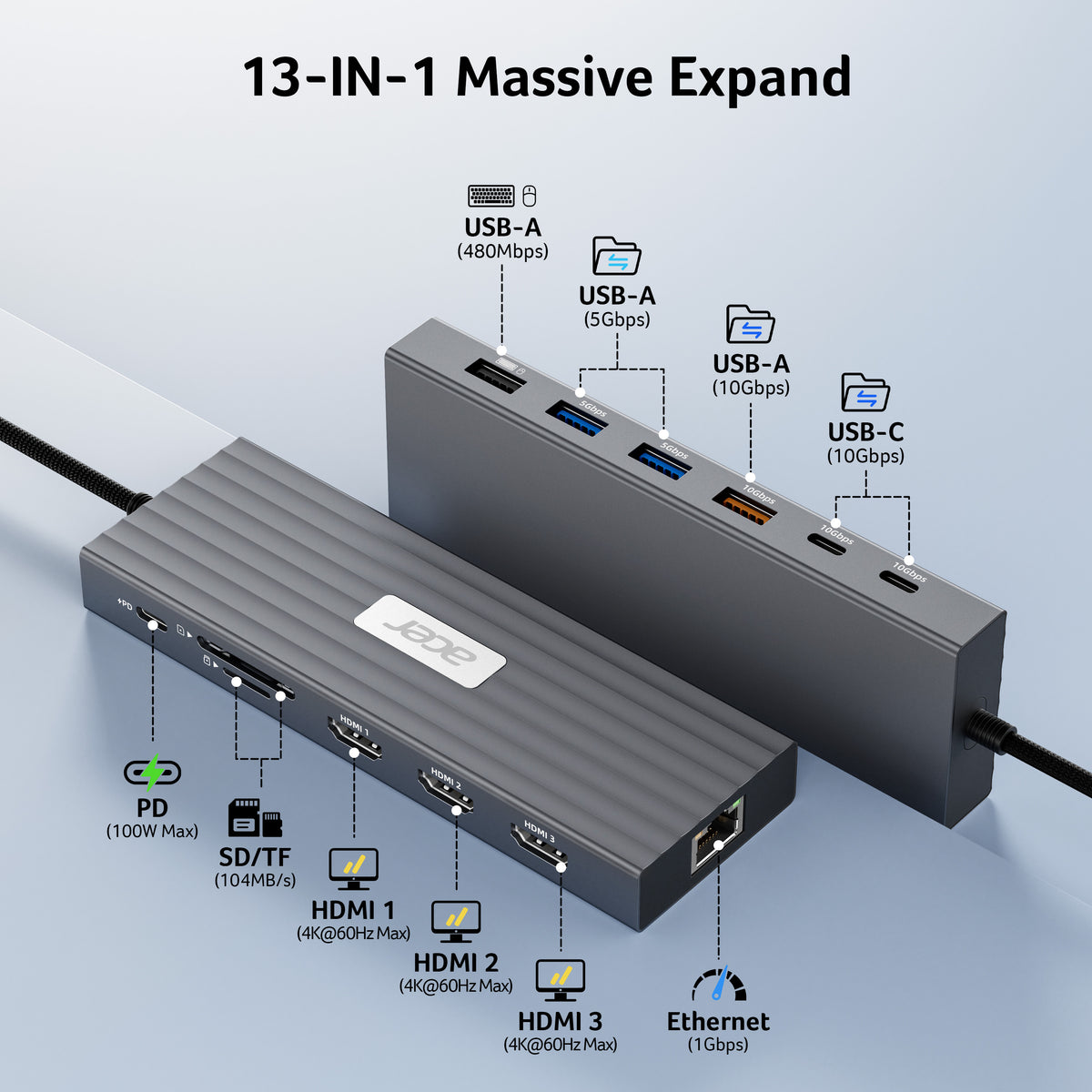
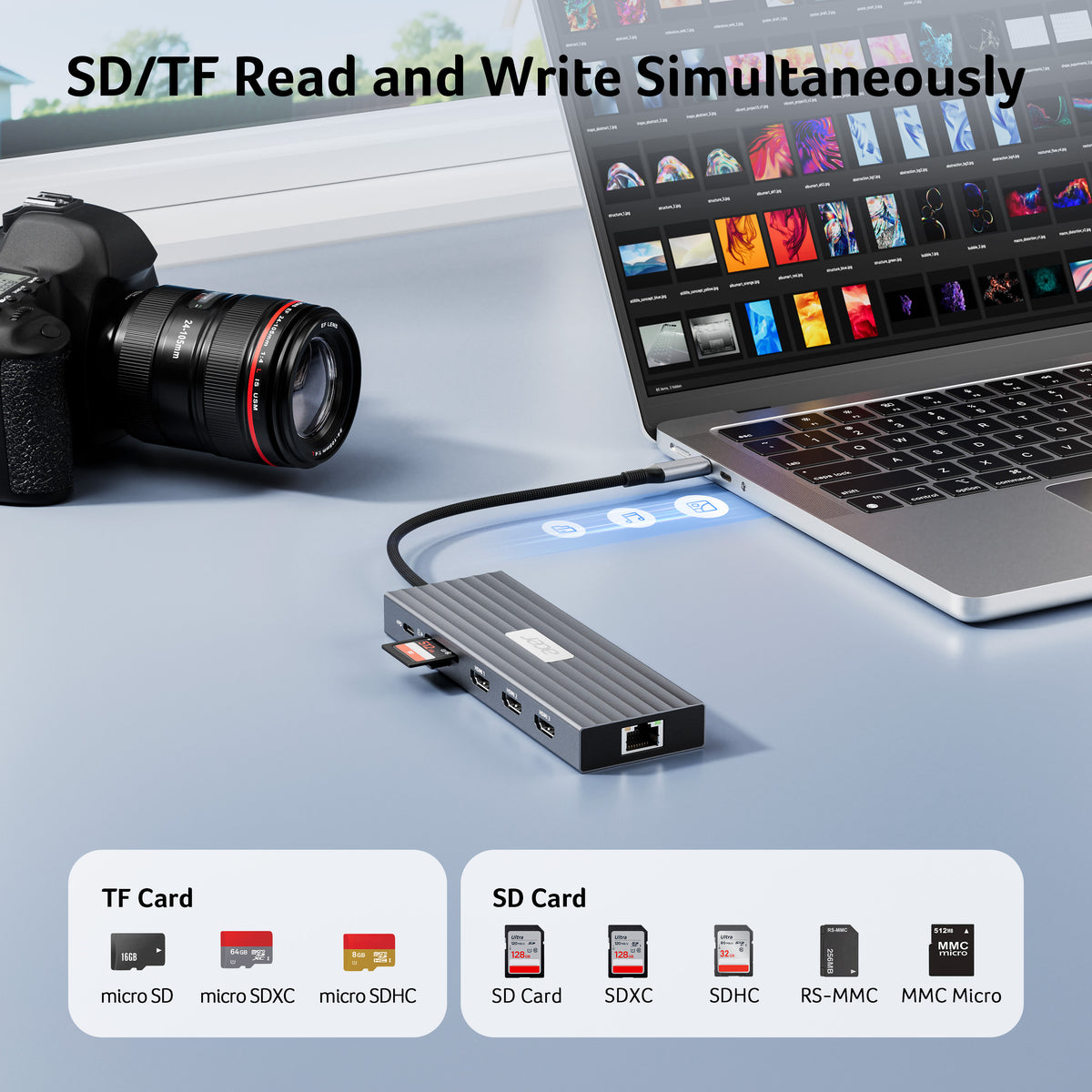
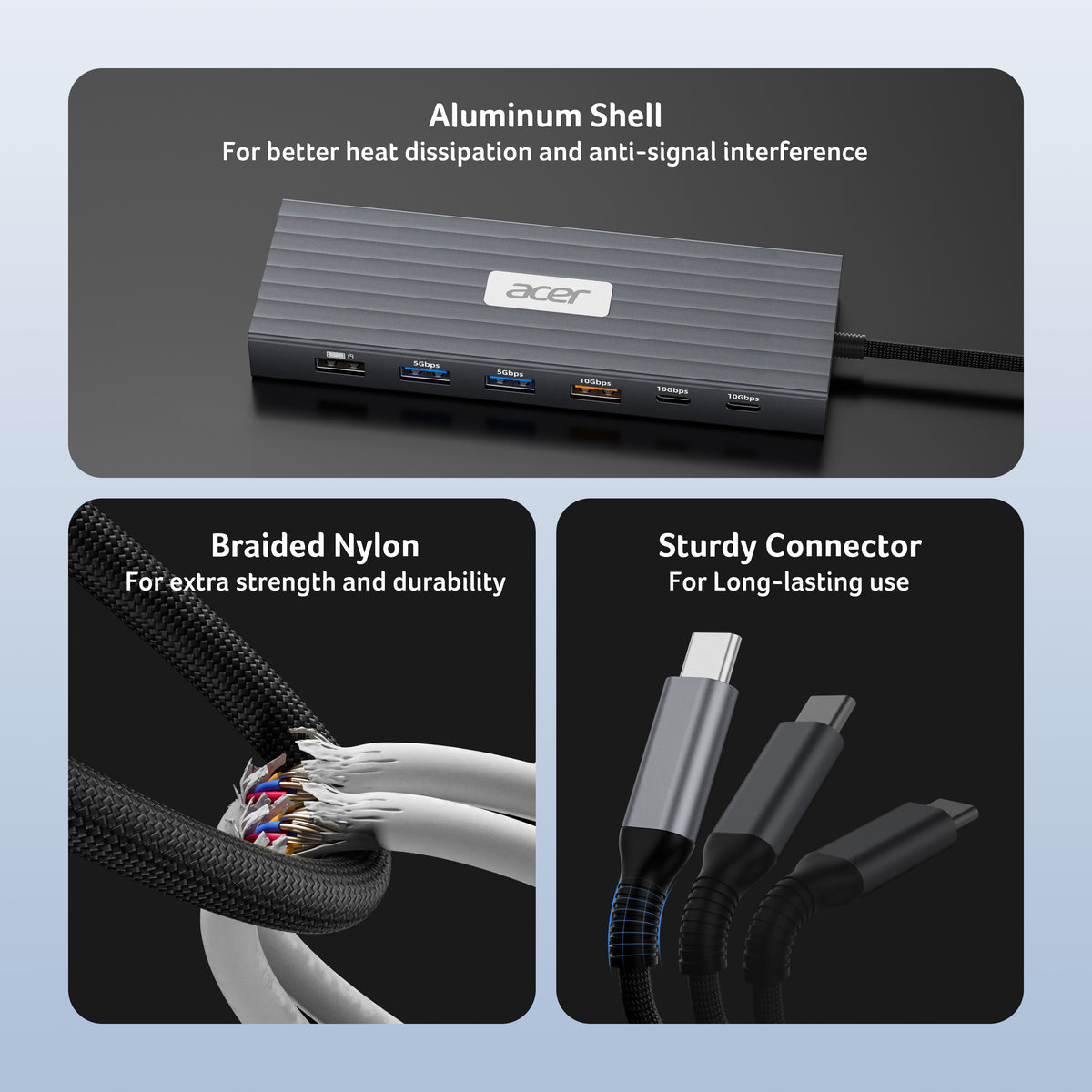
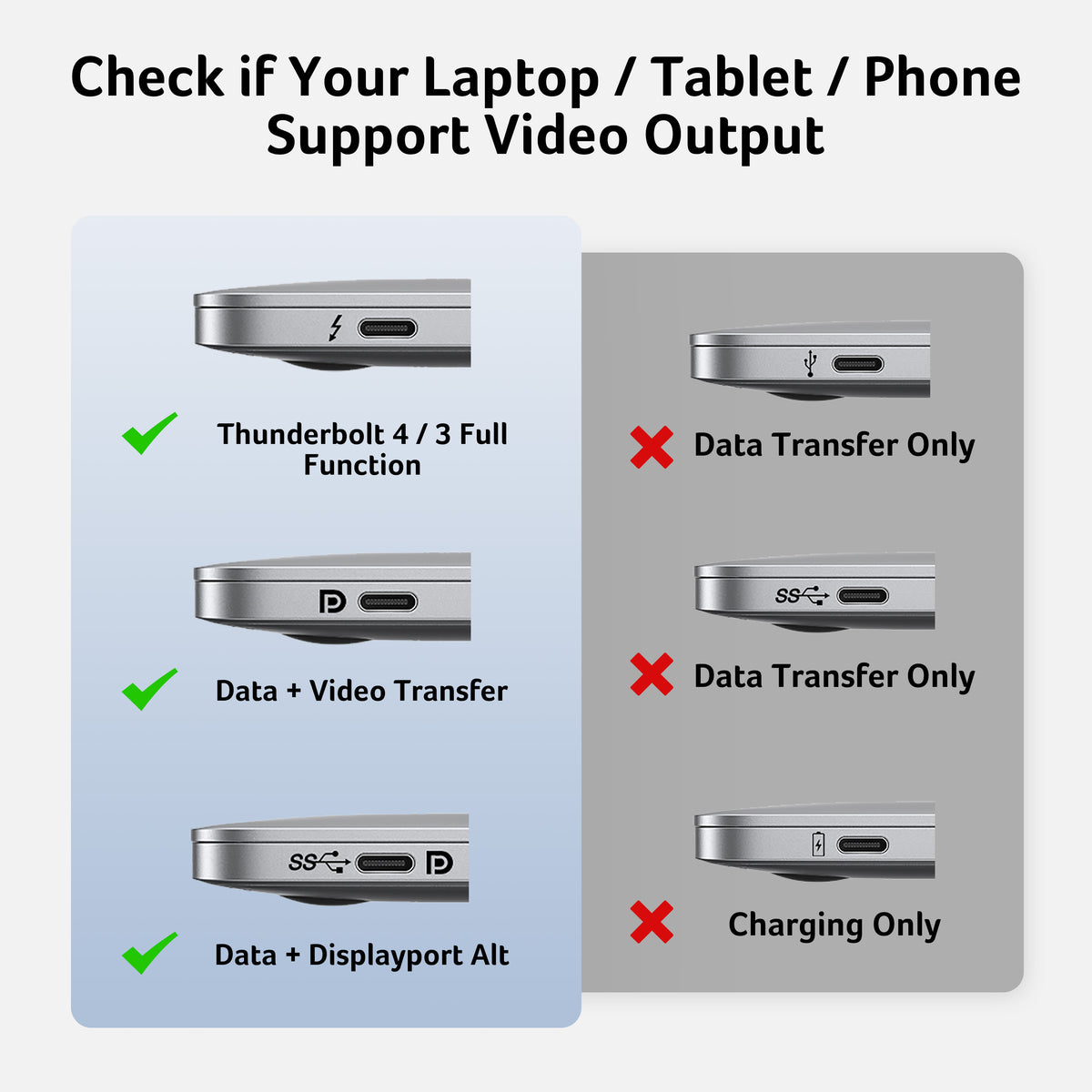
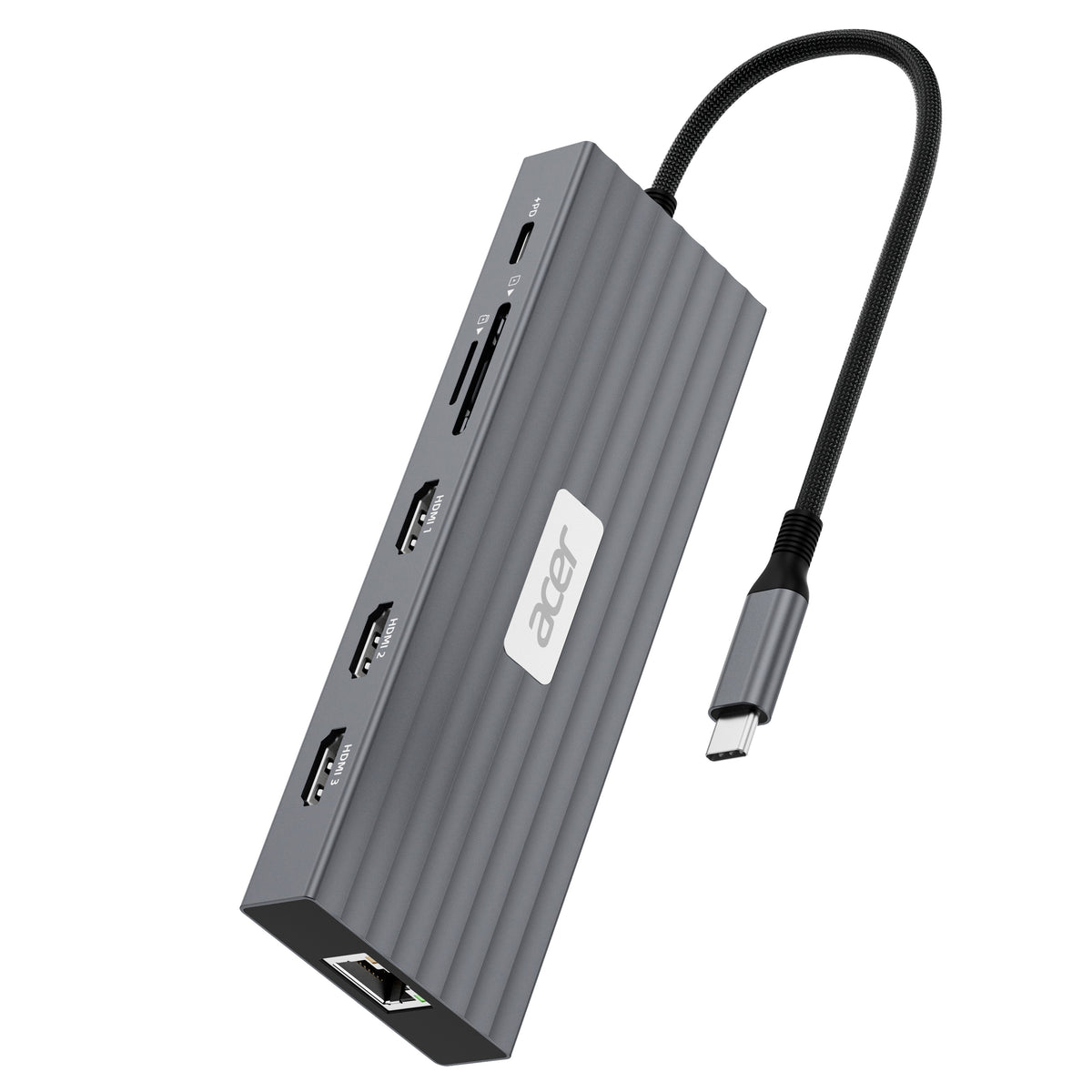
This Acer USB C docking station features 3 HDMI (4K@60Hz), 2 USB-C (10Gbps), 1 USB-A (10Gbps), 2 USB-A (5Gbps), 1 USB-A (480Mbps), 1Gbps Ethernet, PD 100W , and SD/MicroSD (104Mbps)—giving you a powerful all-in-one connection hub for work, creativity, and entertainment.Note: 𝐏𝐥𝐞𝐚𝐬𝐞 𝐞𝐧𝐬𝐮𝐫𝐞 𝐲𝐨𝐮𝐫 𝐥𝐚𝐩𝐭𝐨𝐩 𝐡𝐚𝐬 𝐚 𝐔𝐒𝐁-𝐂 𝐩𝐨𝐫𝐭 𝐰𝐢𝐭𝐡 𝐯𝐢𝐝𝐞𝐨 𝐨𝐮𝐭𝐩𝐮𝐭 (𝐃𝐢𝐬𝐩𝐥𝐚𝐲𝐏𝐨𝐫𝐭 𝐀𝐥𝐭 𝐌𝐨𝐝𝐞) 𝐬𝐮𝐩𝐩𝐨𝐫
-
Flexible Display Modes
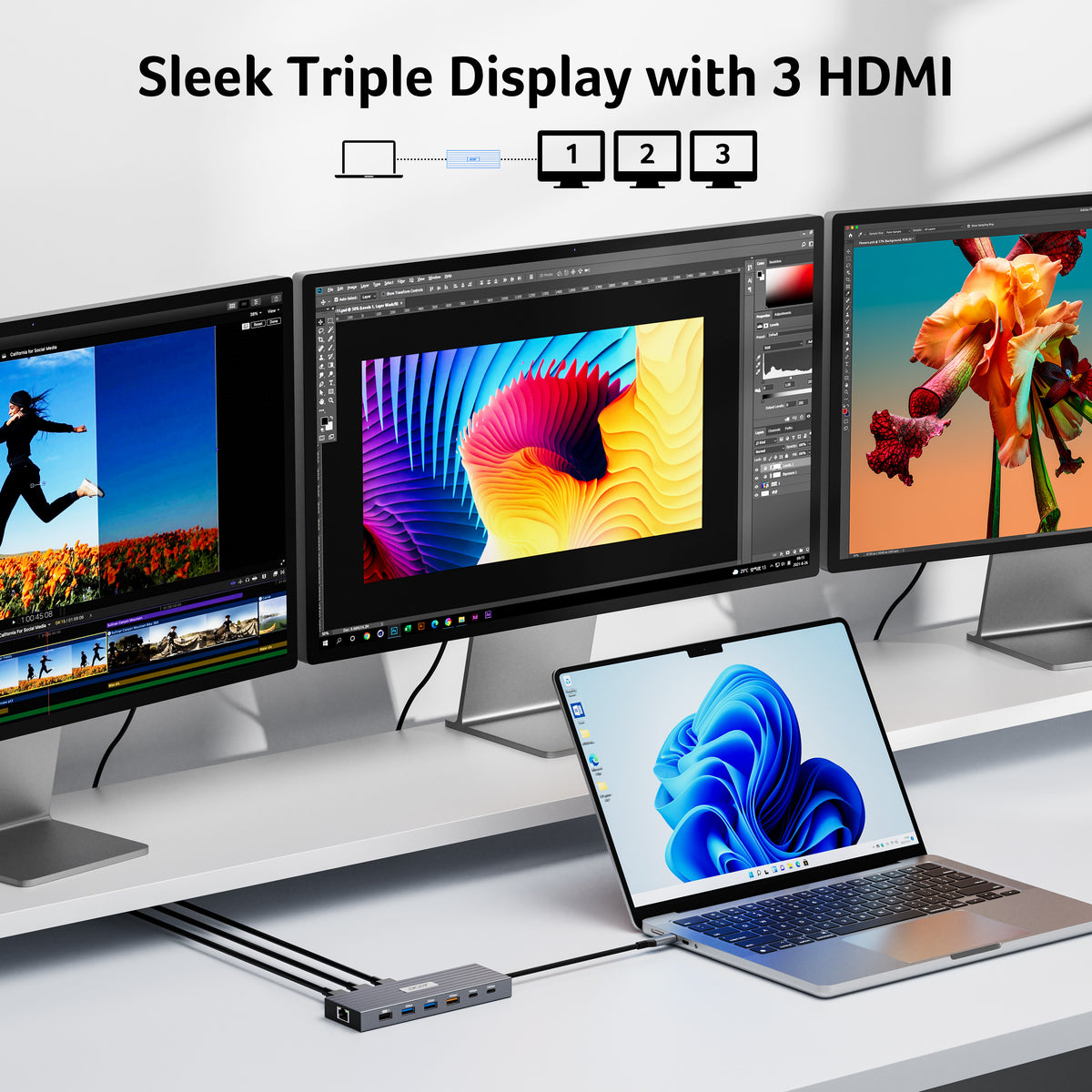
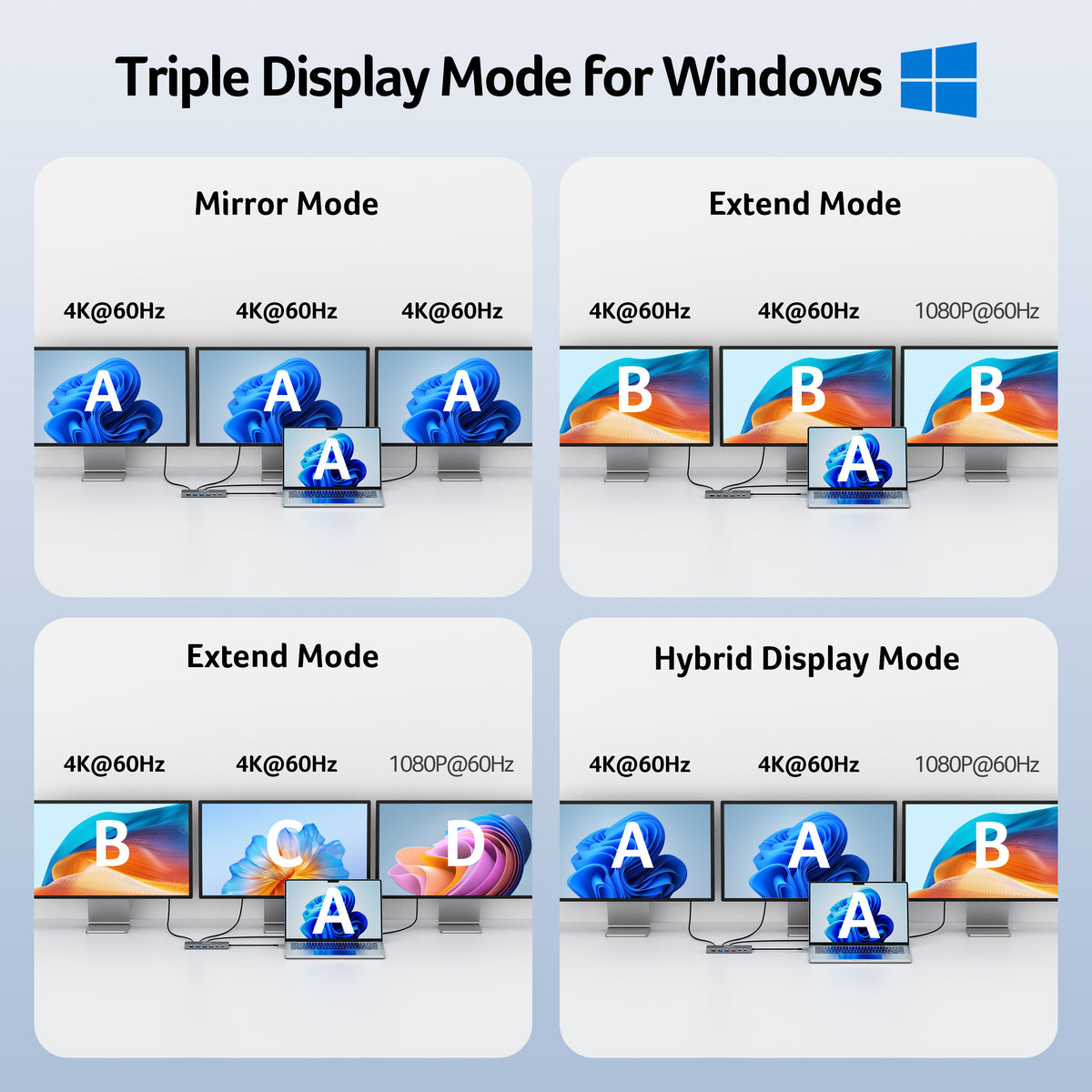
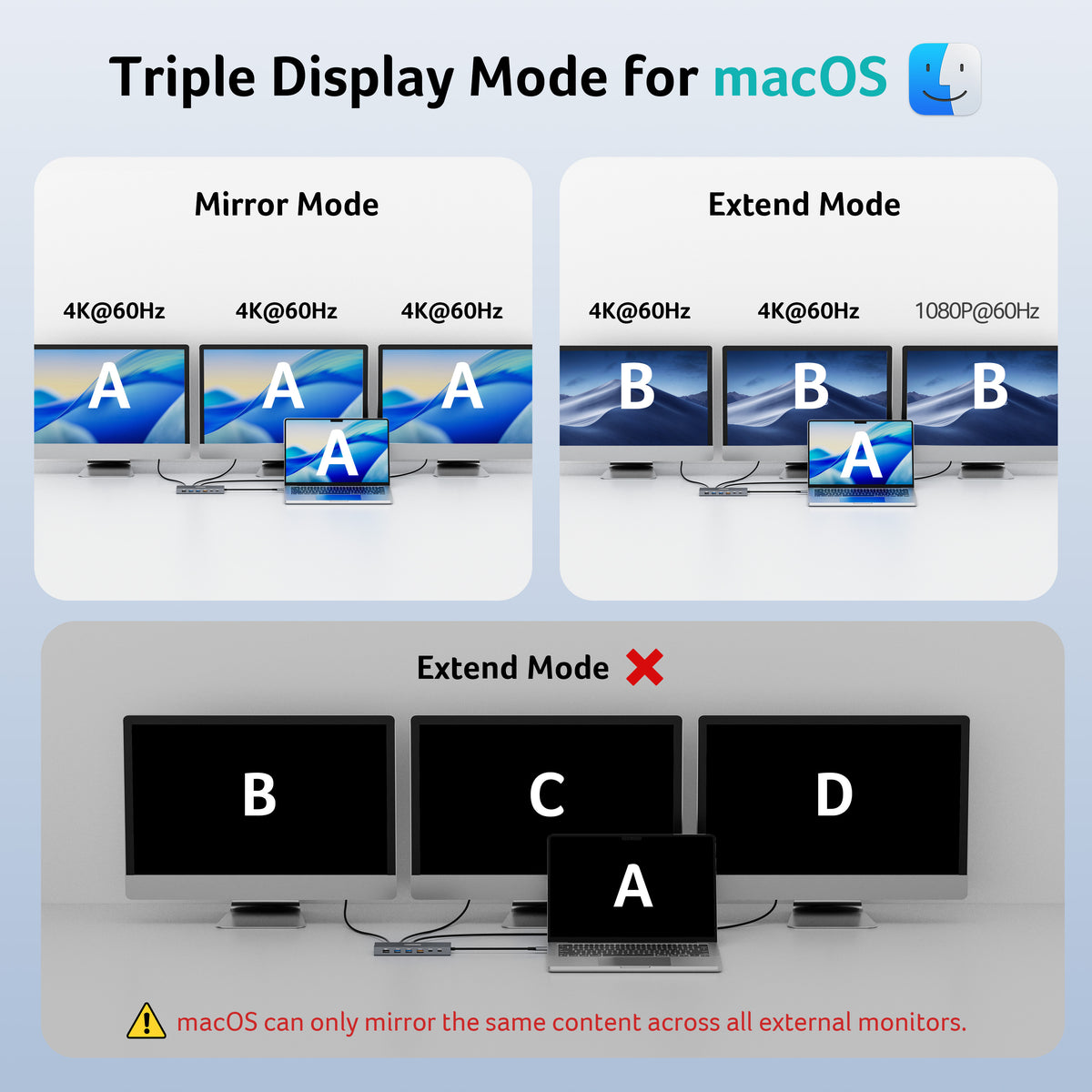
This docking station 3 monitors supports single display up to 4K@60Hz on HDMI and dual displays at 4K@60Hz each, ideal for docking station dual monitor. Triple displays automatically allocate resolutions based on each monitor’s capabilities (EDID) and total bandwidth, typically 4K@60Hz + 4K@60Hz + 1080P@60Hz, providing smooth and high-quality visuals for multi-tasking.Note: For optimal performance, please ensure your device’s HDMI versi
-
10Gbps Fast Data Transfer
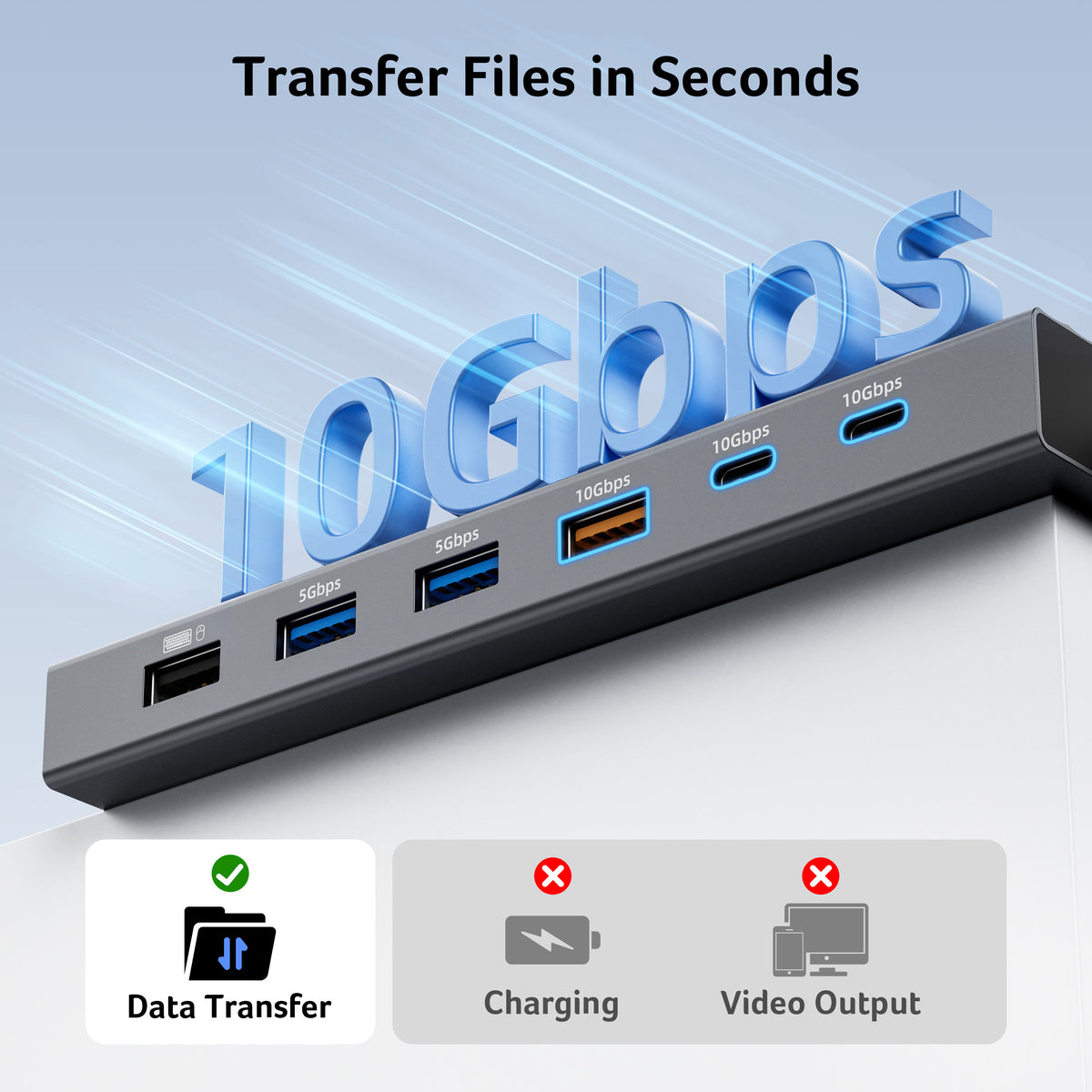
This USB-C Hub multiport includes 2× USB-C ports (10Gbps), 1× USB-A port (10Gbps), 2× USB-A ports (5Gbps), 1× USB-A port (480Mbps), and SD/MicroSD slot (104Mbps) for fast access to media, documents, and project files.Note: All USB ports are data-only and do not support charging external devices.
-
Continuous Power with 100W PD
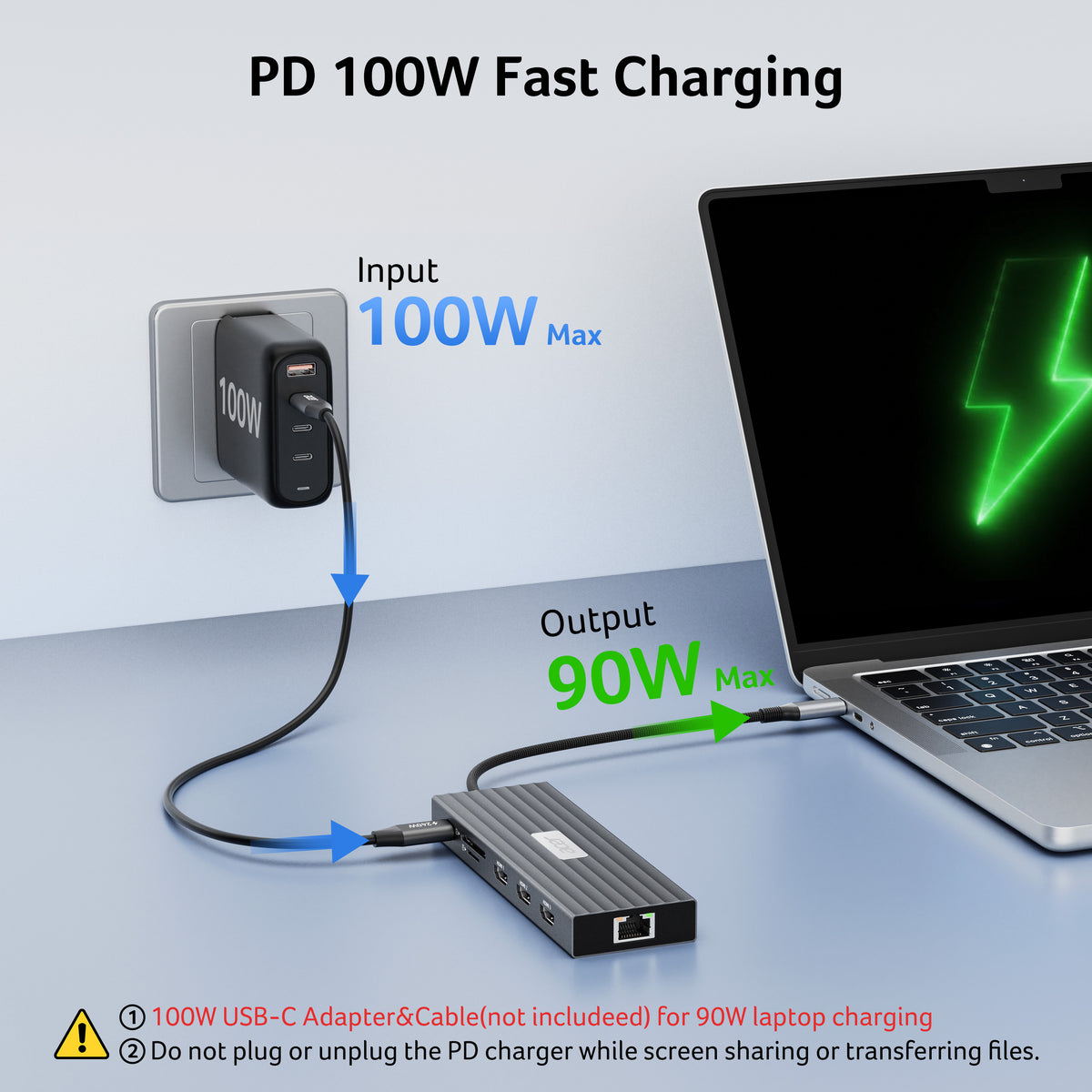
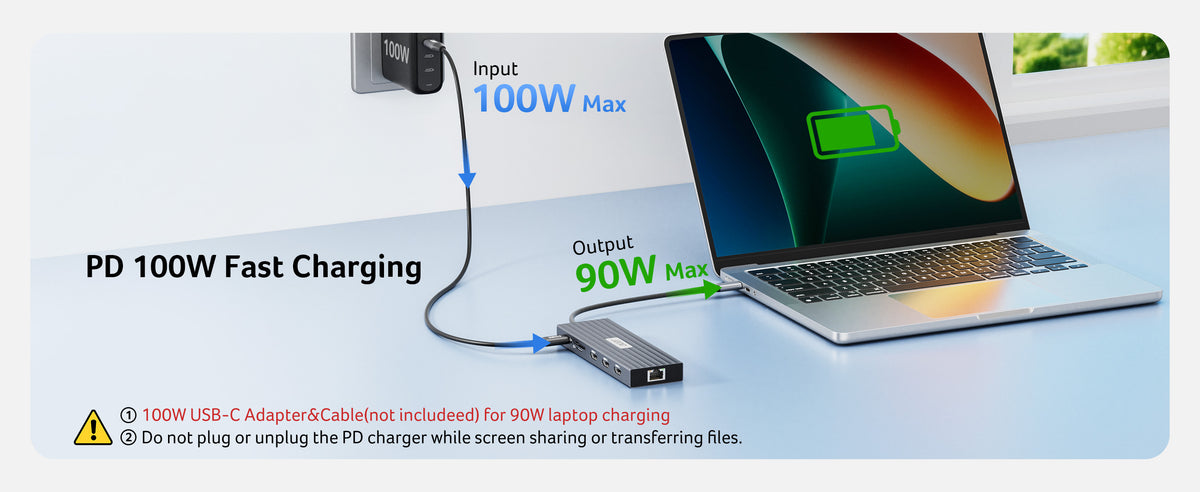
With support for 100W input and 85W laptop output, this 3 HDMI docking station keeps your device charged even under heavy load—ideal for long work sessions. Note: Requires a 100W+ USB-C charger and cable (not included). Laptop USB-C port must support PD charging.
-
Reliable Gigabit Ethernet Connection
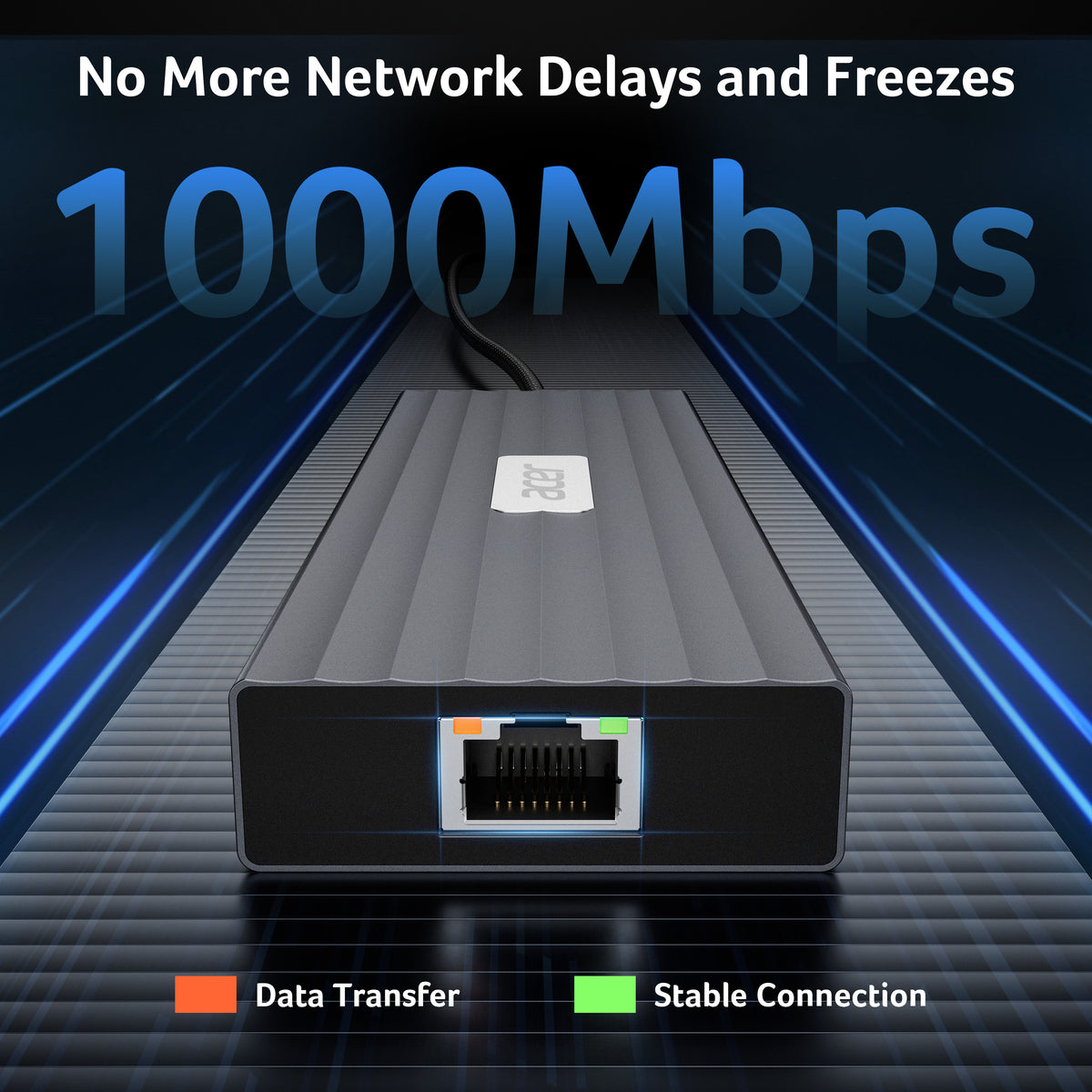
Featuring a 1000Mbps RJ45 Ethernet port, this laptop docking station provides a fast, stable, and low-latency wired network connection, ensuring smooth online work, streaming, and video calls without Wi-Fi interruptions.
- Hardware Interface: Ethernet, HDMI, MicroSD, USB Type C
- Additional Features: Plug and Play, Portable
- Compatible Devices: Windows and macOS devices with DisplayPort Alternate Mode (DP Alt Mode)—Supporting display, charging, and data transfer. Including Acer, Dell, Lenovo, Surface, HP, ASUS, MacBook, Samsung laptops and smartphones, as well as accessories like mice and keyboards.
- Total USB Ports: 6
- Data Transfer Rate: 10 gigabits per second
- Number of Ports: 13
- Operating System: Windows, macOS
- Item Dimensions: 7.80"L × 3.95"W × 0.91"H
- Item Weight: 167g




FAQ
What do I need to get 4K@60Hz output from the HDMI ports?
For optimal 4K@60Hz performance, your computer, HDMI cables, and monitors should support HDMI 2.0 or higher. The final resolution is also determined by your laptop's graphics capabilities and available bandwidth. If any component supports a lower resolution, the actual output may be limited accordingly.
Can this docking station support three external monitors at the same time?
Yes. This USB-C docking station supports up to three HDMI monitors simultaneously, typically up to 4K@60Hz + 4K@60Hz + 1080P@60Hz. Actual resolution depends on your laptop's USB-C bandwidth, graphics capabilities, and the connected monitors and cables.
Can I use three extended displays with a Mac?
Mac users should note that triple-display functionality is subject to macOS and Mac hardware limitations. This docking station supports specific display configurations, but macOS may mirror content across external monitors rather than provide three completely independent extended displays. Please confirm your Mac model and supported external-display configuration before purchasing.
Can the docking station charge my laptop while connecting multiple monitors?
Yes. The PD port supports up to 90W charging to the connected host device when used with a compatible 100W or higher power adapter and cable. The charger and cable are not included. Please make sure your laptop, charger, and cable support the required PD protocol and power rating.
Why isn't my device working with this USB-C docking station?
Your device's USB-C port must support DisplayPort Alternate Mode (DP Alt Mode) for HDMI display output. If your device does not support DP Alt Mode, the docking station cannot provide video output. For the best experience, connect the power adapter before use and make sure the built-in 0.65 ft (20 cm) cable is suitable for your setup.