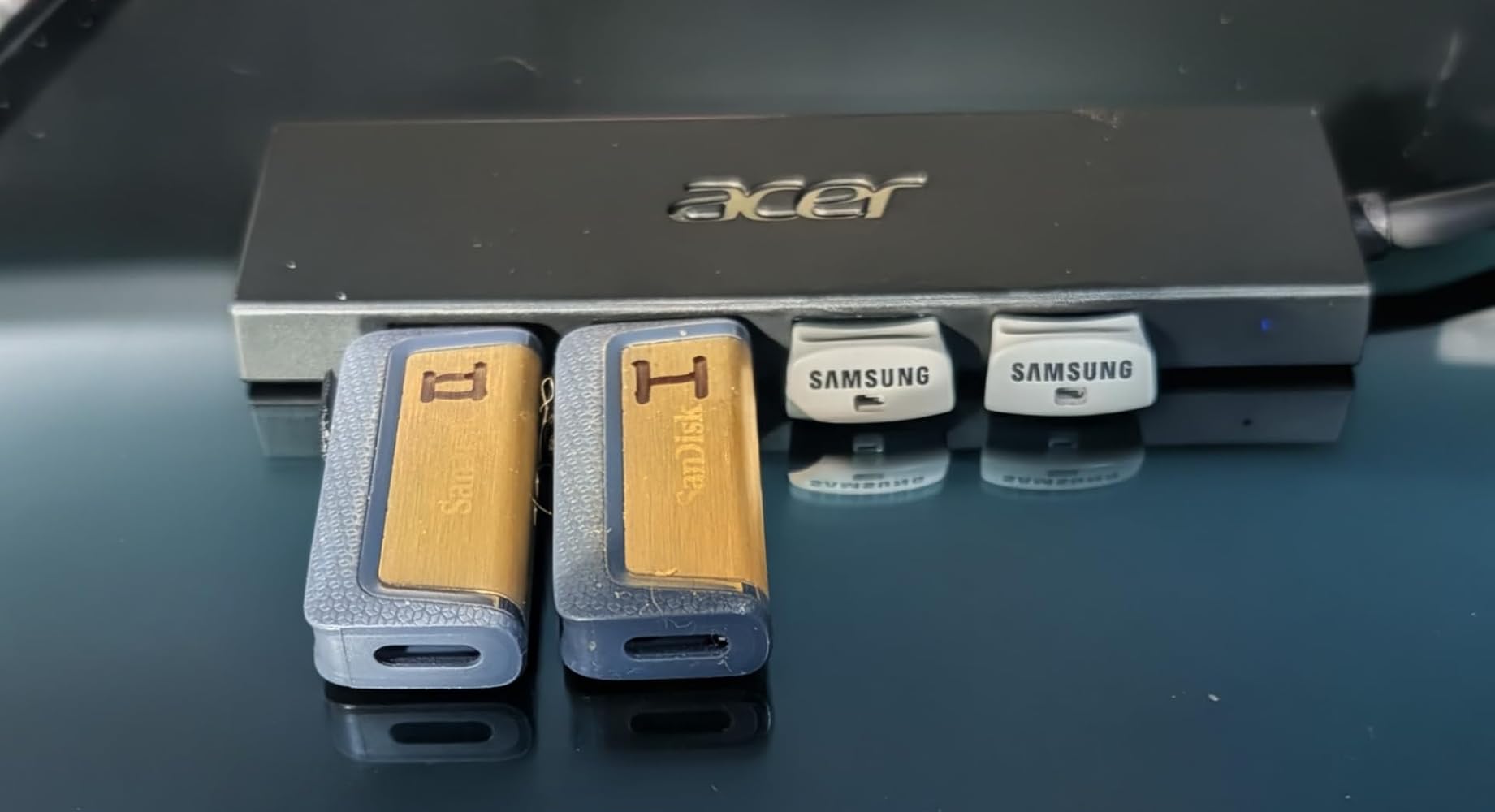


Acer 4-Port USB 3.0 Hub with USB-C Power Port | USB-A Expansion Hub
- 4-Port USB 3.0 Hub – Adds 4 USB-A ports for flash drives, mouse, keyboard, printer, and more.
- 5Gbps Fast Transfer – Transfer movies, photos, and files in seconds. (For stable HDD transfers, power the hub via the 5V USB-C port.)
- Smart & Safe – Built-in GL3510 chip with thermal protection. Plug & play – no driver needed. All 4 ports work simultaneously.
- Slim & Portable – Lightweight with 2ft cable – fits easily into any bag. LED indicator shows working status at a glance.
- Wide Compatibility – Durable housing for heat dissipation. Works with Acer, Dell XPS, PS4, Xbox, laptops, and macOS/Windows/ChromeOS/Linux.
Note: The USB-C port (marked "IN 5V") is for power input only – does not transfer data or charge devices. It powers the 4 USB-A ports for stable data transfer.
- Hardware Interface: USB 3.0, USB Type C
- Additional Features: Anti-Slip, Fast Data Transfer, Heat Resistant, Indicator Light, Plug and Play
- Compatible Devices: Desktops, Gaming Consoles, Laptops, Tablets, USB Flash Drives
- Total USB Ports: 4
- Data Transfer Rate: 5 gigabits per second
- Number of Ports: 4
- Minimum Required Operating System Version: ChromeOS 134
- Operating System: Chrome OS, Linux, Mac OS X 10.6 Snow Leopard, Windows 11, macOS 10.15 Catalina
- Item Dimensions L x W x H: 3.94"L x 1.18"W x 0.39"H
- Item Weight: 59 g


FAQ
Can the USB-C power input transfer data?
No. The USB-C port marked "IN 5V" is only for power input. It does not support data transfer or charging other devices.
Is this hub suitable for travel?
Yes. Weighing only 59g and featuring a slim design with a 2 ft cable, it's easy to carry in a backpack, laptop bag, or briefcase.
Can I charge my laptop through this hub?
No. This product is designed for USB data expansion only. It does not support laptop charging or Power Delivery (PD) pass-through.
Do I need to install any drivers?
No. The hub is plug and play and works with Windows, macOS, ChromeOS, and Linux.
Does it support extended mode or only mirror mode?
It supports extended display mode on compatible Windows systems.
Mirror mode is also available if selected in display settings.
Can all four USB ports be used at the same time?
Yes. All four USB 3.0 ports support simultaneous connections for compatible USB devices.