

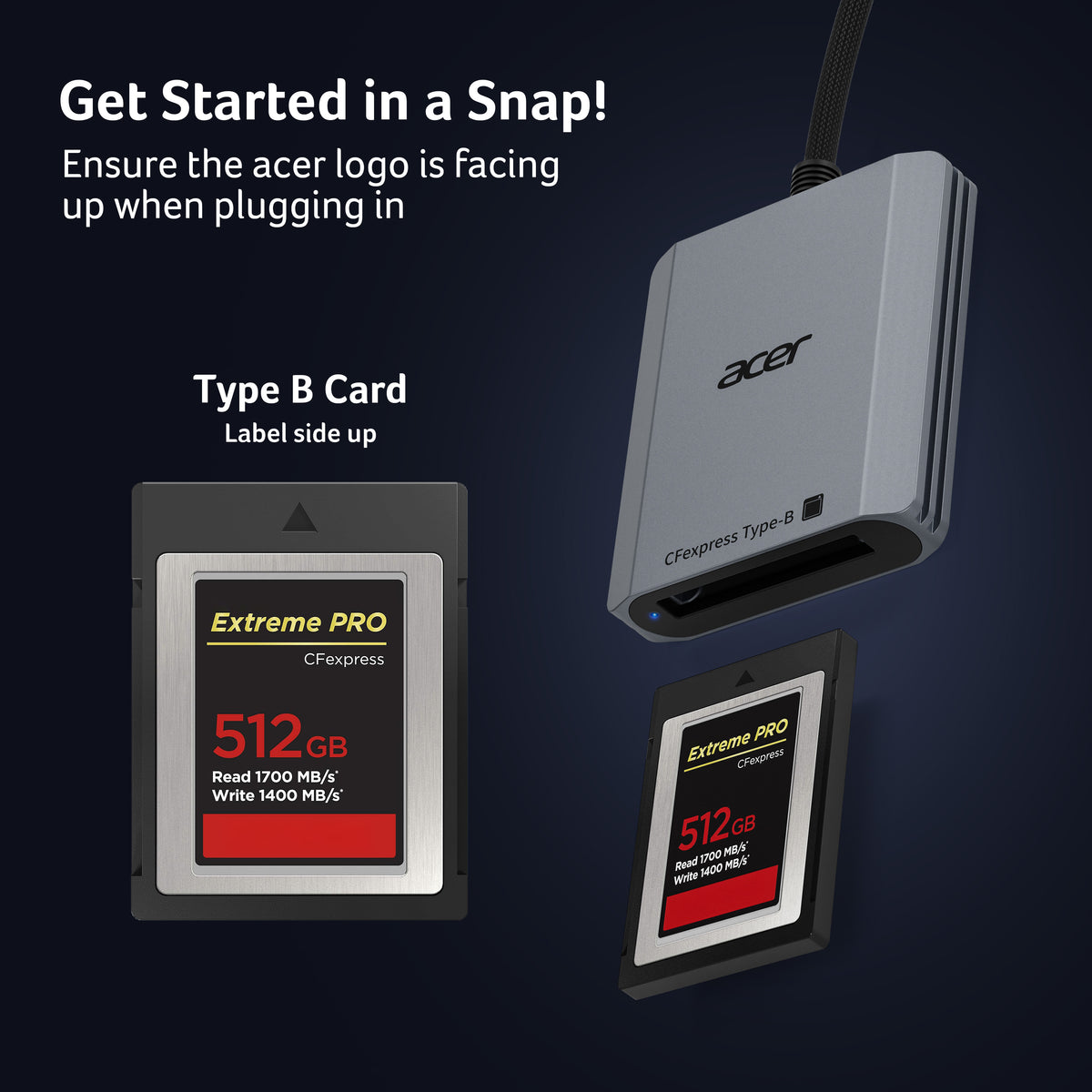
Acer CFexpress Type B Card Reader | 10Gbps USB 3.2 Gen 2
-
Pre-Use Notice
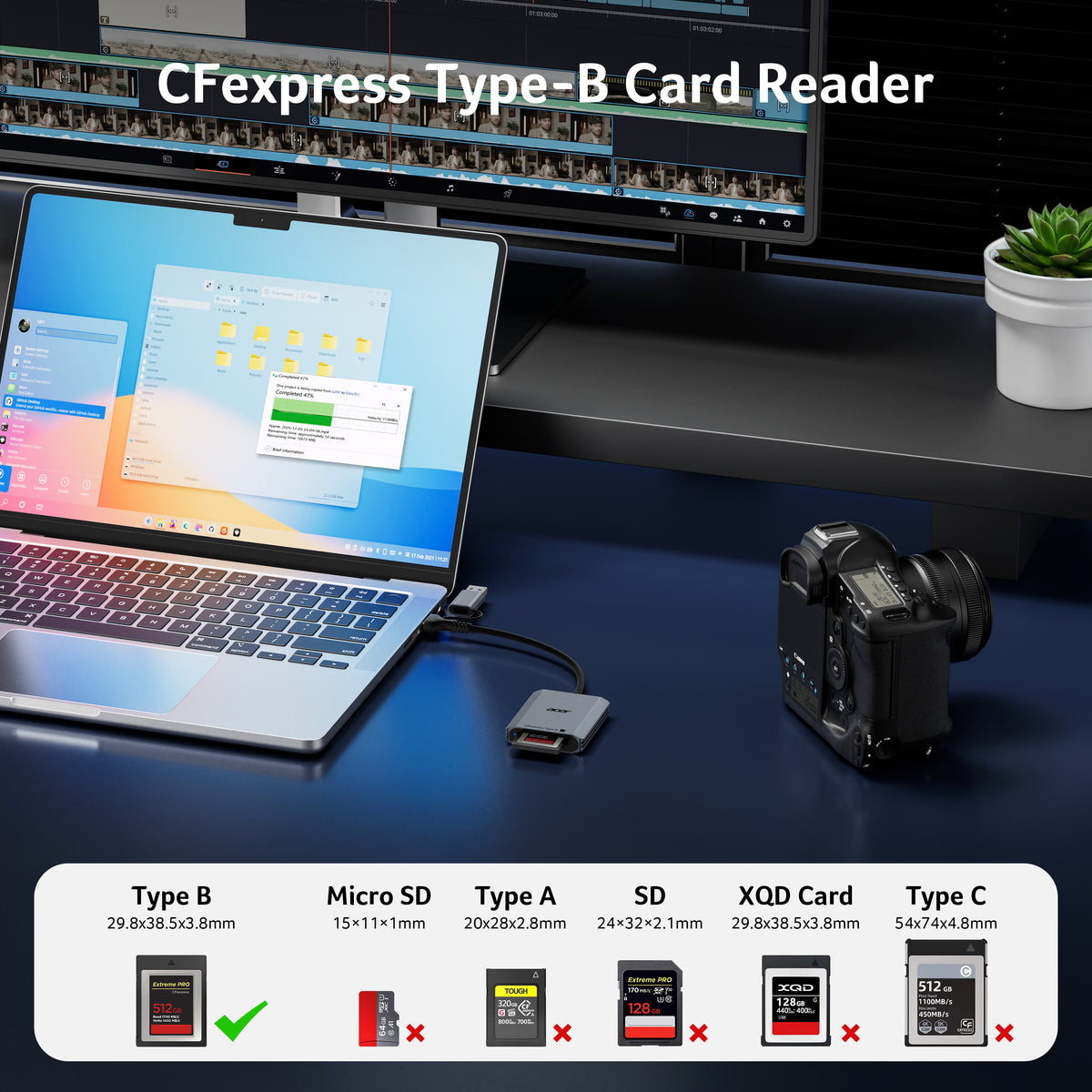
①The card reader is ONLY compatible with CFexpress Type B cards. ②(❌)Not Compatible With: SD/Micro SD/ XQD/ AS/ CFexpress Type A/ CFexpress Type C/ CF/ SIM/ CFast/ Compact Flash/ XBOX Expansion Card
-
Professional Design
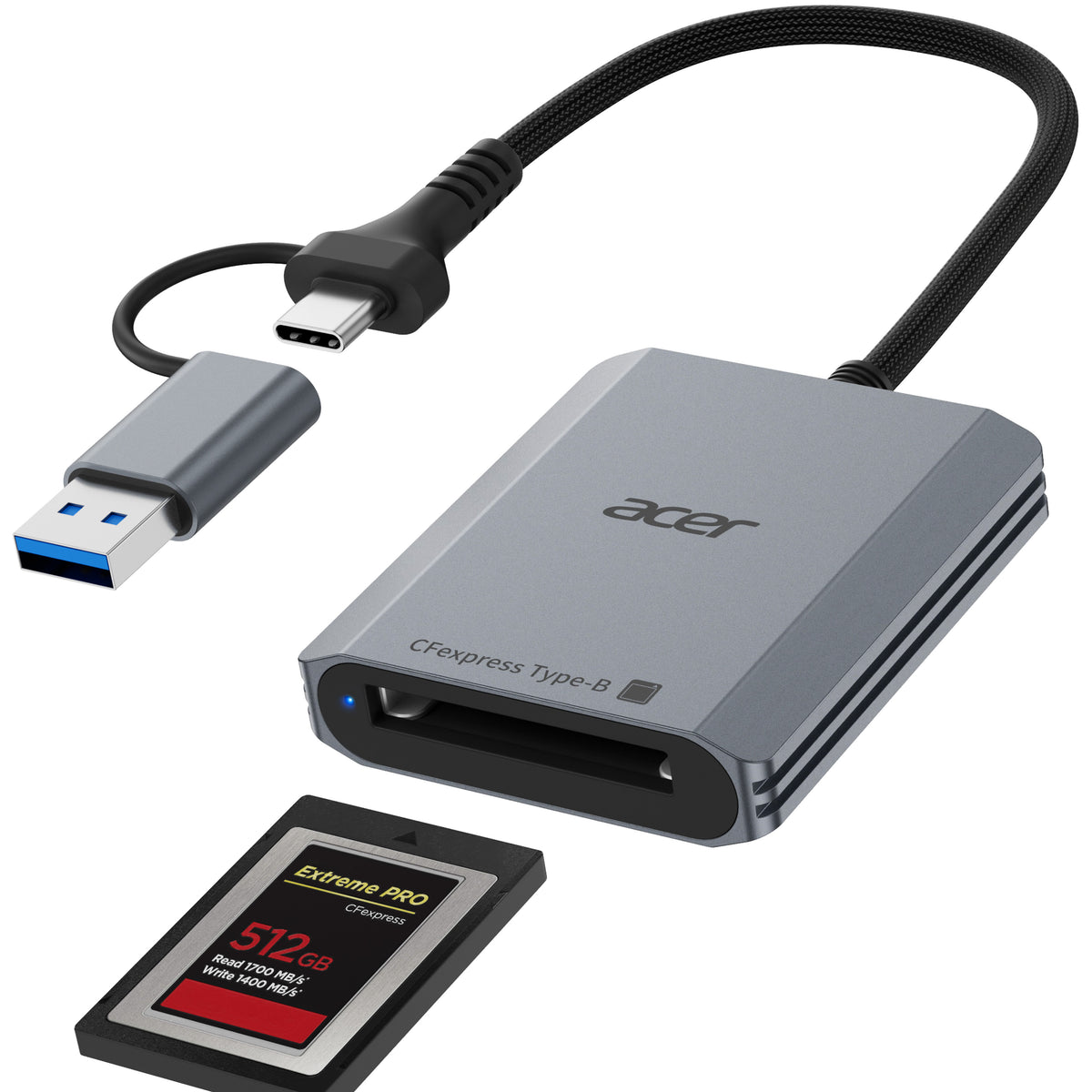
This CF Express Type B Card Reader is designed exclusively for CFexpress Type B cards, offering high-speed data transfer for 4K/8K video, high-res images, and burst shooting. It is ideal for photographers, videographers, and content creators.
-
10Gbps High-Speed Transfe
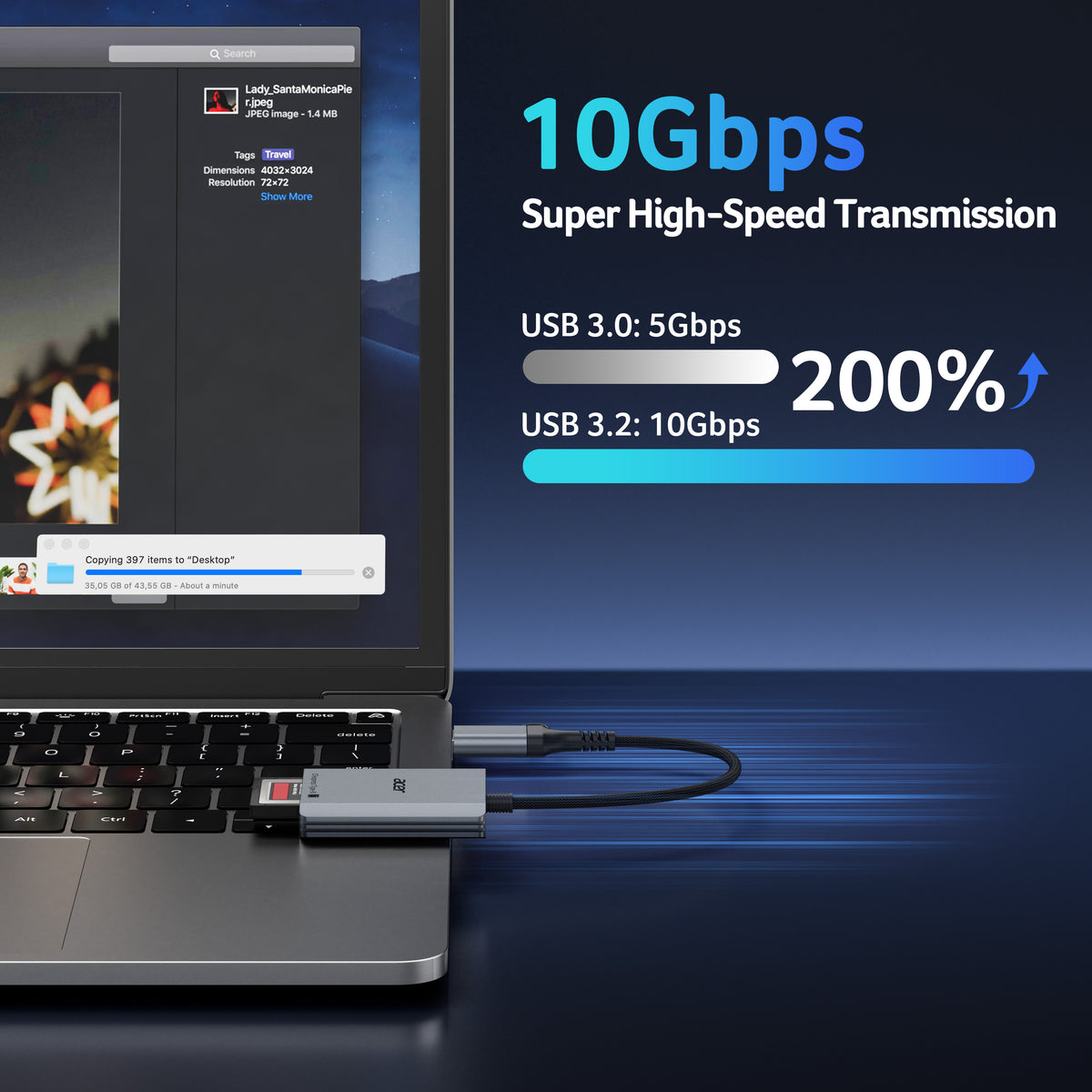
The USB 3.2 Gen 2 CF Express Type B Card Reader offers 10Gbps speeds for fast transfer of large files like 4K video and high-res images. Requires a USB/USB-C port that supports USB 3.2 Gen 2 for full-speed performance.
-
Thoughtful Details
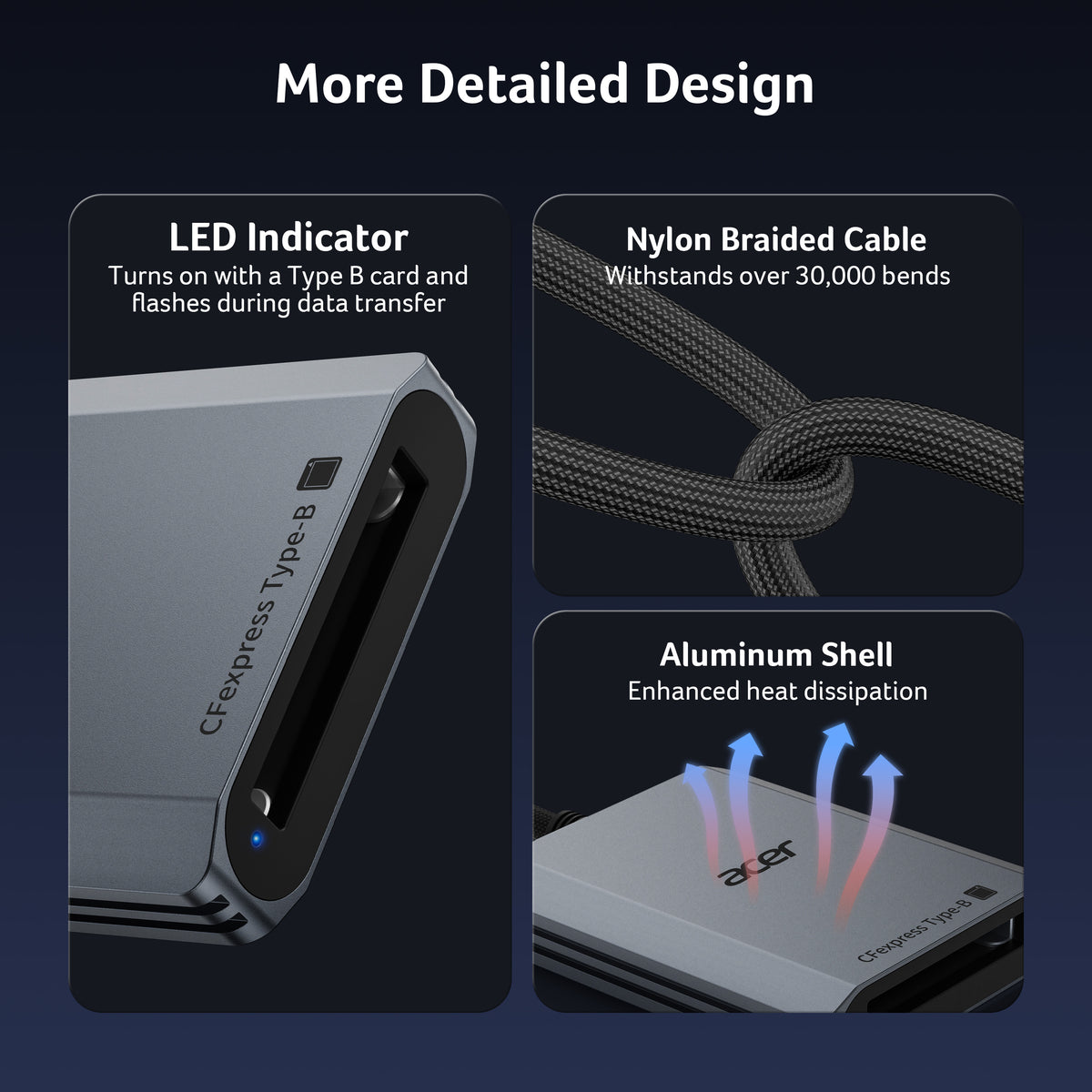
The Memory Card Reader features automatic locking and ejection with a precision spring mechanism for easy, safe card insertion and stable contact.Its compact, durable design features a premium aluminum alloy shell and sturdy nylon cord for excellent heat dissipation and portable.
-
Wide Compatibility
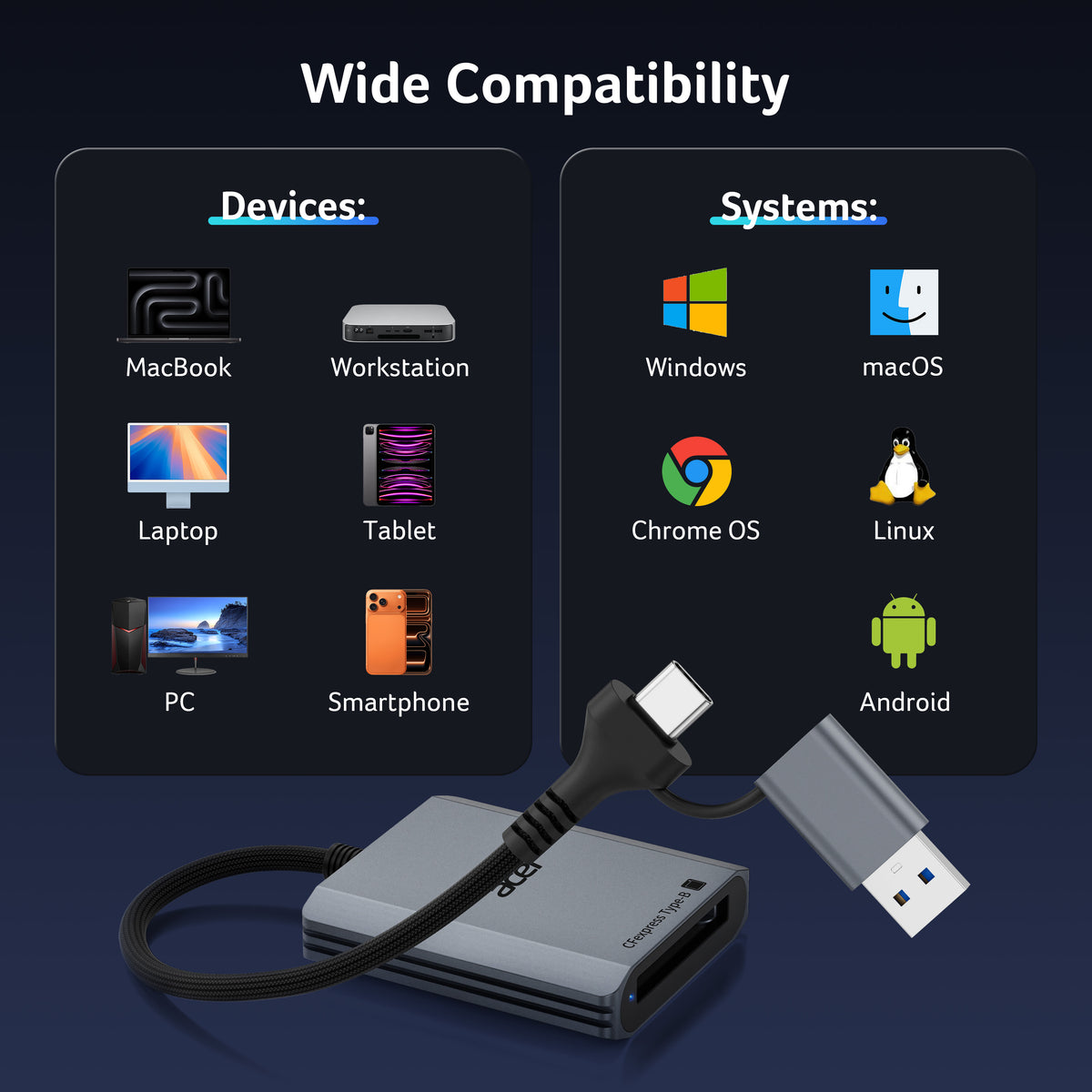
This USB 3.2 Type-b Card Reader is compatible with Windows, Mac, Linux, and Android devices, providing stable and reliable performance across various platforms.
- Media Type: CFexpress Type B Card 【✕ Not CFexpress Type A/C Card】
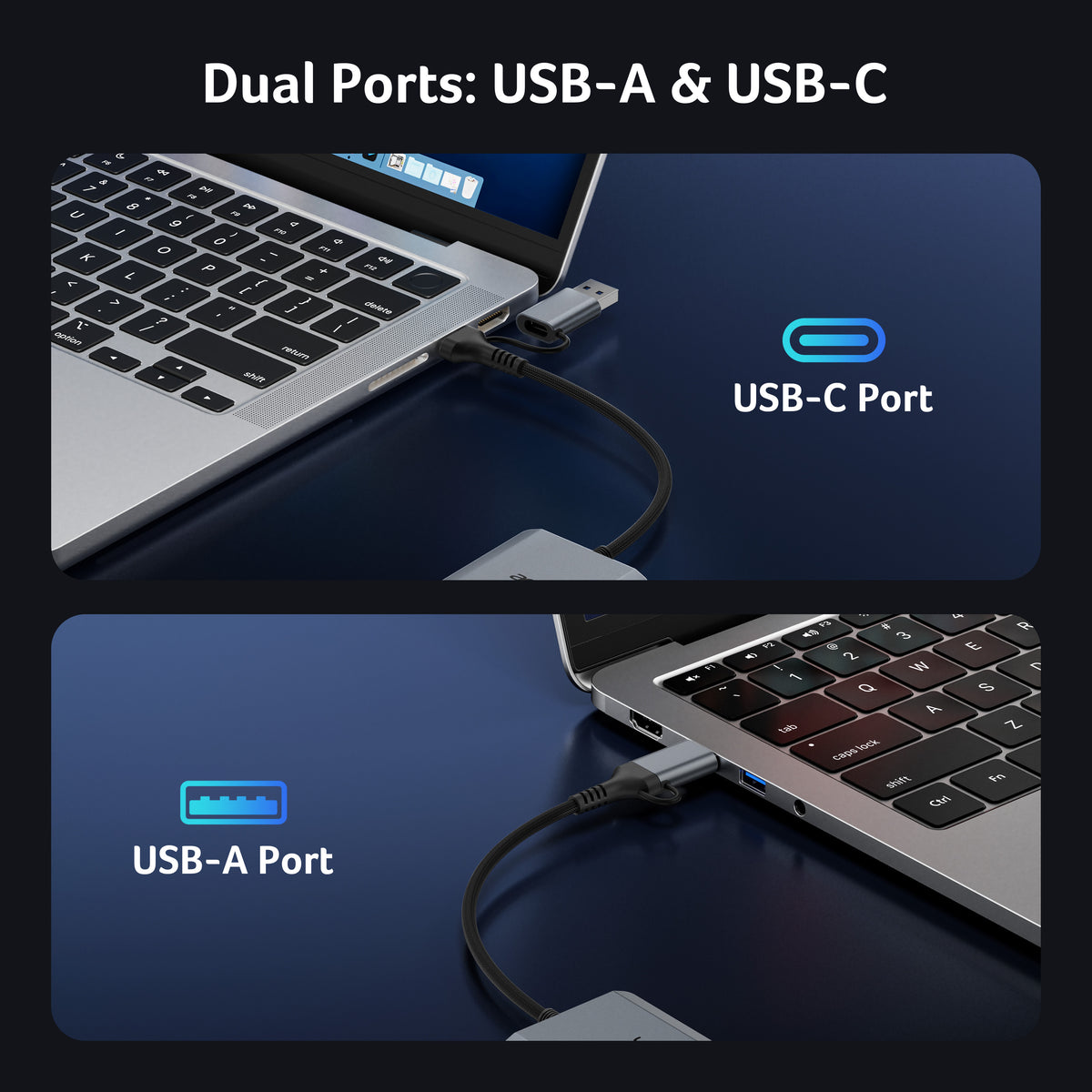
- Connectivity Technology: USB A, USB C
- Additional Features: Compact, Easy Setup, Plug & Play
- Compatible Devices: Desktop, Laptop, Smartphone, Tablet
- Data Transfer Rate: 10 gigabits per second
- Hardware Interface: USB 3.2 Gen 2
- Slot Count: 1
- Operating System: Windows, Mac, Linux, Android
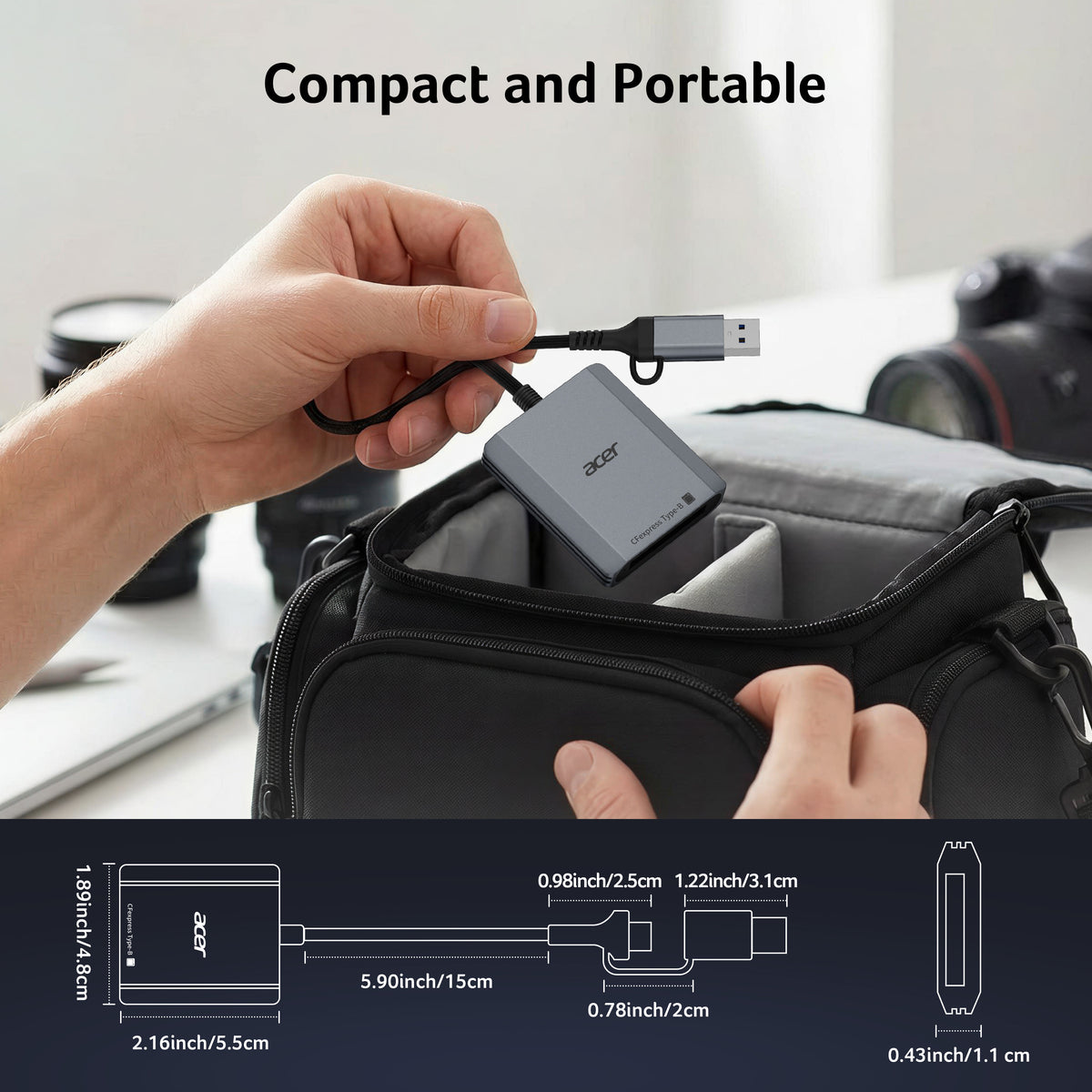
- Item Dimensions: 2.16"L x 1.89"W x 0.43"H
- Item Weight: 78g


FAQ
Which devices are NOT compatible with this hub/reader?
- 1. Devices that only support the Lightning connector (not USB‑C) – not compatible.
- 2. Laptops/devices with charging‑only USB‑C ports (no data/video/OTG support) – not compatible.
- 3. Android phones/tablets that do not support OTG (check your device’s settings or official specs to confirm OTG capability) – not compatible.
What should I do if the card reader does not work?
- Check that the connection is secure – when properly connected, the indicator light should be on.
- For devices that support OTG, make sure the OTG function is enabled in the device settings.
- When connecting a USB‑A device, you need to plug the USB‑A end into the reader’s USB‑A port, then connect the reader’s USB‑C plug to your device (or follow the specific connection order recommended for your reader).
How do I find files on a memory card using an iPhone?
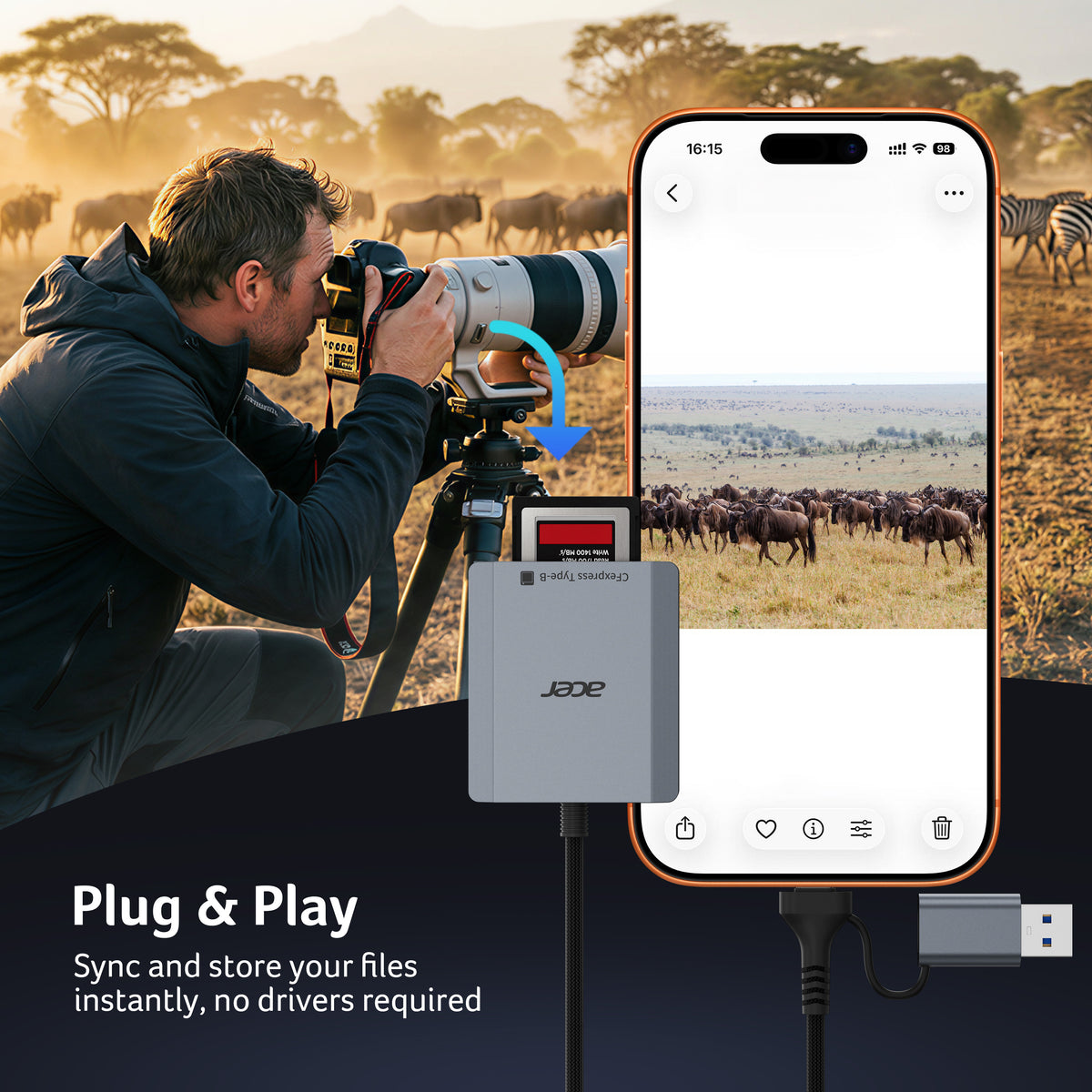
- Insert the memory card into the card reader.
- Plug the reader into your iPhone (USB‑C).
- Open the “Files” app on your iPhone.
- Tap “Browse” at the bottom, then tap iCloud Drive (or “On My iPhone”) to see the list of locations.
- Under “Locations”, tap the name of your memory card (e.g., “Untitled” or the card’s label).
- You can now browse and view all files stored on the card.
Why is the data transfer speed slow?
- Transfer speeds depend on both the speed class of your memory card and the maximum speed of your device’s port. This reader (CFexpress Type B) uses USB 3.2 Gen 2, which has a theoretical maximum of 10 Gbps (≈1250 MB/s) for its USB‑A and USB‑C ports.
- If your device’s port is limited to 5 Gbps (USB 3.2 Gen 1 / USB 3.0), the actual transfer rate will be capped by that port – roughly 5 Gbps (≈625 MB/s). The overall speed will always be limited by the slower of the two (card, reader, or device port).