

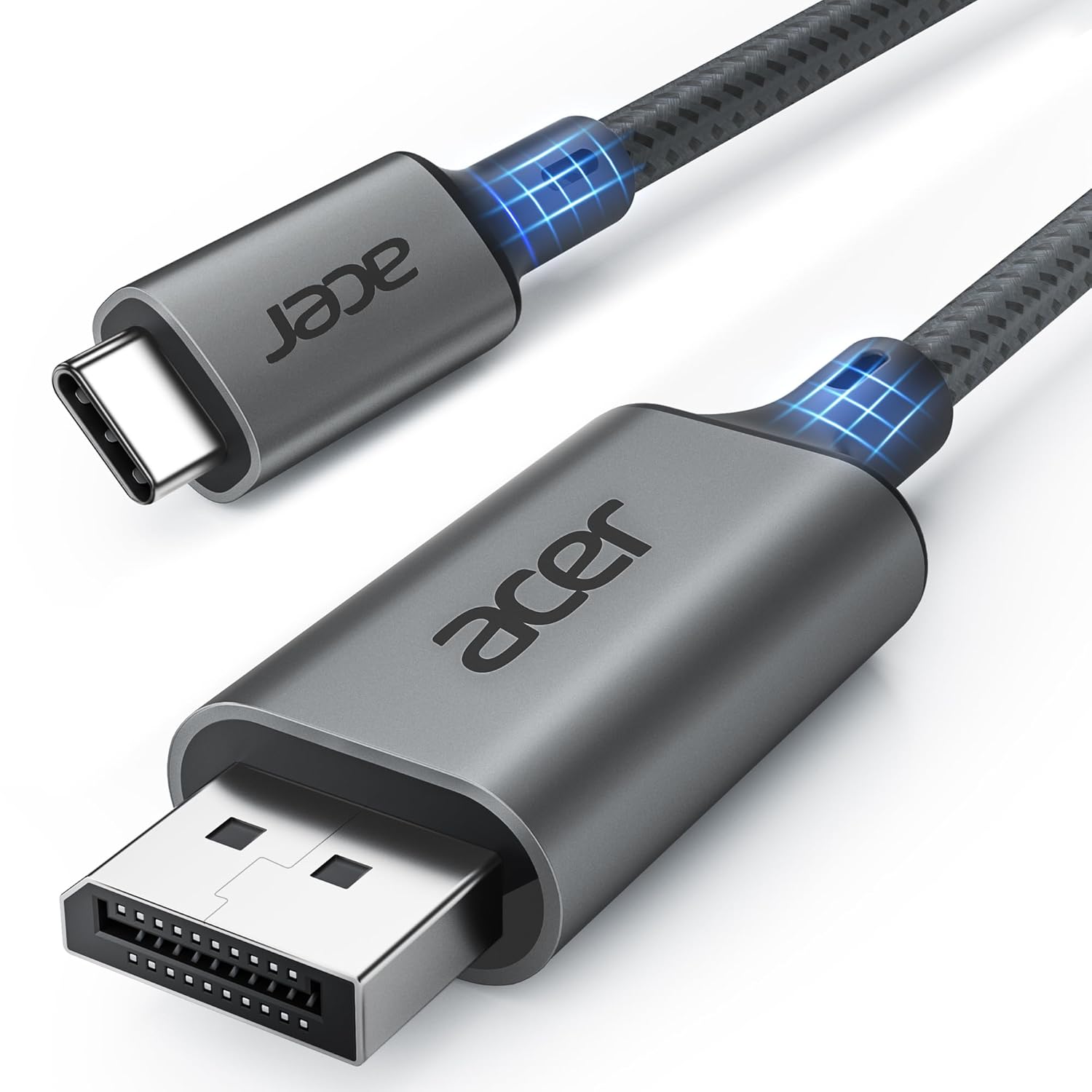
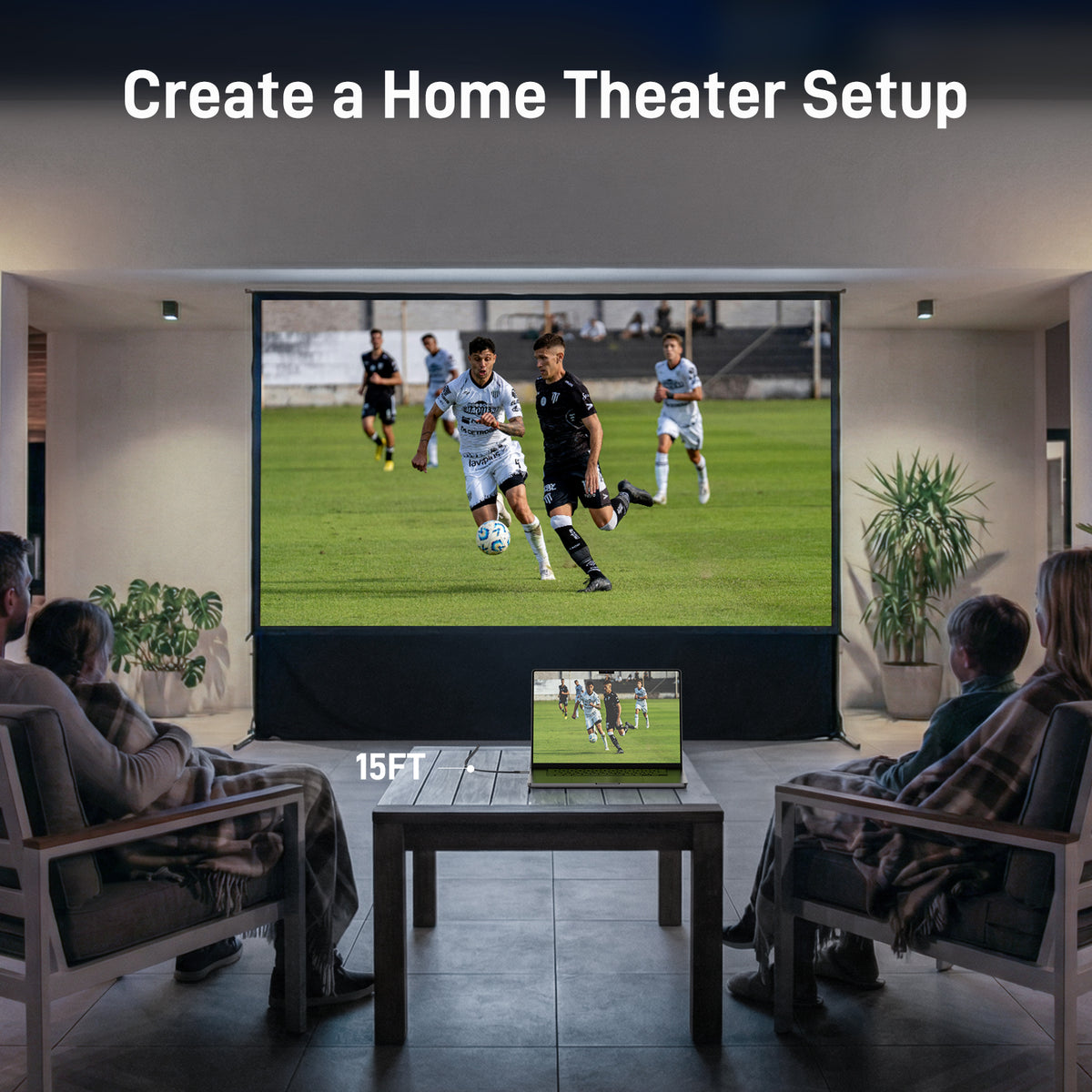
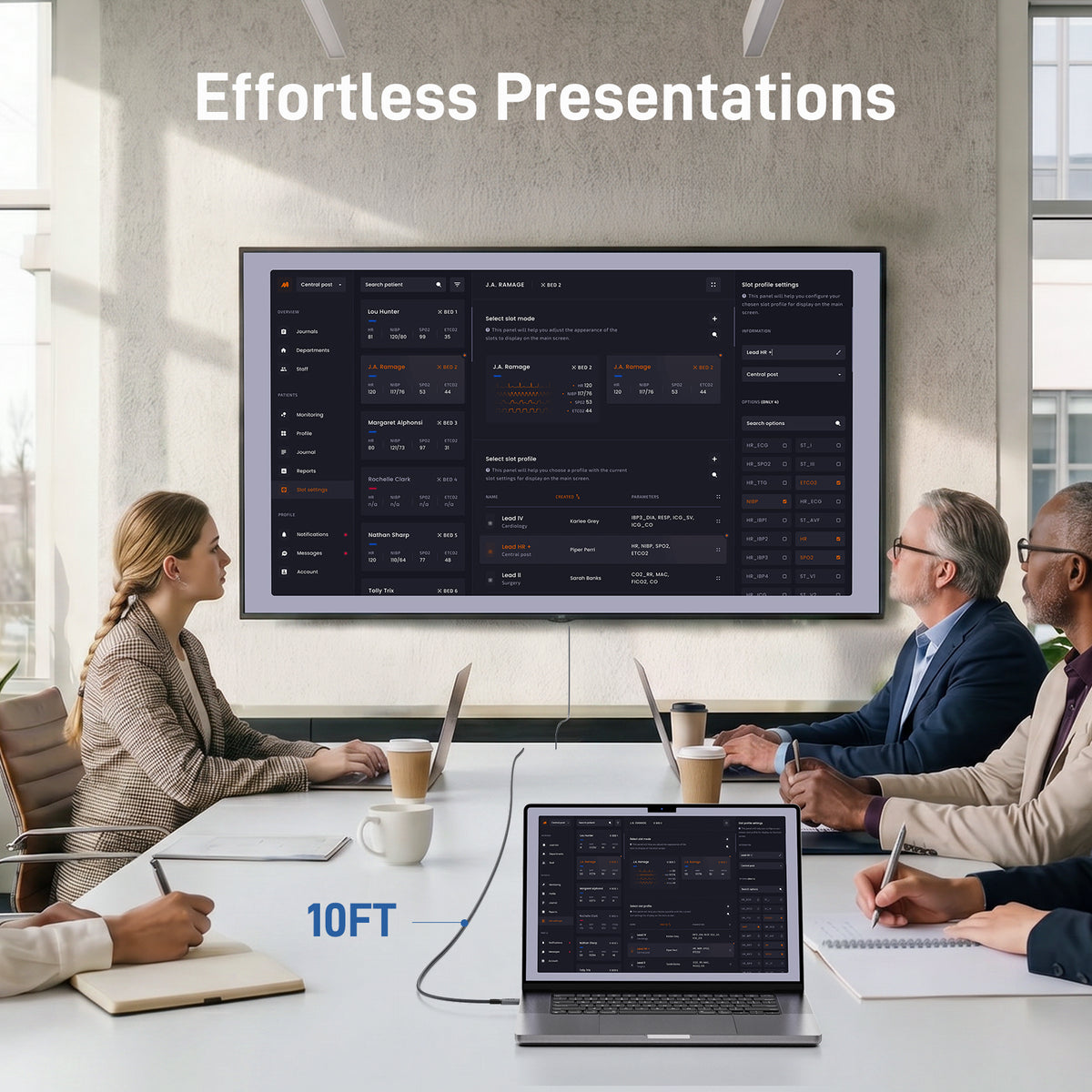
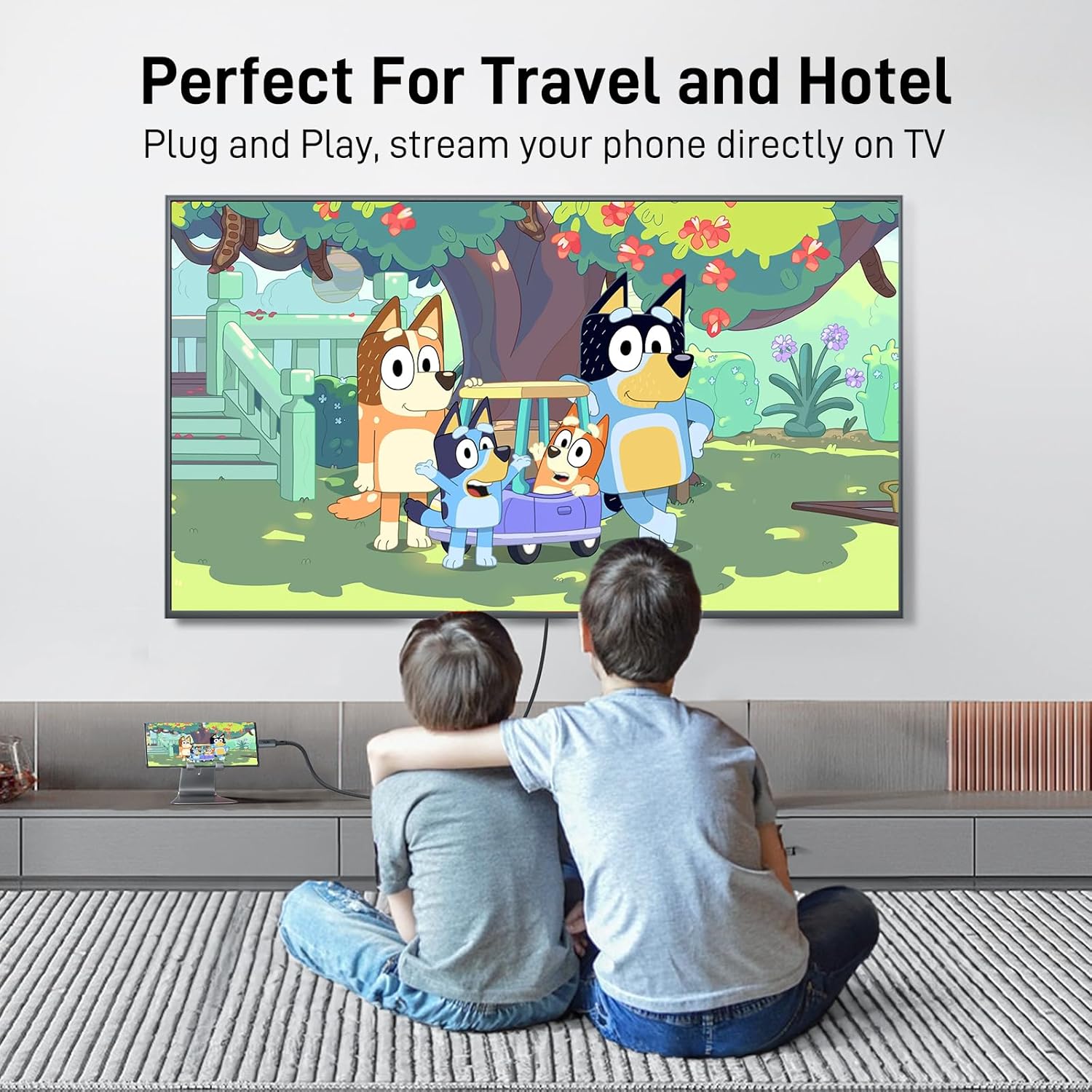
Acer USB-C to DisplayPort Cable |4K@60Hz,2K@165Hz,Thunderbolt 3/4/5 Support
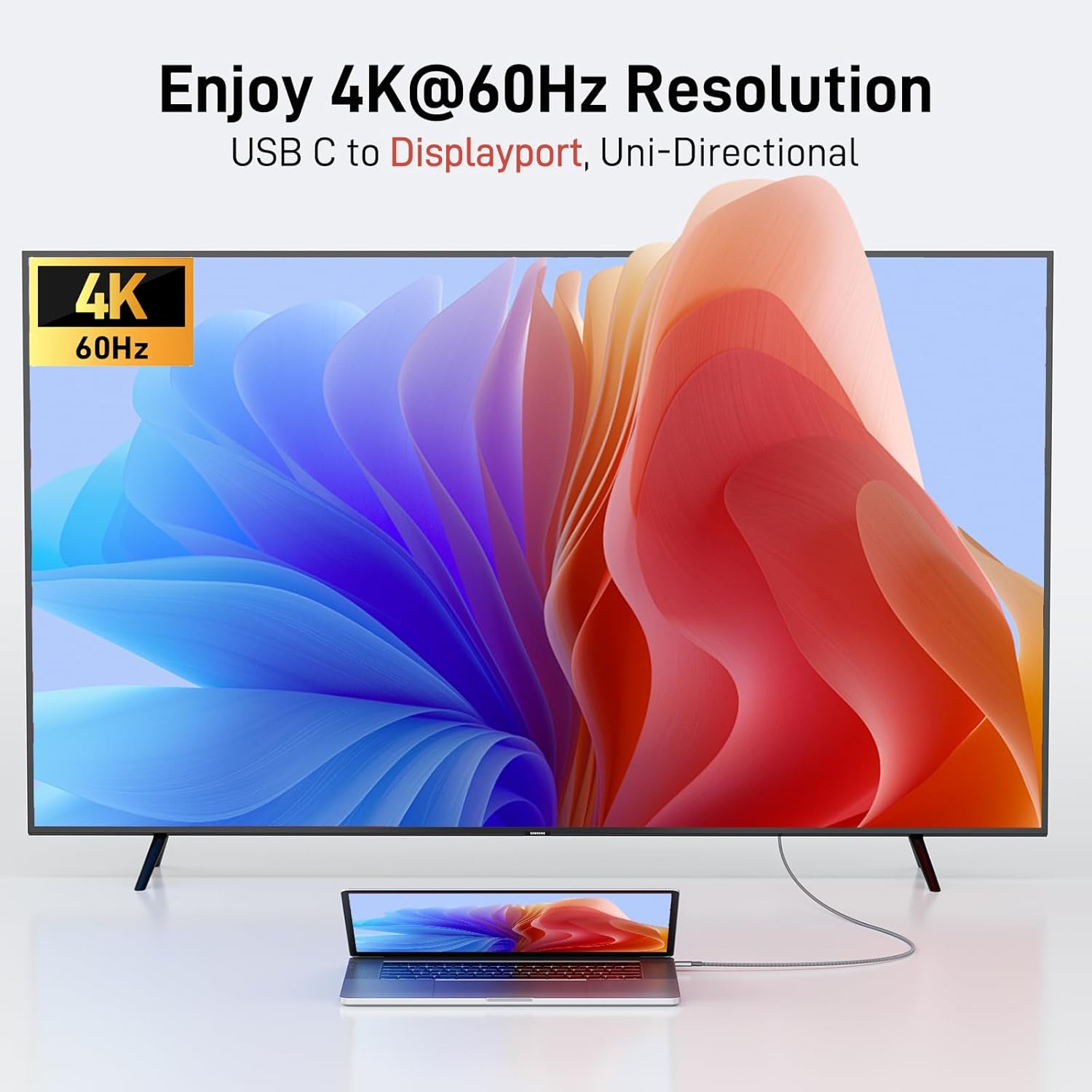
- Crisp 4K Resolution – USB-C to DisplayPort cable supports up to 4K@60Hz (2K@144Hz/165Hz/170Hz, 1080p, 720p). Smooth, stable visuals. (Unidirectional: USB-C to DP only – not reversible.)
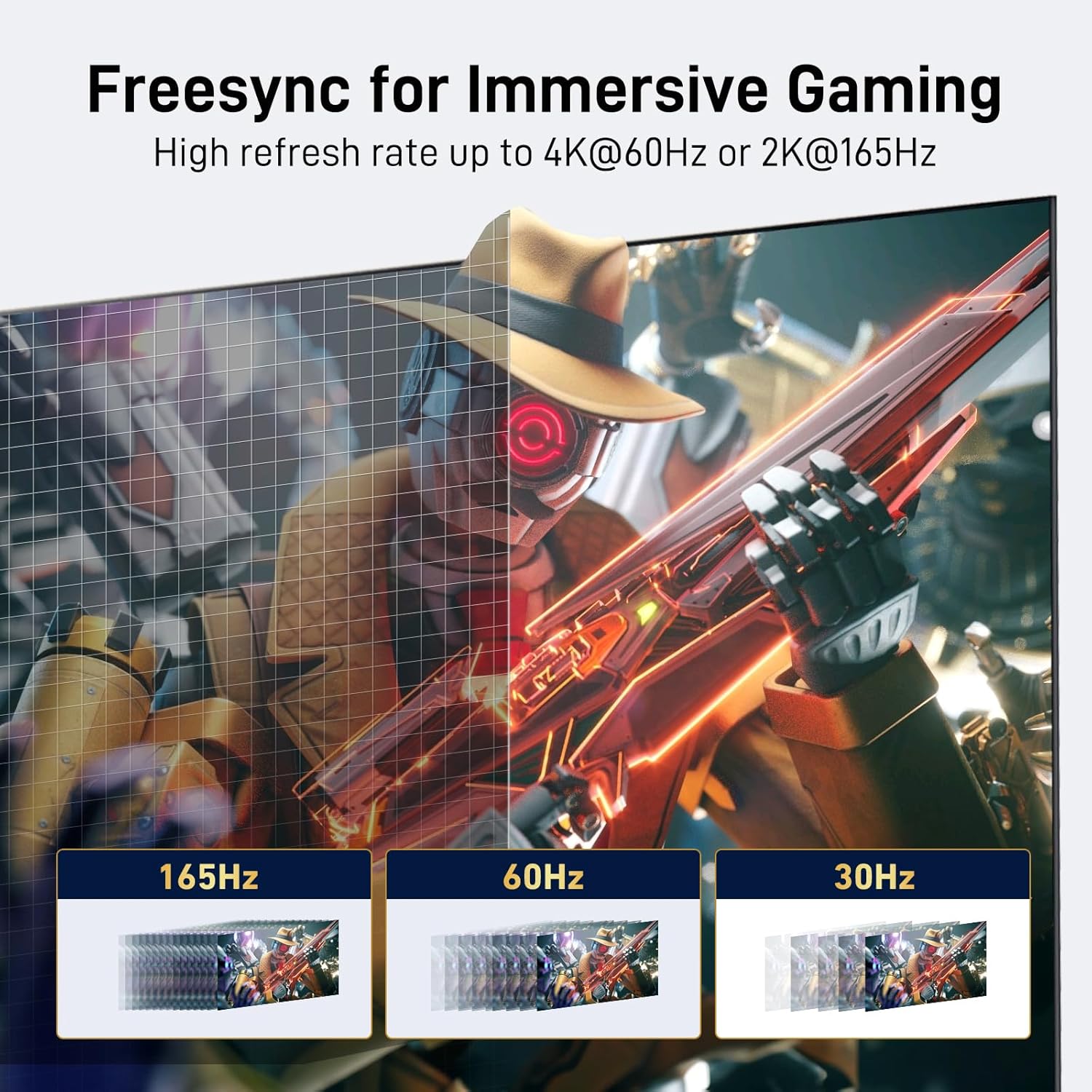
- Stable & Lag-Free Signal – FreeSync & G-Sync support, DP 1.2 with 21.6Gbps bandwidth, HDCP 1.3. Plug & play – no drivers needed. (Not for hubs/docks or ultra-wide monitors.)
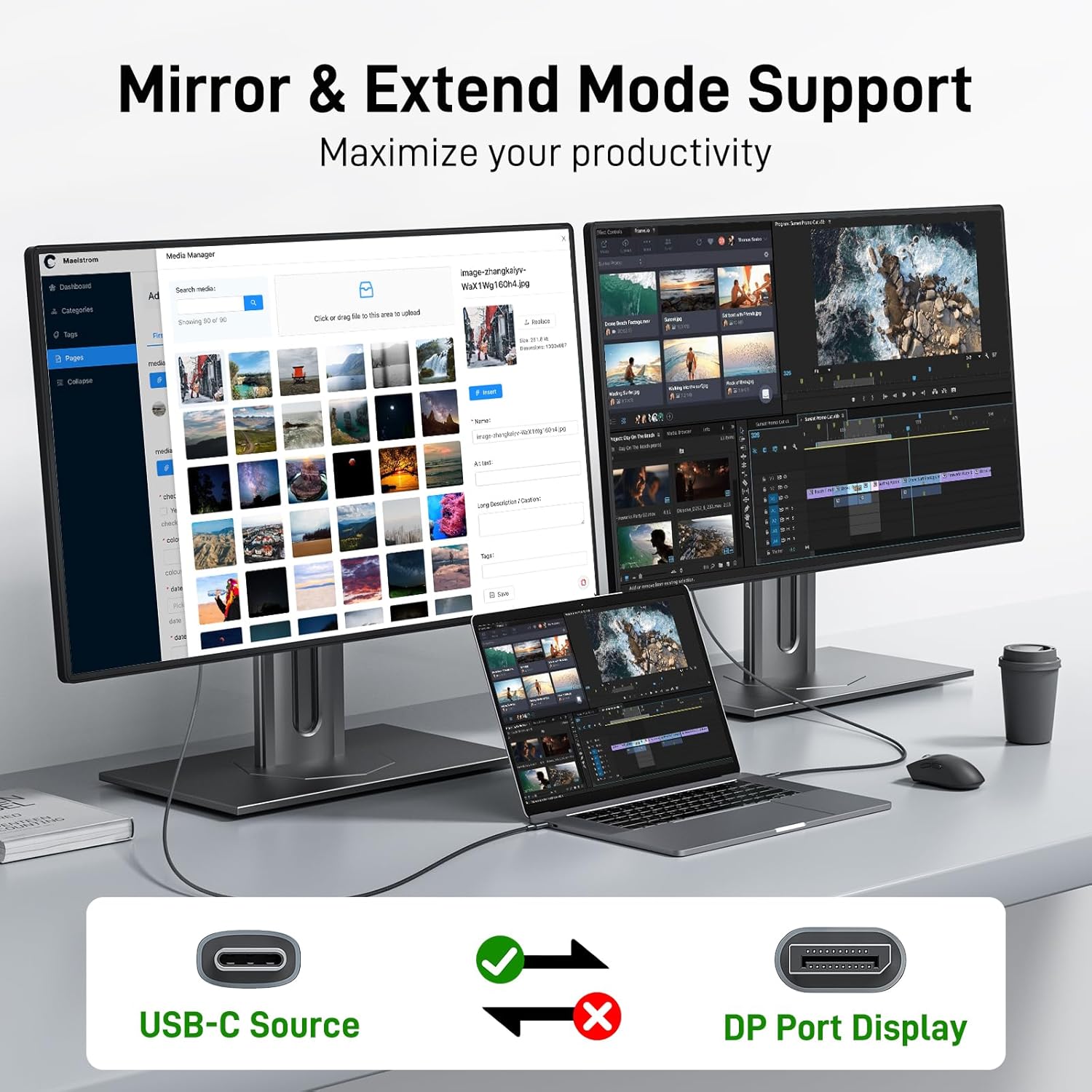
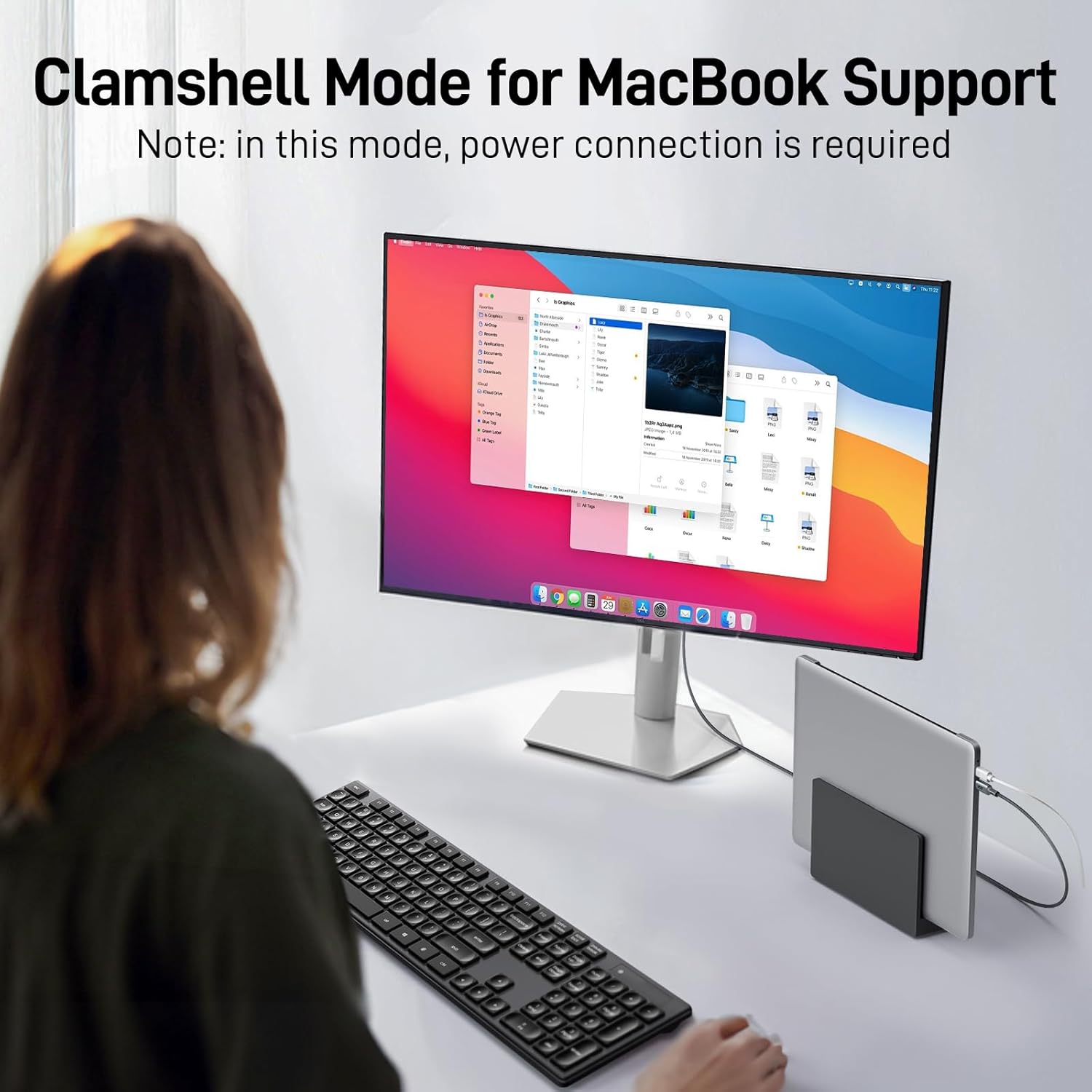
- Multi-Screen Display – Mirror, Extend, or Clamshell Mode (MacBook) and MST (Windows). Resolution/refresh rate depends on host and display specs. (Clamshell mode requires power connection.)
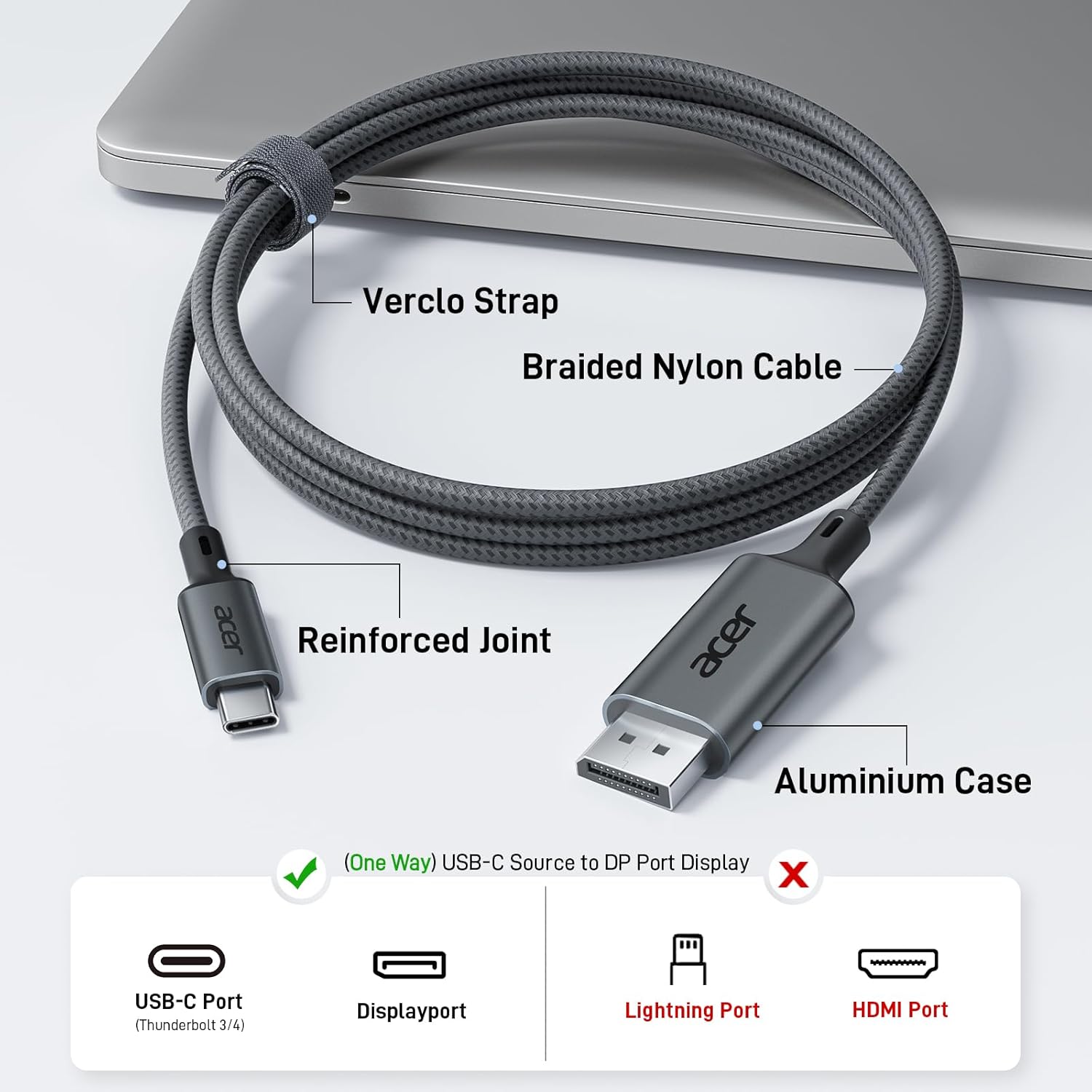
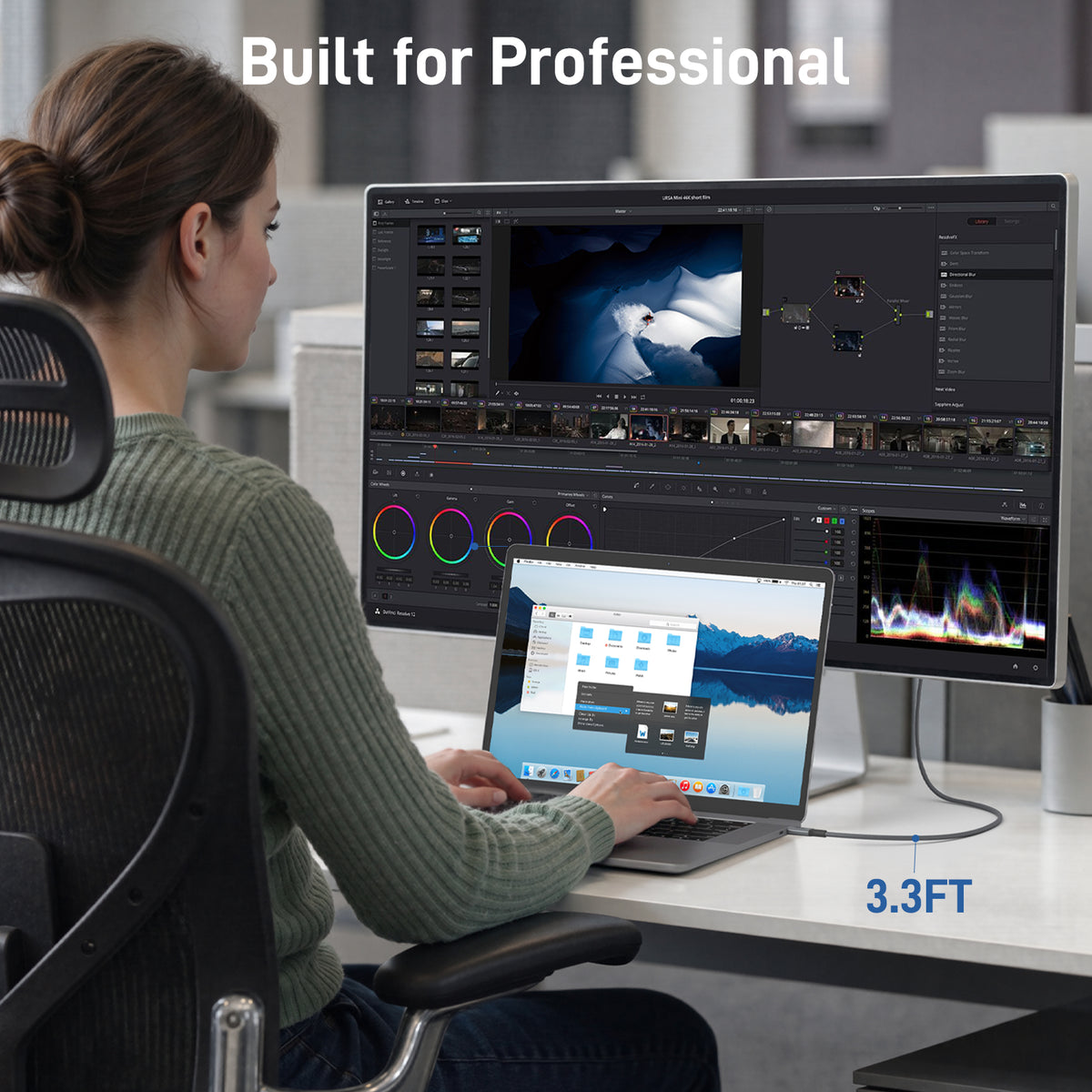
- Superior Quality – 3.3ft cable with aluminum alloy casing + nylon braided for durability. Efficient heat dissipation for stable long-term use. Includes Velcro tie for travel.
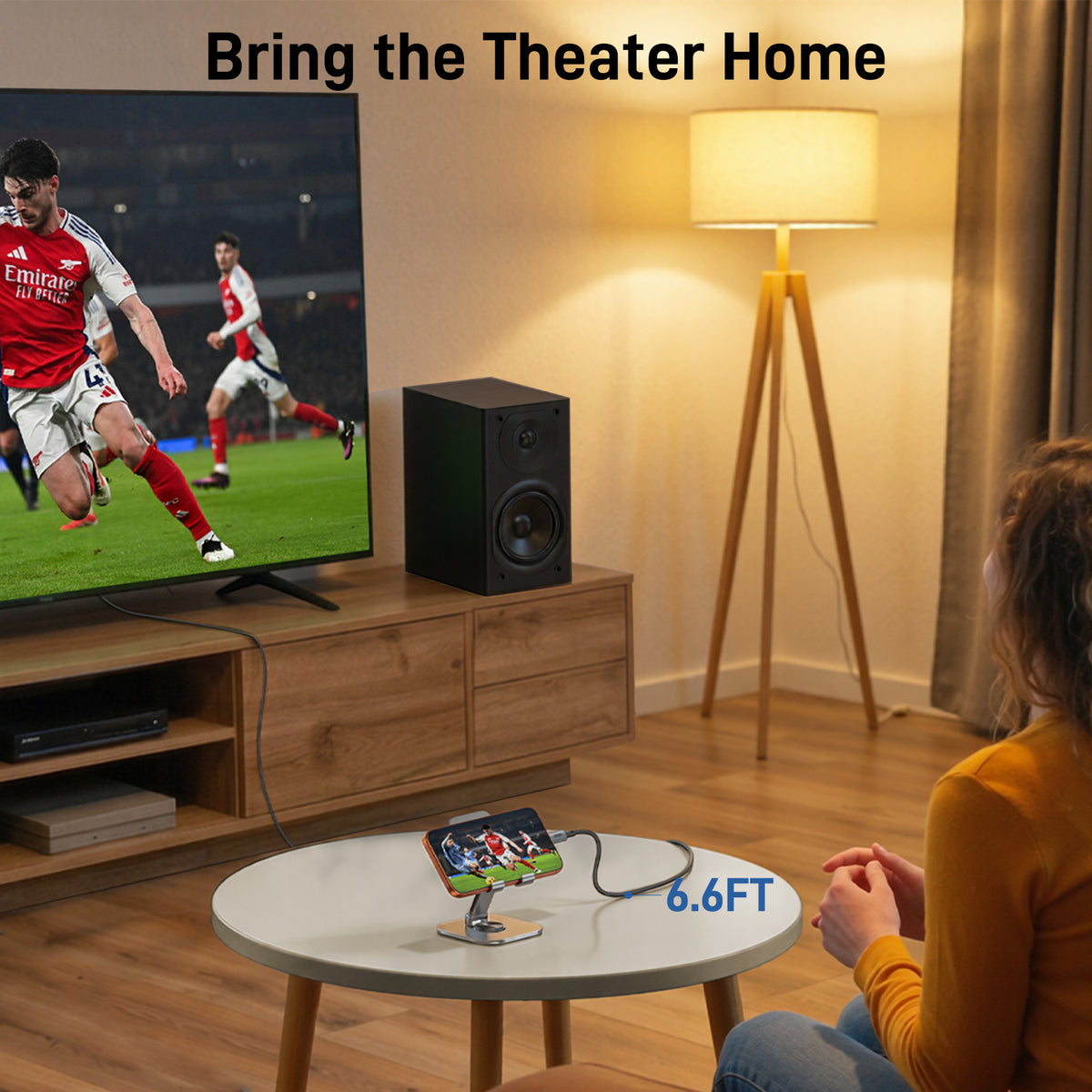
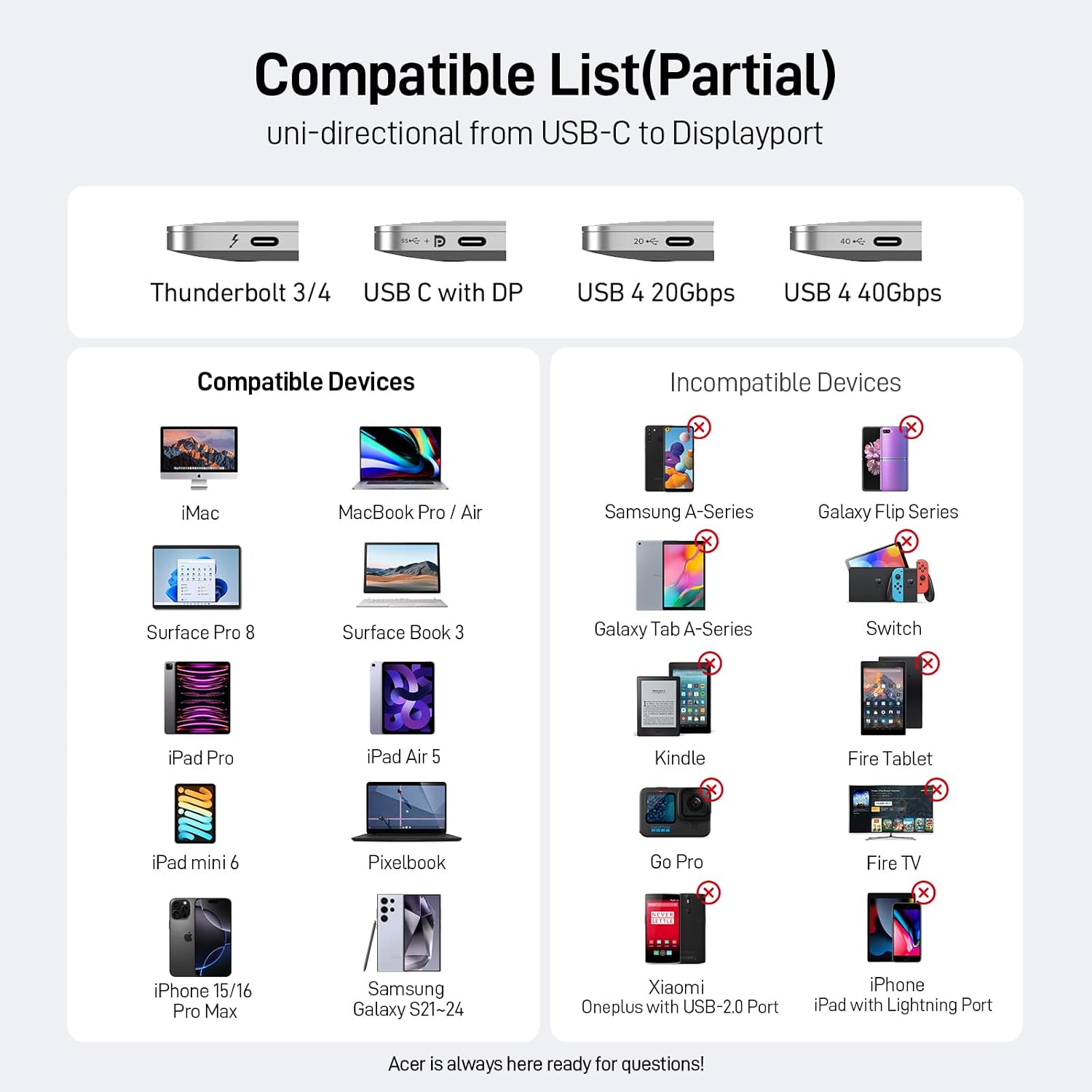
- Wide Compatibility – Requires USB-C DP Alt Mode or Thunderbolt 3/4/5. Works with iPhone 16/15 Pro Max, Galaxy S24 Ultra, MacBook Pro/Air 2024, iPad Pro/Air 2024, Surface Book, DP monitors, graphics cards (RTX 3090/RX 6900), Odyssey G8/G9, and more.
- Connector Type: Input: USB Type C (Male), Output: DisplayPort (Male), Only Support USB-C to DP
- Cable Type: (One Way) Only USB Type-C Source to DP1.2 Port Display
- Compatible Devices: iPhone 17 Pro Max/17 Pro/Air/17/16 Pro Max/16 Pro/16 Plus/15 Pro Max/15 Pro/15 Plus, Mac Mini M4/M4 Pro, MacBook Pro M4/M4 Pro/M4 Max, MacBook Air 2024, Galaxy S26/S25/S24/23 Ultra, iPad Pro 2024, iPad Air 2024, XPS 17/15/13, Dell, HP Chromebook x360, Surface Book 3/2, Samsung Tablet S9, Note 20, LG V40, Odyssey G8 G9, Nvidia RTX 3090 graphics cards, HDTV
- Other Special Features of the Product: Data Transfer, High Speed, Aluminum Braided, Uni-Directional 4K@60Hz Cable
- Compatible Phone Models: iPhone 16 Pro Max, iPhone 16 Pro, iPhone 16 Plus, iPhone 15 Pro Max, iPhone 15 Pro, iPhone 15 Plus
- Connector Gender: Male-to-Male
- Data Transfer Rate: 21600 megabits per second
- Number of Pins: 24
- Frequency: 60 Hz
- Recommended Uses For Product: Connecting USB-C devices to Display Port displays/projectors
- Indoor/Outdoor Usage: Indoor
Acer USB-C to DisplayPort Cable |4K@60Hz,2K@165Hz,Thunderbolt 3/4/5 Support
Sale price$15.99
Regular price$19.99


FAQ
Use this text to share information about your product or shipping policies.
Does this cable support 4K@60Hz?
Yes. The cable supports up to 4K@60Hz resolution when both your USB-C device and HDMI display support 4K@60Hz output.
Is this cable bidirectional?
No. This is a USB-C to HDMI unidirectional cable.The USB-C connector must connect to the source device, and HDMI connects to the display.
Can it work with phones and tablets?
Yes, but your USB-C phone or tablet must support video output through DP Alt Mode.
Does this cable charge my device?
No. This cable only transfers video and audio signals. It does not provide power delivery or charging.
Why am I not getting 4K@60Hz?
Please check:Both devices support 4K@60HzDisplay settings are adjusted to 4K@60HzThe USB-C port supports DisplayPort Alt Mode
Our customer support is available Monday to Friday: 8am-8:30pm.Average answer time: 24h

